26
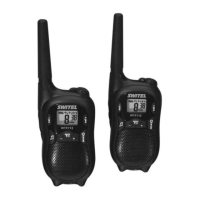
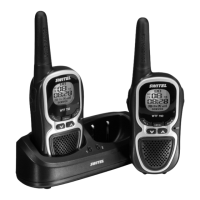
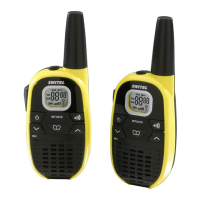
Operating the Walkie−Talkies
64
4 Operating the Walkie−Talkies
Display and notation of operating sequences
Press the button depicted
2 sec Press the button depicted for 2
seconds
2 x Press the button depicted twice
a P Press and hold the button depicted
b P Release the button depicted
ON Text in the display
ð Speak into the microphone
Switching the walkie−talkie on/off
a V Switch the walkie−talkie on
An acoustic signal is issued. The current channel setting
appears in the display.
a V Switch the walkie−talkie off
Volume control
+ or , Raise or lower the volume
Display illumination
The display lights up for 4 seconds after pressing any button, ex-
cept the P and buttons.


 To Next Page