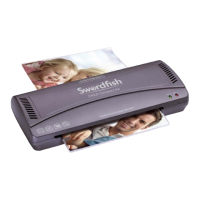
Operating Instructions
www.snopakebrands.com
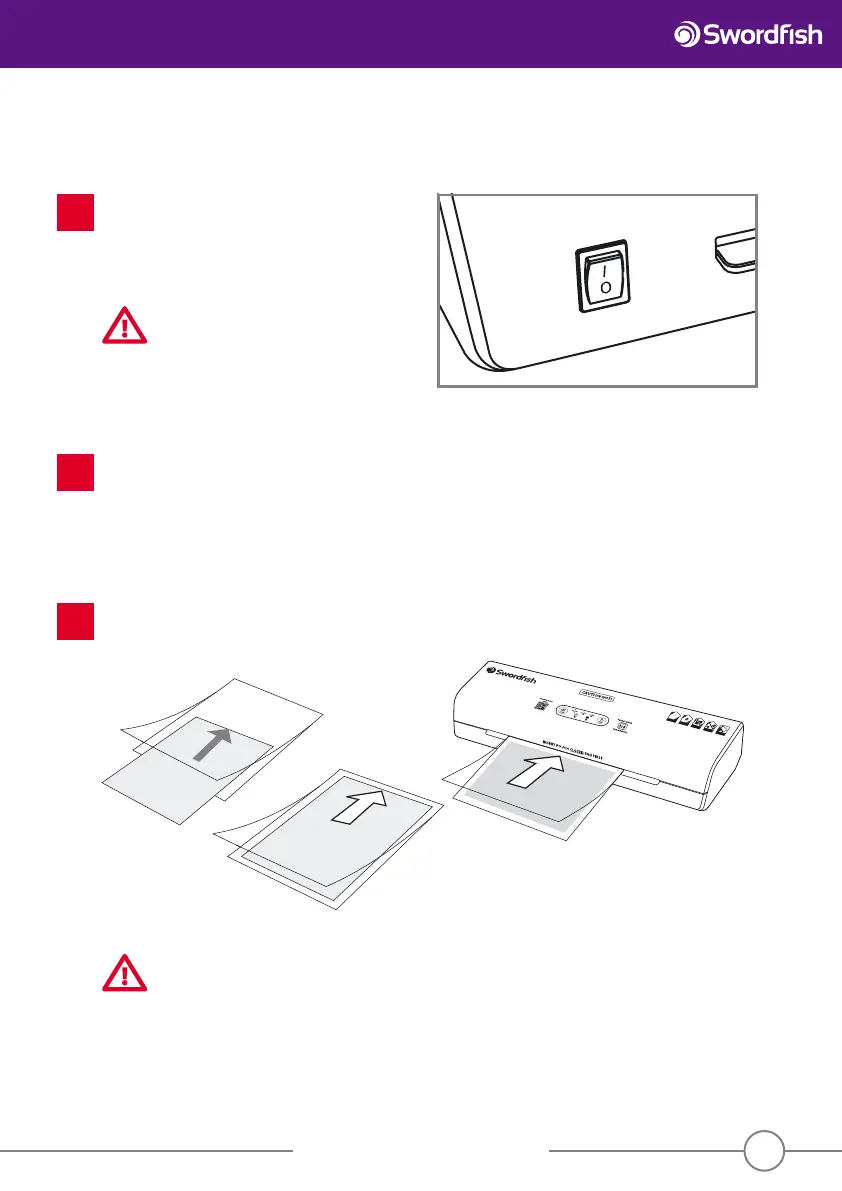
Prepare the item to be laminated. Insert the item to be laminated into a pouch of the correct size and push
it right into the sealed end of the pouch. The pouch could jam if the sealed end is not lled. Always insert
the pouch into the laminator sealed end rst.
3
7
Set the desired temperature by pressing the Select button on the control panel, depending on the pouch thickness
which you are about to laminate. The machine will run and start warming up. Once the pouch thickness has been
selected, the ’READY’ light will start ashing red. When the desired temperature has been reached, “READY” will
stop ashing and turn green. Laminating can now begin.
2
SuperFast Laminator
POUC
H
THICKNESS
LA
MINATI
ON
THIC
KNESS
NO SMA
LL
ITEMS
NO
ORGANIC
MATERI
AL
MA
X BORDER
ALLOWED
Operation
Connect the laminator to a 13Amp socket and press
the isolating switch on the back of the machine to
the “on” position. The “cold” and “ready” lights will
illuminate and the machine will start running in cold
lamination mode. It can be used for cold lamination
immediately.
CAUTION
Do not leave the laminator unattended
during lamination.
1
CAUTION
Do not laminate multiple pouches.
Always laminate one pouch at a time.


 To Next Page