PG 6
SWS UK
|
SeceuroGlide Operating & Maintenance Guide
SeceuroGlide Excel
White Plain Colour Finish
Remotes
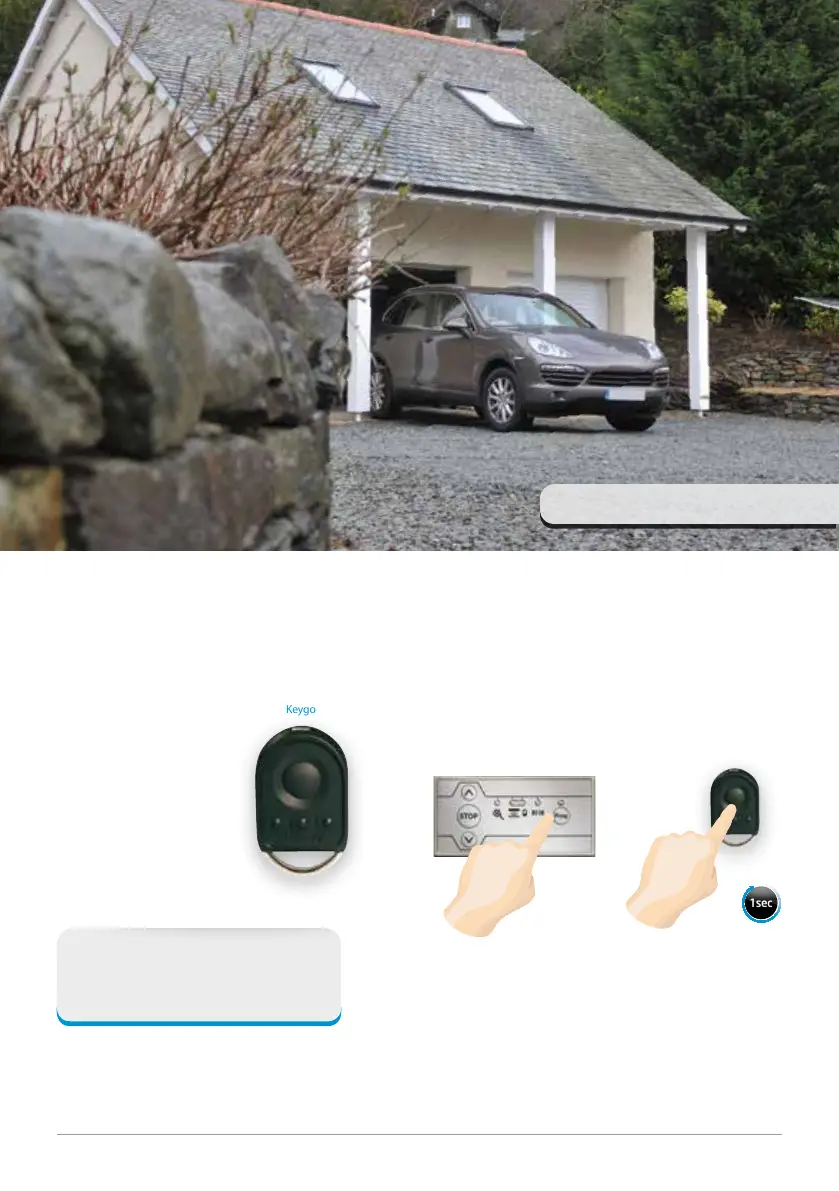
The Keygo Remote
The Keygo is a four channel
keyring remote control. The
compact design makes it ideal
to keep in your pocket or bag.
Your SeceuroGlide roller garage door will be supplied with two remote controls.
STEP 1
Hold the ‘Prog’ button on
the control unit until the
LED lights up red.
STEP 2
Hold the button on the
Keygo remote control until
the LED on the control unit
flashes and then goes out.
1sec
Adding Remotes
Please note: The Keygo remote controls that come
with the board are already programmed.
Keygo
Technical information
Dimensions: 59 x 35 x 15 mm
Working temperature: -20˚C – +60˚C



 To Next Page