40
Harness
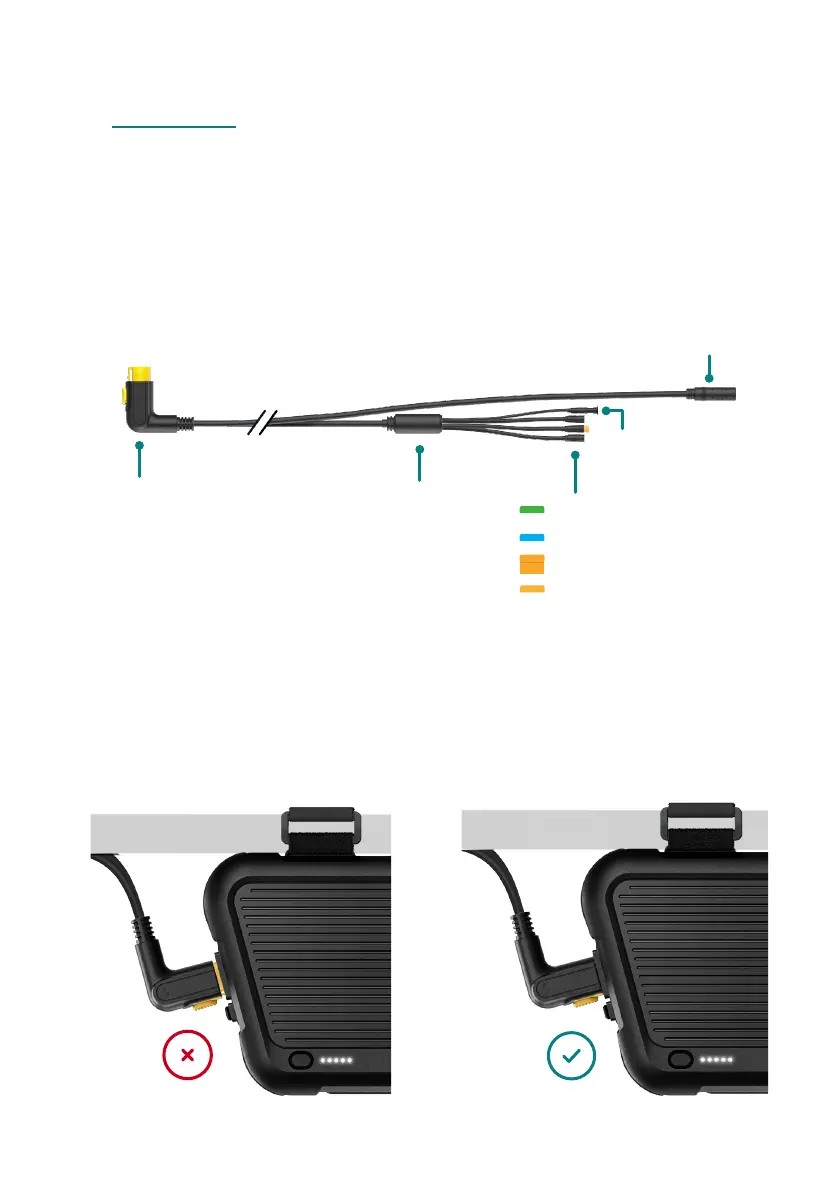
The harness connects the Power Pack to the Swytch Kit system, it has five
connectors coming out of it all with a different purpose.
Note
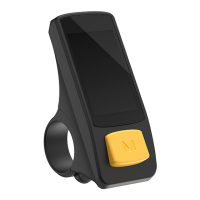
The harness comes with a pre-installed no display dongle for display-free operation.
If you have purchases an additional display, just unplug this and plug in the display.
Push the connector of the harness
into the connector port on the
Power Pack. No yellow should be
showing on the connector end.
1.1
Note
To remove the harness, press down
on the yellow button and remove.
1.
Connect the harness
Connector
Motor wheel
Splitter
Display
Brake sensor (1)
Throttle
Pedal Sensor
No display dongle



 To Next Page