EasyManua.ls Logo

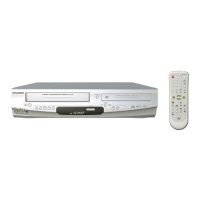
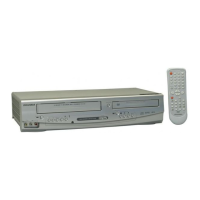
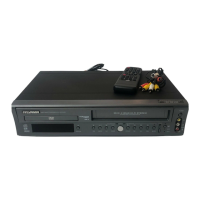
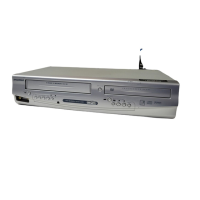
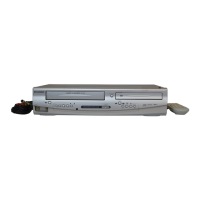
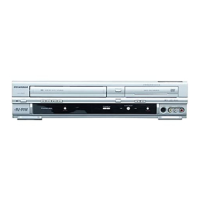
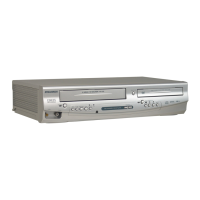
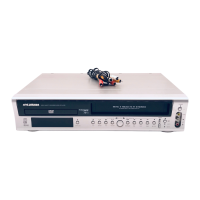
Sylvania DVC850C - User Manual

Sylvania DVC850C
48 pages
Print Icon
To Next Page IconTo Next Page
Loading...
OWNER’S
MANUAL
If you need additional assistance for set-up or operating
after reading owner’s manual, please call
TOLL FREE : 1
-
800
-
968-3429
Please read before using this equipment.
INSTRUCCIONES EN ESPAÑOL INCLUIDAS.
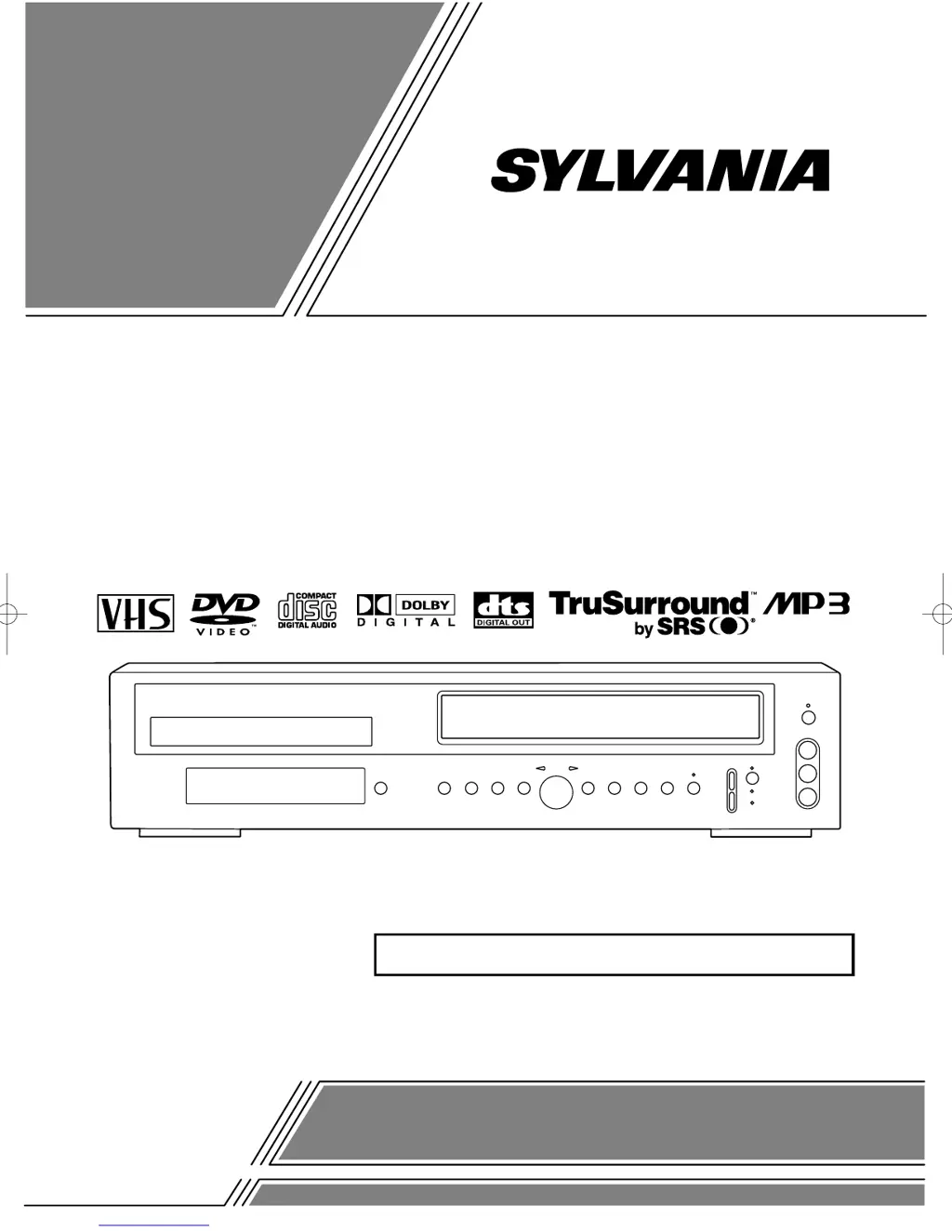
DVD PLAYER with VIDEO CASSETTE RECORDER
DVC850C

Table of Contents

Questions and Answers

  • V
    Victoria RodriguezSep 3, 2025
    How to fix noisy playback picture on Sylvania DVC850C DVD VCR Combo?
    • E
      elizabethaustinSep 4, 2025
      If the playback picture on your Sylvania DVD VCR Combo is partially noisy, try adjusting the tracking control for a better picture by pressing the CHANNEL button on the DVD/VCR.
  • N
    Nicole MartinezSep 18, 2025
    What does 'prohibited icon' mean on Sylvania DVC850C DVD VCR Combo?
    • P
      pbennettSep 18, 2025
      That operation is prohibited by the player or the disc. This is not a malfunction.
  • L
    Logan PowellSep 16, 2025
    Why audio or subtitle language cannot be changed on Sylvania DVC850C DVD VCR Combo?
    • K
      Kim GonzalezSep 16, 2025
      The DVD does not contain audio source or subtitles in the selected language. This is not a malfunction.
  • L
    Lisa MarshallSep 14, 2025
    Why can't I change camera angle on Sylvania DVD VCR Combo?
    • C
      Christopher WhiteSep 14, 2025
      The DVD does not contain sequences recorded from different camera angles. This is not a malfunction.
  • N
    Norman RussellSep 12, 2025
    Why doesn't audio or subtitle language match setup on Sylvania DVC850C DVD VCR Combo?
    • M
      Matthew MooreSep 12, 2025
      The selected language is not available for audio or subtitles on the DVD. This is not a malfunction.
  • B
    Brandon CollinsSep 12, 2025
    Why is the picture distorted on my Sylvania DVC850C?
    • D
      Deborah CannonSep 12, 2025
      If you're seeing a distorted picture on your Sylvania DVD VCR Combo, try connecting the player directly to the TV. In some cases, slight distortion is normal and not a sign of malfunction. Also, occasional momentary stops in the picture are not necessarily a malfunction.
  • J
    John Smith DDSSep 9, 2025
    Why does my Sylvania DVD VCR Combo video fade when copying?
    • P
      Peter RoachSep 9, 2025
      When making a copy of a video tape using your Sylvania DVD VCR Combo, if the video or color fades in and out, it may be due to copy protection. You cannot copy a copyrighted video tape.
  • H
    huntermichaelSep 7, 2025
    How to improve playback picture on Sylvania DVC850C DVD VCR Combo?
    • K
      Kimberly WilsonSep 7, 2025
      To improve a poor playback picture on your Sylvania DVD VCR Combo, select channel 3 or 4 on your TV, then press the VCR/TV button so that the VCR/TV indicator on the VCR comes on. You may also need to fine tune your TV.
  • C
    christinarobinsonSep 5, 2025
    What to do if Sylvania DVC850C has audio but no video?
    • J
      Jennifer ChristianSep 5, 2025
      If you can hear audio but not see the video on your Sylvania DVD VCR Combo, head cleaning may be necessary. Also, ensure the DVD/VCR is not in the Menu mode.
  • D
    Deborah MoodyAug 20, 2025
    How to fix Sylvania DVD VCR Combo with no power?
    • K
      Kimberly WhiteAug 20, 2025
      First, ensure the power plug of your Sylvania DVD VCR Combo is securely connected to an AC outlet. Then, verify that the power switch is turned on.

Summary

LASER SAFETY

IMPORTANT SAFEGUARDS

PRECAUTIONS

INSTALLATION LOCATION

Guidelines for proper placement of the DVD/VCR for safety and performance.

ELECTRICAL SHOCK AND FIRE HAZARDS

Warnings and safety measures to prevent electric shock and fire.

ABOUT THE DISCS

PLAYABLE DISCS

Lists compatible disc types (DVD, Audio CD) for playback.

OPERATING CONTROLS AND FUNCTIONS

FRONT PANEL

Identifies and describes controls located on the front panel of the unit.

REMOTE CONTROL

Identifies and describes buttons on the remote control for operation.

VCR;DVD SWITCHING

HOOKUPS

DVD;VCR TO TV CONNECTION

Guide for connecting the DVD/VCR to a TV using coaxial cable.

SETUP

AUTOMATIC CHANNEL SET UP

Automatically scans and memorizes available TV channels.

CLOCK SET UP

Setting the internal clock for timer recording accuracy.

PLAYBACK FUNCTION

RECORDING FUNCTION

VIEWING AND RECORDING THE SAME PROGRAM

How to watch one program while recording another.

OTR (One Touch Recording)

Simple method for starting recording with a preset duration.

TIMER RECORDING

Scheduling recordings for specific dates and times.

SPECIAL FEATURES

PLAYING A DISC

PLAYING A DVD VIDEO OR AN AUDIO CD

Basic steps for playing DVD and Audio CD discs.

USING THE TITLE MENU

Selecting desired titles from a DVD's menu.

TITLE SEARCH

Finding specific titles on a DVD using number input.

USING THE DVD MENUS

Navigating DVD-specific menus for playback options.

CHAPTER SEARCH

Finding specific chapters on a DVD using number input.

PLAYING FROM A DESIRED TITLE OR A CHAPTER

Navigating directly to specific DVD titles or chapters.

PLAYING AN MP3 DISC

PLAYING A DESIRED TRACK FROM AN MP3 DISC

Selecting and playing a specific track from an MP3 disc.

SETTINGS

CHANGING THE AUDIO LANGUAGE OR SOUND MODE

Selecting audio language and sound mode for DVDs and CDs.

CHANGING THE SUBTITLE LANGUAGE

Selecting the desired language for DVD subtitles.

PARENTAL LOCK

Setting parental control levels to restrict playback of certain discs.

TROUBLESHOOTING GUIDE

HANDLING PRECAUTIONS

Sylvania DVC850C Specifications

General IconGeneral
TypeDVD VCR Combo
BrandSylvania
ModelDVC850C
DVD PlaybackYes
VCR PlaybackYes
RecordingYes
Audio OutputStereo
Remote ControlYes
Number of VCR Heads4
Output Resolution480i
Video OutputComposite
Supported MediaDVD, CD, CD-R/RW
Video Playback FormatsVHS
ConnectivityComposite
DVD Player TypeSingle Disc DVD Player

Related product manuals