EasyManua.ls Logo

Sylvania DVC850C - User Manual

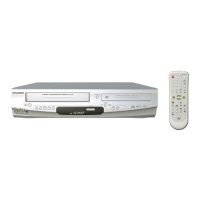
Sylvania DVC850C
48 pages
Print Icon
To Next Page IconTo Next Page
Loading...
OWNER’S
MANUAL
If you need additional assistance for set-up or operating
after reading owner’s manual, please call
TOLL FREE : 1
-
800
-
968-3429
Please read before using this equipment.
INSTRUCCIONES EN ESPAÑOL INCLUIDAS.
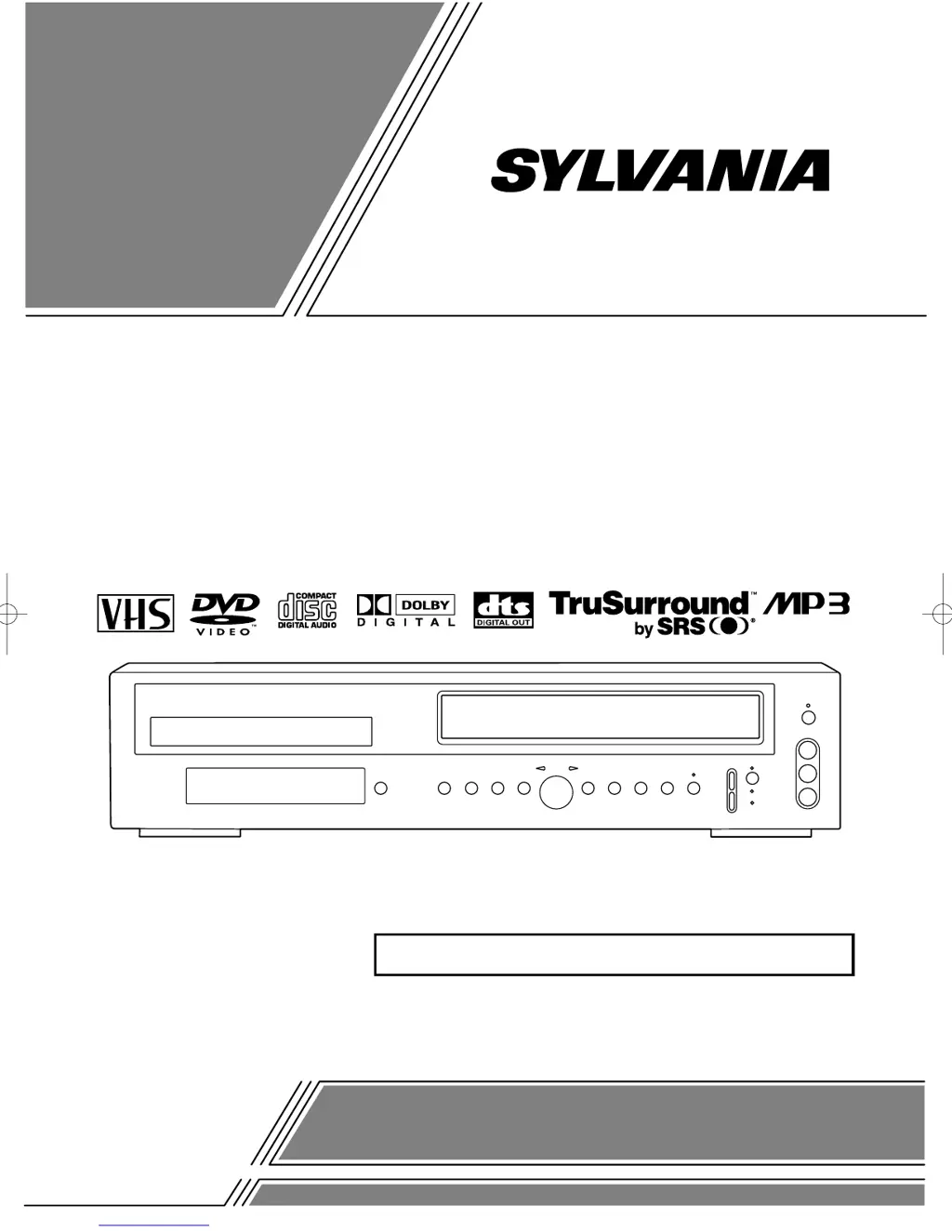
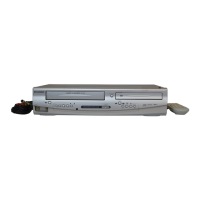
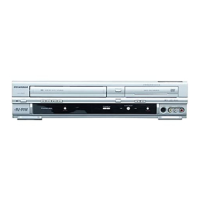
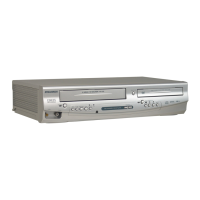
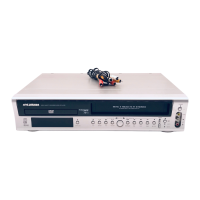
DVD PLAYER with VIDEO CASSETTE RECORDER
DVC850C

Table of Contents

Questions and Answers

  • J
    Joseph SmithSep 2, 2025
    Why is there no sound on my Sylvania DVC850C?
    • J
      John PetersSep 2, 2025
      If you're experiencing no sound from your Sylvania DVD VCR Combo, check that the audio cables are firmly connected. Ensure the power of the audio component is on and that both the audio output settings on the DVD VCR Combo and the input settings on the audio component are correct.
  • J
    Jason FreemanAug 31, 2025
    How to eject tape from Sylvania DVC850C?
    • M
      Mark DavisAug 31, 2025
      If you're unable to remove the tape from your Sylvania DVD VCR Combo, check if the player is in VCR mode. If it's not, press the VCR button on the remote control to switch the mode.
  • S
    Scott NorrisAug 29, 2025
    What to do if my Sylvania DVC850C DVD VCR Combo disc cannot be played?
    • T
      Tammy WilsonAug 29, 2025
      If your Sylvania DVD VCR Combo is having trouble playing a disc, first insert the disc correctly with the label side up. If it is already inserted, try cleaning the disc. If the issue persists, you may need to cancel the parental lock or change the control level.
  • T
    Taylor BoyerAug 27, 2025
    Why can't I record on my Sylvania DVD VCR Combo?
    • S
      Stephanie LaneAug 27, 2025
      If your Sylvania DVD VCR Combo won't go into record mode, first ensure the tape has a safety tab. If it doesn't, cover the hole with cellophane tape. Also, make sure the player is in VCR mode by pressing the VCR button on the remote control so that the green VCR OUTPUT light is lit.
  • R
    riveraseanAug 26, 2025
    How to fix Sylvania DVD VCR Combo when TV programs cannot be seen normally?
    • M
      Mrs. Laura GonzalezAug 26, 2025
      To resolve issues with TV programs not displaying correctly on your Sylvania DVD VCR Combo: * Double-check the ANT. IN and ANT. OUT connections. * Press the VCR/TV button so that the VCR/TV indicator on the DVD/VCR disappears. * Press the VCR button on the remote control to put it in the VCR mode. Check if the green VCR OUTPUT light is lit. Then, set it to the TV position by pressing the VCR/TV button. The VCR/TV light goes off.
  • A
    Ashley HunterAug 25, 2025
    What to do if my Sylvania DVC850C DVD VCR Combo has no picture?
    • M
      Marco SmithAug 25, 2025
      If you're seeing no picture on your Sylvania DVD VCR Combo, ensure the video cables are firmly connected. If playing a disc, make sure it's the correct type for the player. Try pressing the DVD button on the remote to see if the DVD OUTPUT light turns on, then test other DVD feature buttons.
  • N
    Nancy HernandezAug 22, 2025
    Why does my Sylvania DVC850C remote not work?
    • B
      Brittany MillerAug 22, 2025
      If your Sylvania DVD VCR Combo isn't responding to the remote, first ensure the power plug is connected to the AC outlet. Then, check the batteries in the remote. Make sure you're within 7 meters of the player and aiming the remote directly at the sensor, removing any obstacles in between. Finally, verify the correct mode (DVD or VCR) is selected by pressing the corresponding button on the remote.

Summary

LASER SAFETY

IMPORTANT SAFEGUARDS

PRECAUTIONS

INSTALLATION LOCATION

Guidelines for proper placement of the DVD/VCR for safety and performance.

ELECTRICAL SHOCK AND FIRE HAZARDS

Warnings and safety measures to prevent electric shock and fire.

ABOUT THE DISCS

PLAYABLE DISCS

Lists compatible disc types (DVD, Audio CD) for playback.

OPERATING CONTROLS AND FUNCTIONS

FRONT PANEL

Identifies and describes controls located on the front panel of the unit.

REMOTE CONTROL

Identifies and describes buttons on the remote control for operation.

VCR;DVD SWITCHING

HOOKUPS

DVD;VCR TO TV CONNECTION

Guide for connecting the DVD/VCR to a TV using coaxial cable.

SETUP

AUTOMATIC CHANNEL SET UP

Automatically scans and memorizes available TV channels.

CLOCK SET UP

Setting the internal clock for timer recording accuracy.

PLAYBACK FUNCTION

RECORDING FUNCTION

VIEWING AND RECORDING THE SAME PROGRAM

How to watch one program while recording another.

OTR (One Touch Recording)

Simple method for starting recording with a preset duration.

TIMER RECORDING

Scheduling recordings for specific dates and times.

SPECIAL FEATURES

PLAYING A DISC

PLAYING A DVD VIDEO OR AN AUDIO CD

Basic steps for playing DVD and Audio CD discs.

USING THE TITLE MENU

Selecting desired titles from a DVD's menu.

TITLE SEARCH

Finding specific titles on a DVD using number input.

USING THE DVD MENUS

Navigating DVD-specific menus for playback options.

CHAPTER SEARCH

Finding specific chapters on a DVD using number input.

PLAYING FROM A DESIRED TITLE OR A CHAPTER

Navigating directly to specific DVD titles or chapters.

PLAYING AN MP3 DISC

PLAYING A DESIRED TRACK FROM AN MP3 DISC

Selecting and playing a specific track from an MP3 disc.

SETTINGS

CHANGING THE AUDIO LANGUAGE OR SOUND MODE

Selecting audio language and sound mode for DVDs and CDs.

CHANGING THE SUBTITLE LANGUAGE

Selecting the desired language for DVD subtitles.

PARENTAL LOCK

Setting parental control levels to restrict playback of certain discs.

TROUBLESHOOTING GUIDE

HANDLING PRECAUTIONS

Sylvania DVC850C Specifications

General IconGeneral
TypeDVD VCR Combo
BrandSylvania
ModelDVC850C
DVD PlaybackYes
VCR PlaybackYes
RecordingYes
Audio OutputStereo
Remote ControlYes
Number of VCR Heads4
Output Resolution480i
Video OutputComposite
Supported MediaDVD, CD, CD-R/RW
Video Playback FormatsVHS
ConnectivityComposite
DVD Player TypeSingle Disc DVD Player

Related product manuals