BLUETOOTH OPERATION
10
function are activated and they are in working range.
~
~
5. During playing:
Short press the or button on to skip tracks.
Short press the button on to pause, press it again to resume.
~ Long press /
EQ
button on the unit to switch the sound mode between Bass/
Rock/Classical/Jazz.
1. Power on the unit as previously explained.
3. Power on the external Bluetooth enable device and enter Bluetooth mode and try
searching the unit.
NOTE: The unit will be automatically connected with the last connected Bluetooth
device if their Bluetooth
7
4. When
appears, select it and make connection.
2. Short press the button on the unit repeatedly
to switch to
Bluetooth mode.
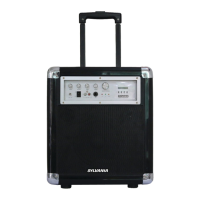
" SYLVANIA SB2905 "
EQ



 To Next Page