EasyManua.ls Logo

Sylvania SB379W - User Manual

Sylvania SB379W
32 pages
Print Icon
To Next Page IconTo Next Page
Loading...
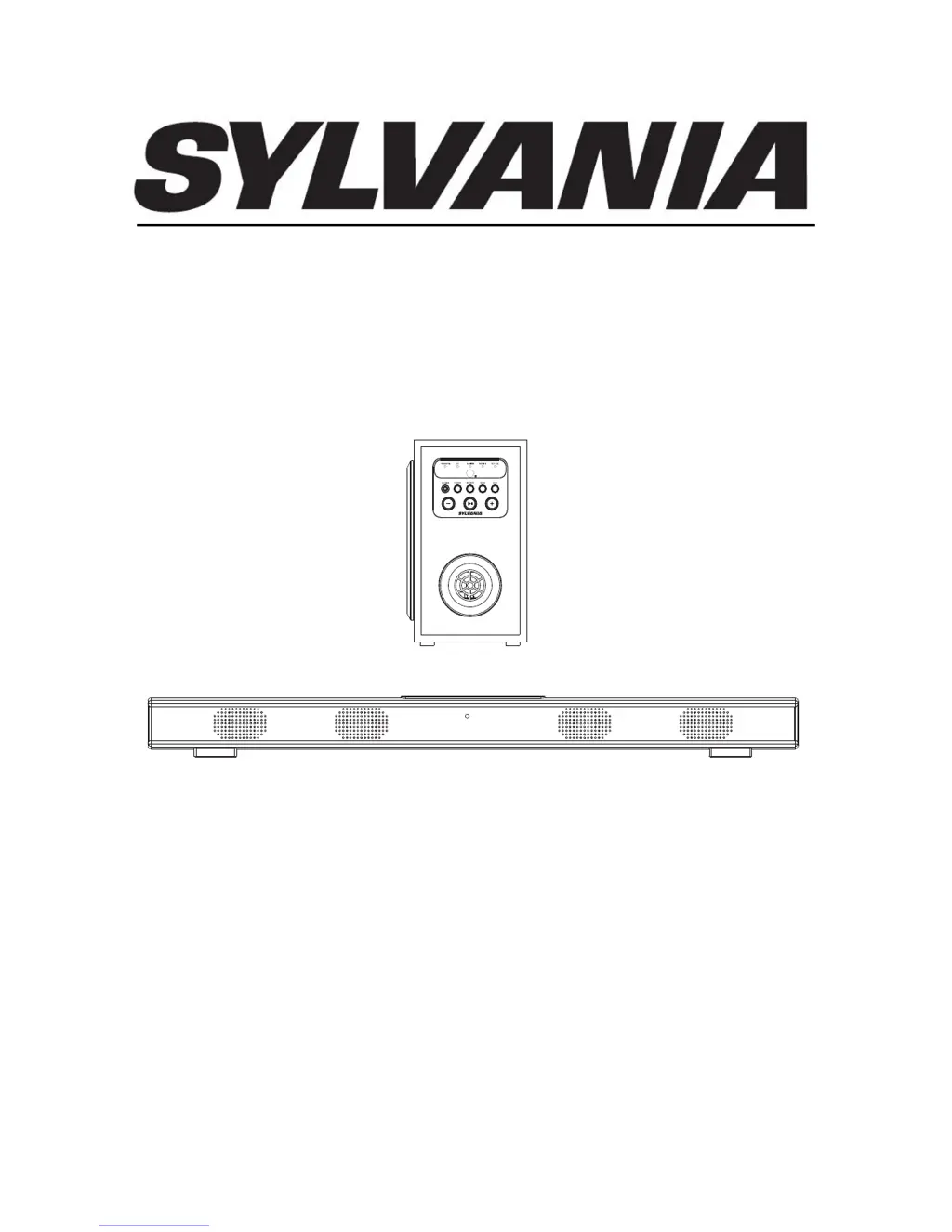
INSTRUCTION MANUAL
MODEL:SB379W
PLEASE READ CAREFULLY BEFORE OPERATING
AND KEEP FOR FUTURE REFERENCE
39 INCHES BLUETOOTH SOUND BAR SPEAKER WITH WIRELESS SUBWOOFER

Questions and Answers

  • D
    Donna DominguezAug 1, 2025
    Why is there no sound coming from my Sylvania SB379W Speakers?
    • T
      Tara WatersAug 2, 2025
      If your Sylvania Speakers aren't producing any sound, there could be a few reasons. First, check the volume level and increase it by pressing the VOL + button. Also, ensure that the connected device is playing music or a movie and that its volume is turned up. Finally, verify that the input source is correctly selected by pressing the SOURCE button until you reach the desired mode.
  • L
    Lance ManningAug 7, 2025
    How to fix Bluetooth reception failure on Sylvania SB379W Speakers?
    • W
      Walter RushAug 7, 2025
      If you're having trouble with Bluetooth reception on your Sylvania Speakers, ensure that the external device is close to the unit. If it still fails, pair both units by following the Bluetooth pairing instructions.
  • J
    Johnathan McfarlandAug 14, 2025
    What to do if the remote for Sylvania SB379W is not working?
    • A
      Anthony LewisAug 14, 2025
      If the remote for your Sylvania Speakers isn't working, the battery may be dead. Try replacing it with a new battery.
  • C
    Christopher Garcia DDSAug 19, 2025
    Why do my Sylvania Speakers have sound distortion?
    • G
      gonzalesgarrettAug 19, 2025
      If you are experiencing sound distortion with your Sylvania Speakers, the volume level may be too high. Try reducing the volume by pressing the VOL - button.
  • C
    Curtis WaltersAug 27, 2025
    How to improve radio reception on Sylvania Speakers?
    • W
      William Warner MDAug 27, 2025
      If you're experiencing poor radio reception with your Sylvania Speakers, try extending the antenna or relocating the unit to a different spot.

Summary

Placing and Mounting

Placing the Device on Table

Guide on positioning the sound bar for proper ventilation and heat management.

Mounting to the Wooden Wall

Instructions for securely mounting the sound bar onto a wooden wall.

Mounting to the Brick Wall

Instructions for securely mounting the sound bar onto a brick wall.

Remote Control

Battery Installation

Guide for installing and replacing the remote control battery.

Power Control

Instructions for turning the unit on/off using the remote.

General Operation

FM Radio

Auxiliary Input 1

Auxiliary Input 2

Optical Input

Bluetooth Connectivity

Troubleshooting Guide

Specifications

Sylvania SB379W Specifications

General IconGeneral
BrandSylvania
ModelSB379W
Speaker TypePortable Bluetooth Speaker
Bluetooth Version5.0
Battery LifeUp to 4 hours
ColorWhite
Frequency Response100Hz - 20kHz
Input VoltageDC 5V
ConnectivityBluetooth, AUX

Related product manuals