5
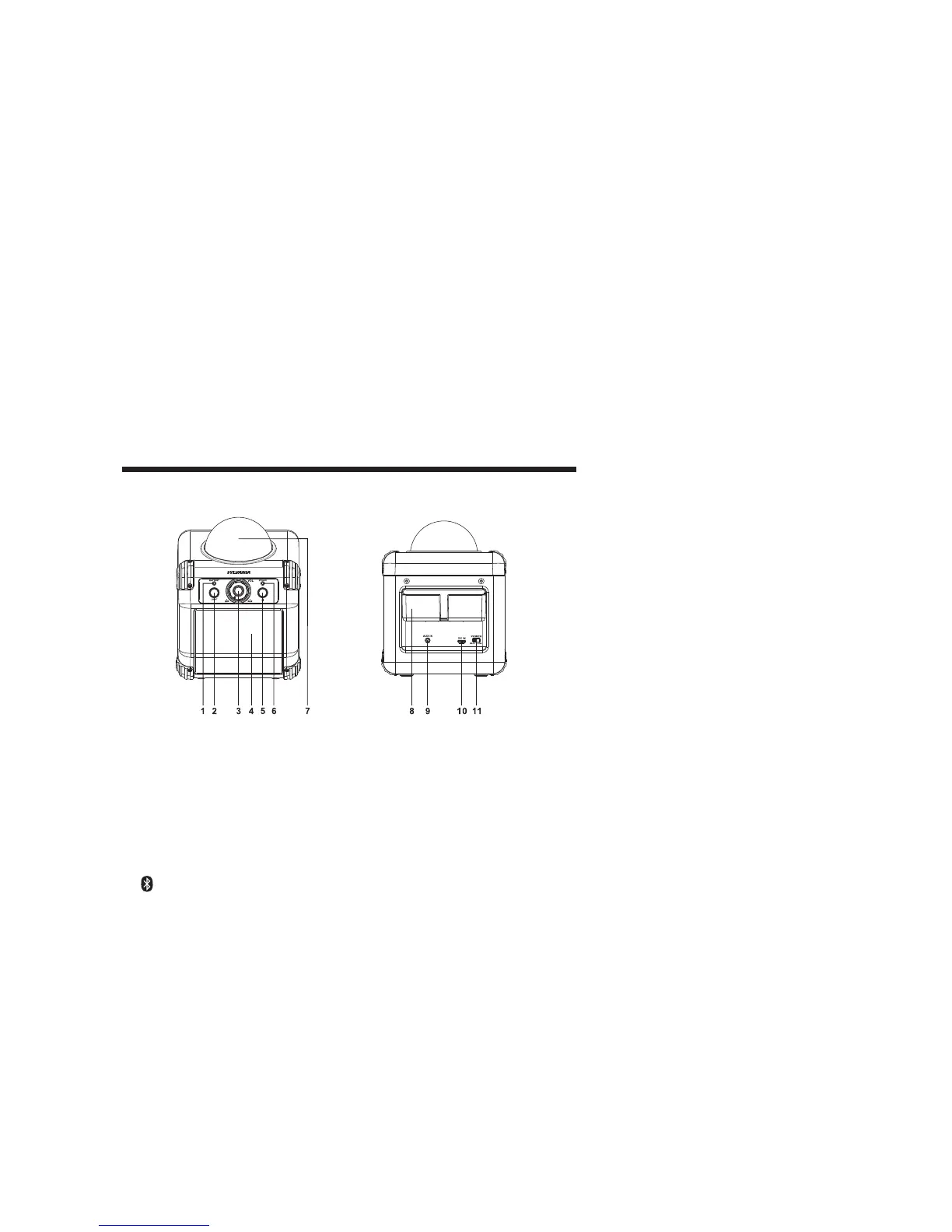
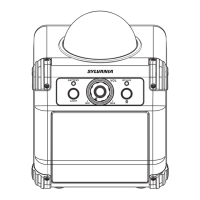
1. Battery Indicator
When DC In jack connect power, the indicator will be light red. If charging
successful, the indicator will be light OFF.
2. Light ON / OFF Button
Press the button to turn on or off the Disco Ball light.
3. Volume knob
Adjust the speaker output sound level.
4. Speaker
Unit Speaker location.
5. BT Pairing Button
Press the button to disconnect or reconnect the BT devices.
6. BT/AUX indicator
Bluetooth Mode: The indicator will steady light when bluetooth pairing
su
ccessful. The indicator will be flash when bluetooth start pairing now.
AUX Mode: The indicator will be short flash.
Battery voltage low: The indicator will flash
3 times for every 3 seconds.
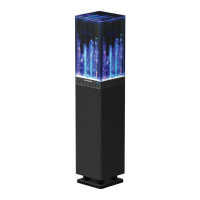
7. DISCO BALL
Show the different color LED light show.
8. Cradle
Place your Mobile on the cradle.
9. AUX In (Line Input / Audio Input) 3.5MM Input Jack
Connect a music device (MP3 player etc.) to this socket with a 3.5mm mini
jack audio cable to play through the unit.
10.DC IN ( MICRO USB JACK)
Connect the USB cable to charging the built-in battery.
11.POWER ON / OFF Button
Press the button to turn on / off the unit.
CONTROL LOCATION
FRONT VIEW
REAR VIEW


 To Next Page