EasyManua.ls Logo

Sylvania SRC21134 - User Manual

Sylvania SRC21134
32 pages
Print Icon
To Next Page IconTo Next Page
Loading...
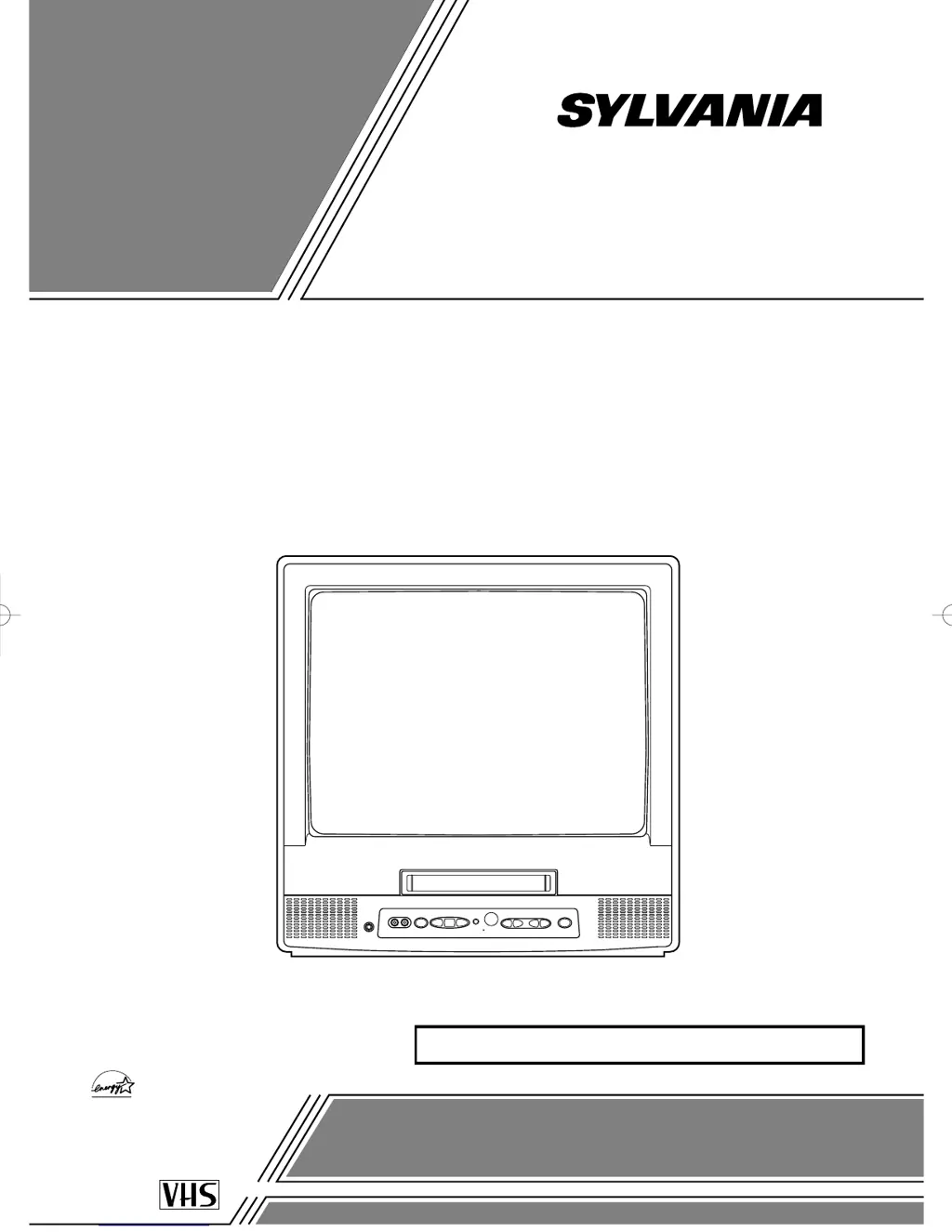
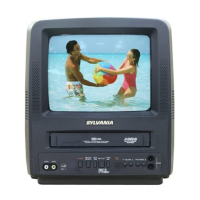
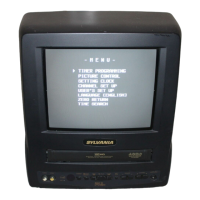
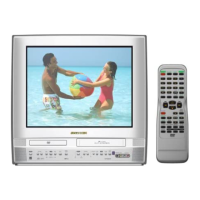
COLOR TV/VCR
SRC21134 (13 inch)
SRC21194 (19 inch)
OWNER’S
MANUAL
As an ENERGY STAR
Partner, our company has
determined that this product meets
the E
NERGY STAR guidelines for
energy efficiency. E
NERGY STAR is
a U.S. registered mark.
®
®
®
If you need additional assistance for set-up or operating
after reading owner’s manual, please call
TOLL FREE : 1-800-968-3429
Please read before using this equipment
INSTRUCCIONES EN ESPAÑOL INCLUIDAS.
This Owner’s Manual is made of
recycled paper.
T5215 _VA 01.2.21 7:13 PM Page 1

Questions and Answers

  • H
    hickmansharonAug 19, 2025
    What to do if Sylvania SRC21134 TV VCR Combo has no power?
    • J
      Jonathan GriffinSep 12, 2025
      If your Sylvania TV VCR Combo isn't turning on, first ensure the AC cord is properly connected to an AC outlet. Also, verify that the power switch is turned on.
  • L
    ljacksonAug 21, 2025
    What to do if Sylvania SRC21134 has no picture and sound?
    • D
      Derrick HowellAug 21, 2025
      If your Sylvania TV VCR Combo has no picture and sound, ensure the AC cord is connected to an AC outlet. Check the antenna connection. Let the TV/VCR program its tuner memory.
  • J
    Justin ReedAug 23, 2025
    How to restore sound on Sylvania SRC21134 TV VCR Combo?
    • S
      Stephen WilliamsAug 25, 2025
      If there is no sound or poor sound on your Sylvania TV VCR Combo, adjust the volume control on the remote control or the main unit. You can also press the MUTE button to restore the sound.
  • Q
    qphillipsAug 26, 2025
    Why Sylvania SRC21134 remote control is not working?
    • M
      Michael BrownAug 26, 2025
      If the infrared remote control is not operating your Sylvania TV VCR Combo, make sure the AC cord is connected to an AC outlet and check the batteries in the remote control.
  • M
    Michelle DavisAug 27, 2025
    Why Sylvania SRC21134 timer recording is not working?
    • A
      Alexandra HoffmanAug 28, 2025
      If timer recording is not working on your Sylvania TV VCR Combo, make sure the timer recording is set correctly, the power is off, and the TV/VCR clock is set correctly.
  • M
    Michael WheelerAug 30, 2025
    Why Sylvania SRC21134 TV VCR Combo cannot go into Record mode?
    • T
      Teresa Nichols DVMAug 30, 2025
      If your Sylvania TV VCR Combo cannot go into Record mode, make sure the tape has an erase-prevention tab. If needed, cover the hole with plastic tape.
  • J
    John ContrerasSep 1, 2025
    Why video or color fades when copying with Sylvania SRC21134 TV VCR Combo?
    • J
      Jennifer ContrerasSep 1, 2025
      If the video or color fades in and out when making a copy of a video tape with your Sylvania TV VCR Combo, it may be because you cannot copy a copyrighted video tape. You may be experiencing copy guard protection.
  • E
    Eric Walter MDSep 3, 2025
    Why my Sylvania TV VCR Combo shows misspelled captions?
    • R
      Robert KennedySep 3, 2025
      If your Sylvania TV VCR Combo is showing captions that are misspelled, it may be because you are watching a live broadcast and spelling errors made by the closed captioning production company may pass through uncorrected. A prerecorded program will not show any misspelled words because of the normal time available for editing the captions.
  • C
    Cody KentSep 5, 2025
    Why Sylvania SRC21134 doesn't show the entire text?
    • M
      Mr. Matthew SmithSep 5, 2025
      If your Sylvania TV VCR Combo will not show the text in its entirety or there is a delay of what is being said, it may be because captions that are delayed a few seconds behind the actual dialogue are common for live broadcast. Most captioning production companies can display a dialogue to a maximum of 220 words per minute. If a dialogue exceeds that rate, selective editing is used to insure that the captions remain up-to-date with the current TV screen dialogue.
  • L
    Linda KlineSep 7, 2025
    Why Sylvania TV VCR Combo captions are scrambled?
    • T
      Terri CarrSep 8, 2025
      If your captions are scrambled with white boxes on the TV screen of your Sylvania TV VCR Combo, it may be due to interference caused by building, power lines, thunderstorms, etc., which may cause scrambled or incomplete captions to appear.

Sylvania SRC21134 Specifications

General IconGeneral
BrandSylvania
ModelSRC21134
CategoryTV VCR Combo
LanguageEnglish

Related product manuals