EasyManua.ls Logo

Sylvania SRC21134 - User Manual

Sylvania SRC21134
32 pages
Print Icon
To Next Page IconTo Next Page
Loading...
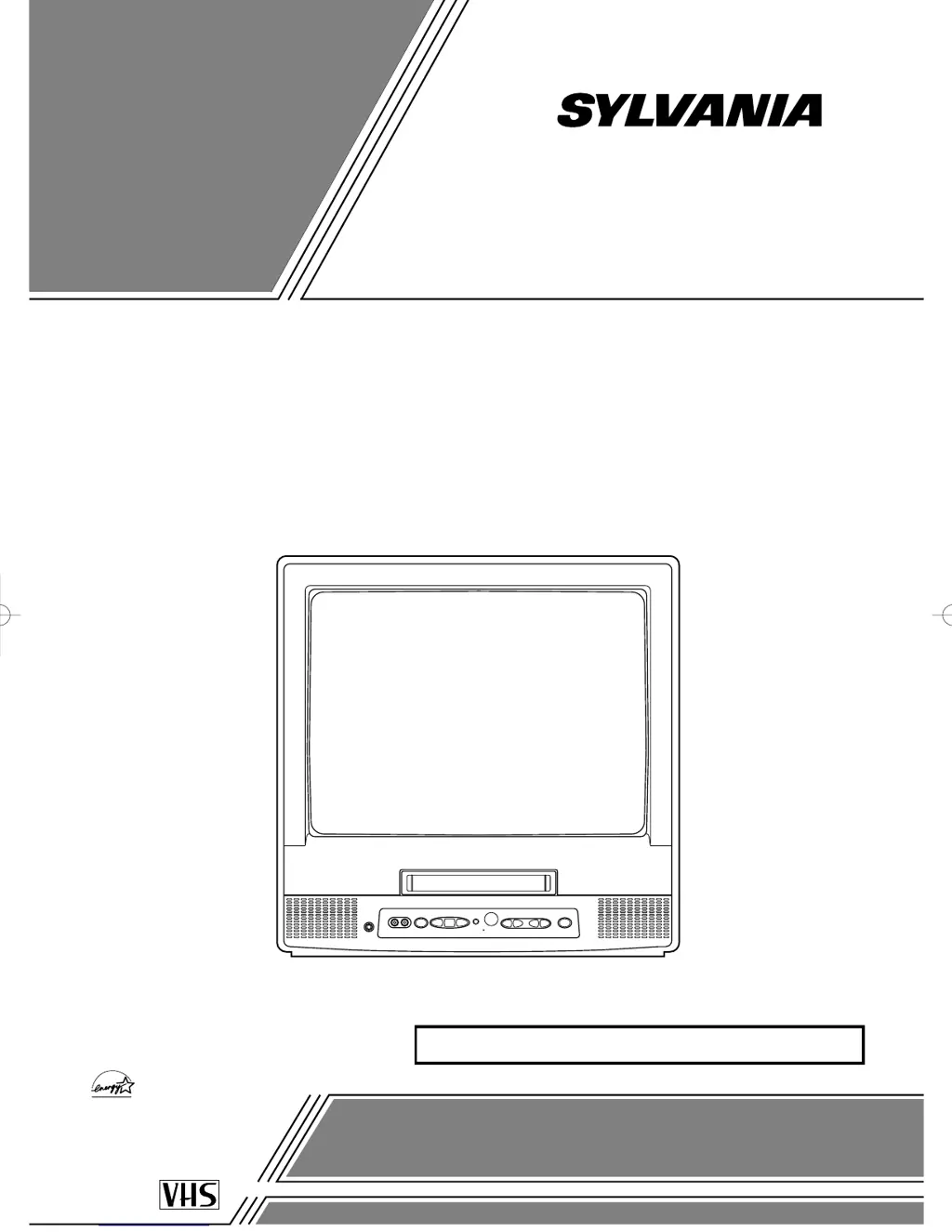
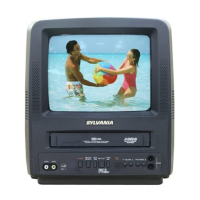
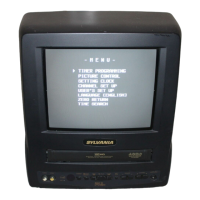
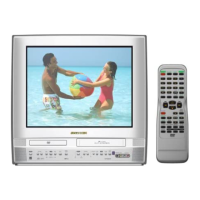
COLOR TV/VCR
SRC21134 (13 inch)
SRC21194 (19 inch)
OWNER’S
MANUAL
As an ENERGY STAR
Partner, our company has
determined that this product meets
the E
NERGY STAR guidelines for
energy efficiency. E
NERGY STAR is
a U.S. registered mark.
®
®
®
If you need additional assistance for set-up or operating
after reading owner’s manual, please call
TOLL FREE : 1-800-968-3429
Please read before using this equipment
INSTRUCCIONES EN ESPAÑOL INCLUIDAS.
This Owner’s Manual is made of
recycled paper.
T5215 _VA 01.2.21 7:13 PM Page 1

Questions and Answers

  • D
    Danny JosephSep 10, 2025
    Why Sylvania SRC21134 program guide isn't showing captions?
    • L
      Lindsay StevensonSep 10, 2025
      If your program guide listed a TV show as being closed captioned but none of the captions were displayed on your Sylvania TV VCR Combo, it may be because broadcasters may at times use a time compression process to speed up the actual program so that additional advertising time can be given. Since the decoder cannot read the compressed information, captions will be lost.
  • J
    Jessica LarsonSep 12, 2025
    Why my Sylvania SRC21134 prerecorded video tape doesn't show captions?
    • L
      Laurie HamiltonSep 12, 2025
      If your prerecorded video tape does not show any captions on your Sylvania TV VCR Combo, even though the tape box mentions it being closed captioned, the video tape was either an illegal copy or the tape duplicating company accidentally left out the captioning signals during the copying process.
  • C
    Caleb LopezSep 13, 2025
    What to do if Sylvania TV VCR Combo playback picture is noisy?
    • N
      Nicole BurkeSep 14, 2025
      To improve a partially noisy playback picture on your Sylvania TV/VCR Combo, adjust the tracking control for a better picture using the CHANNEL K or L button on the TV/VCR.
  • C
    Crystal HinesSep 16, 2025
    Why Sylvania SRC21134 shows a black box?
    • C
      Caitlyn DillonSep 16, 2025
      If your TV screen shows a black box on certain channels when using your Sylvania TV VCR Combo, you are likely in the TEXT mode. Select CAPTION mode to CAPTION [OFF].

Sylvania SRC21134 Specifications

General IconGeneral
BrandSylvania
ModelSRC21134
CategoryTV VCR Combo
LanguageEnglish

Related product manuals