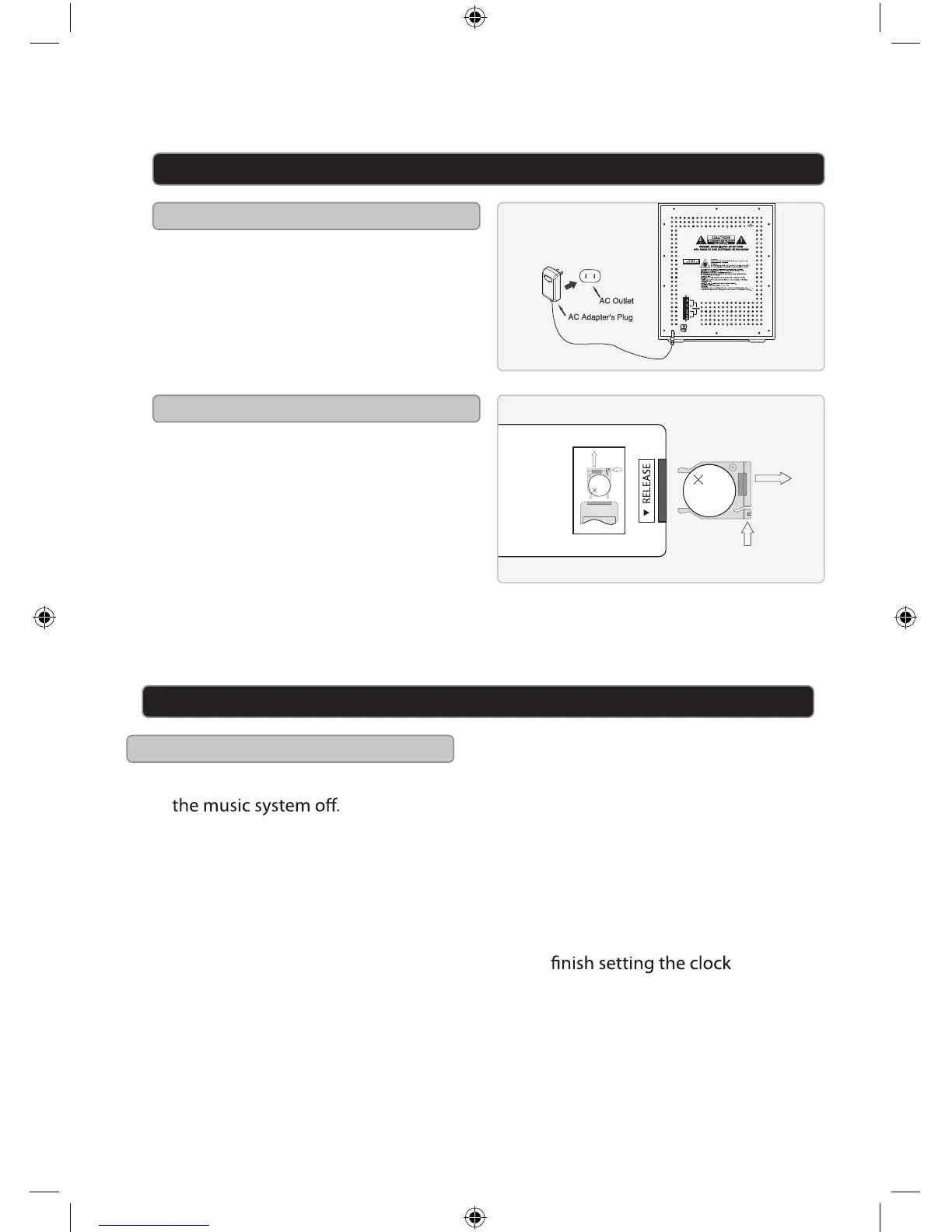
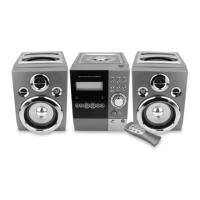
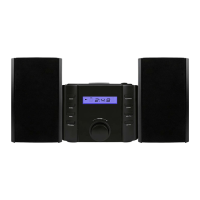
Plug the included AC/DC power
adapter into the DC POWER INPUT on
the music system and an AC power
outlet to power the music system.
Requires 1, CR2025, battery (pre-
installed).
Power
Battery Power
LITHIUM BATTERY
CR 2025
3V
CR2025
PUSH
OPEN
LITHIUM B
A
T
TE
RY
CR 2025
3V
CR2025
PUSH
OPEN
Setup
Clock
1. Press the POWER button to turn
2. Press and hold the MEM/CLK SET
button on the music system.
The hour will begin to blink on the
display.
3. Press the SKIP/SEARCH buttons to
adjust the hour.
An “AM” indicator will appear on the
display when the time is set to the
AM. A “PM” indicator will appear on
the display when the time is set to
the PM.
Setting the Clock
Press the MEM/CLK SET button to
set the minute.
The minute will begin to blink on the
display.
4.
5.
6.
Press the SKIP/SEARCH buttons to
adjust the minute.
Press the MEM/CLK SET button to
6


 To Next Page