EasyManua.ls Logo

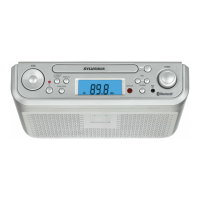
Sylvania SRCD3830 - User Manual

Sylvania SRCD3830
23 pages
Print Icon
To Next Page IconTo Next Page
Loading...
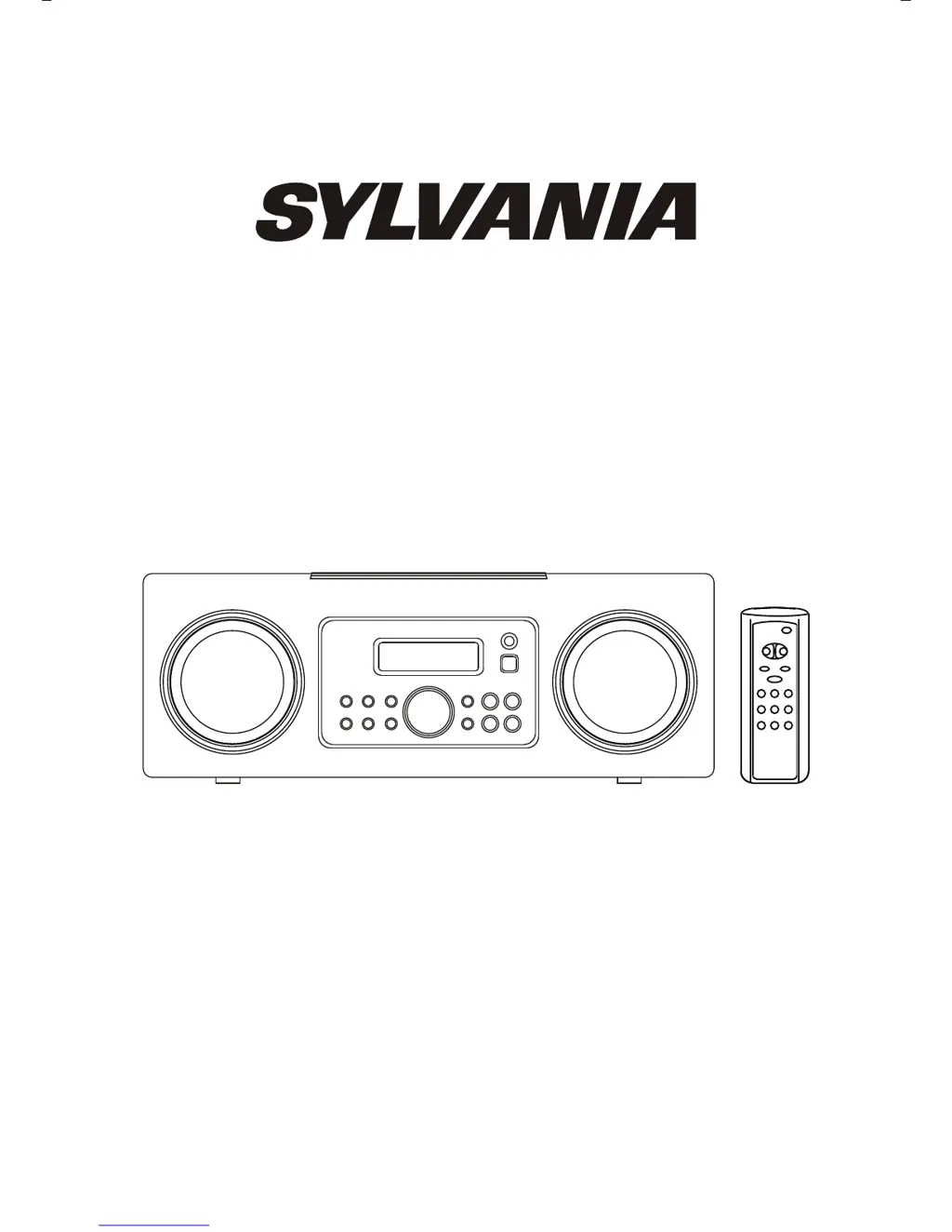
INSTRUCTION MANUAL
SRCD3830

Questions and Answers

  • C
    Cody WilsonJul 26, 2025
    What to do if my Sylvania SRCD3830 CD Player will not play?
    • C
      christinajohnsonJul 26, 2025
      If your Sylvania CD Player won't play, ensure the function is set to CD by pressing the CD button. Also, check that the CD is correctly inserted with the label side facing up.
  • S
    Steven WoodsJul 31, 2025
    Why is there no sound from my Sylvania AM/FM CD Player?
    • C
      Cynthia DicksonJul 31, 2025
      If you're not getting any sound from your Sylvania CD Player on AM or FM, first make sure the function is set to Tuner by pressing the TUNER button. Also, check that the volume isn't set to the minimum; increase the volume to a suitable level.
  • C
    Cheryl Camacho DVMAug 6, 2025
    How to fix CD skipping on Sylvania SRCD3830?
    • M
      Michael DavisAug 6, 2025
      If your Sylvania CD Player skips while playing, the disc may be dirty or scratched. Try wiping the disc with a cloth or using a different disc.
  • D
    Dorothy RobinsonAug 12, 2025
    Why is the sound distorted on my Sylvania AM/FM CD Player?
    • C
      Caroline AdkinsAug 12, 2025
      If the sound is distorted on AM or FM broadcasts with your Sylvania CD Player, it could be due to several reasons. Ensure the station is properly tuned. For FM, extend the FM wire antenna. For AM, reposition the frame antenna for the best reception.
  • M
    Mr. Daniel GreenAug 18, 2025
    What to do if FM STEREO indicator does not light on Sylvania SRCD3830?
    • T
      Troy WheelerAug 18, 2025
      If the FM STEREO indicator doesn't light on your Sylvania CD Player, the FM station might be mono or the signal could be weak. Try extending the FM wire antenna or tuning into other strong stations.

Summary

IMPORTANT SAFETY INSTRUCTIONS

IMPORTANT NOTES

Class 1 Laser Product Information

Details regarding the laser device within the product.

FCC Compliance Information

Regulatory information and compliance with FCC rules.

PREPARATION FOR USE

Unpacking and Set-up

Initial steps for unboxing and setting up the unit.

POWER SOURCE AND FURNITURE PROTECTION

Power Source and AC Operation

Connecting the unit to the correct power supply.

Furniture Protection

Methods to protect furniture from the unit's feet.

LOCATION OF CONTROLS AND INDICATORS

Main Unit Controls

Identification of buttons and features on the main unit.

Remote Control Layout

Identification of buttons on the remote control.

BATTERY INSTALLATION AND USAGE

Battery Installation

Steps for inserting batteries into the remote control.

Remote Controller Operation and Precautions

Tips for using the remote and battery safety guidelines.

OPERATING INSTRUCTIONS

General Controls

Adjusting volume and using basic functions.

Preset Equalizer (EQ)

Adjusting tone output for different music types.

Mute and Headphone Functions

Silencing audio and connecting headphones.

SETTING THE CLOCK

RADIO OPERATION

Tuning Radio Stations

Manual and automatic methods for tuning AM/FM stations.

FM Stereo Indicator

Understanding the stereo reception indicator.

PRE-SETTING STATIONS IN THE TUNER MEMORY

RADIO STATION MANAGEMENT

Recalling and Changing Preset Stations

Accessing and modifying stored radio stations.

Antenna Adjustment

Optimizing AM and FM antenna reception.

CD PLAYER OPERATION

FM Antenna Adjustment

Optimizing FM reception by adjusting the antenna.

Basic CD Playback and Control

Loading, playing, pausing, and resuming CDs.

Advanced CD Playback Features

Skip, search, random, repeat, and programmed playback.

TIMER FUNCTION

Setting the Turn-On Time

Programming the wake-up time for the system.

SLEEP TIMER

Operating the Sleep Timer

Setting an automatic shut-off time for the system.

Sleep Timer Notes

Important usage considerations for the sleep timer.

CARE AND MAINTENANCE

Compact Disc Care

Guidelines for cleaning and handling CDs.

Cabinet Care

Cleaning the unit's exterior surfaces.

Cleaning Caution

Warning about liquids during cleaning operations.

TROUBLESHOOTING GUIDE

Sylvania SRCD3830 Specifications

General IconGeneral
TypePortable CD Player
CD CompatibilityCD, CD-R, CD-RW
Audio Output3.5mm headphone jack
DisplayLCD
Power SourceAC adapter or batteries
FeaturesProgrammable memory, repeat, skip/search

Related product manuals