WiseScript Editor Reference 17
Project Settings for Script Support
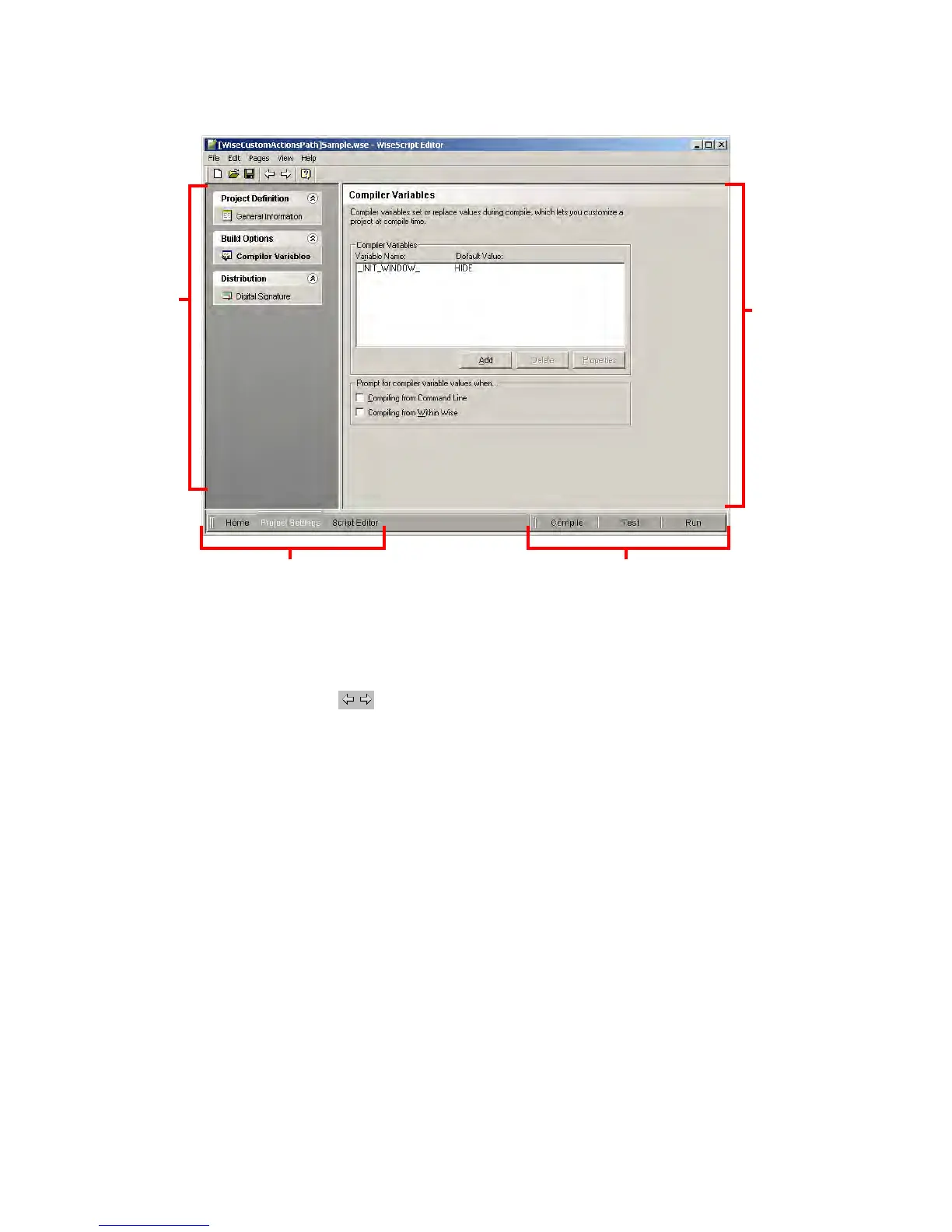
Page Area
When you click a page name in a page group, this area displays the page’s options. Each
page lets you define information that is required by a specific script action.
z Use ( ) on the toolbar to navigate from page to page, or click the page name in
the list of pages.
z To display help for the current page, press F1.
z To return a page to its last saved state, select Edit menu > Reset Page.
View Navigation
Click these tabs to change views.
Compiling and Testing
Compile, Test, Debug, and Run buttons test and compile the WiseScript.
Compiler Variables
Use the Compiler Variables page to set compiler variables that change the WiseScript
during compile. You can use compiler variables to include or exclude portions of script
from the compiled .EXE or to build a debug version of the WiseScript.
You set the default value of compiler variables on the Compiler Variables page, and then
you select the compiler variables in the Compiler Variable If action in Script Editor.
Page Area
Page Groups
Compile, Test, and Run
View Navigation




 To Next Page