Imaging Preferences 5 - 11
Image Cropping
Parameter # F0h, 2Dh
This parameter crops a captured image. Select Disable Image Cropping to present the full 1280 x 1024 pixels.
Select Enable Image Cropping to crop the image to the pixel addresses set in Crop to Pixel Addresses on page
5-12.
NOTE The digital scanner has a cropping resolution of 4 pixels. Setting the cropping area to less than 3 pixels
transfers the entire image.
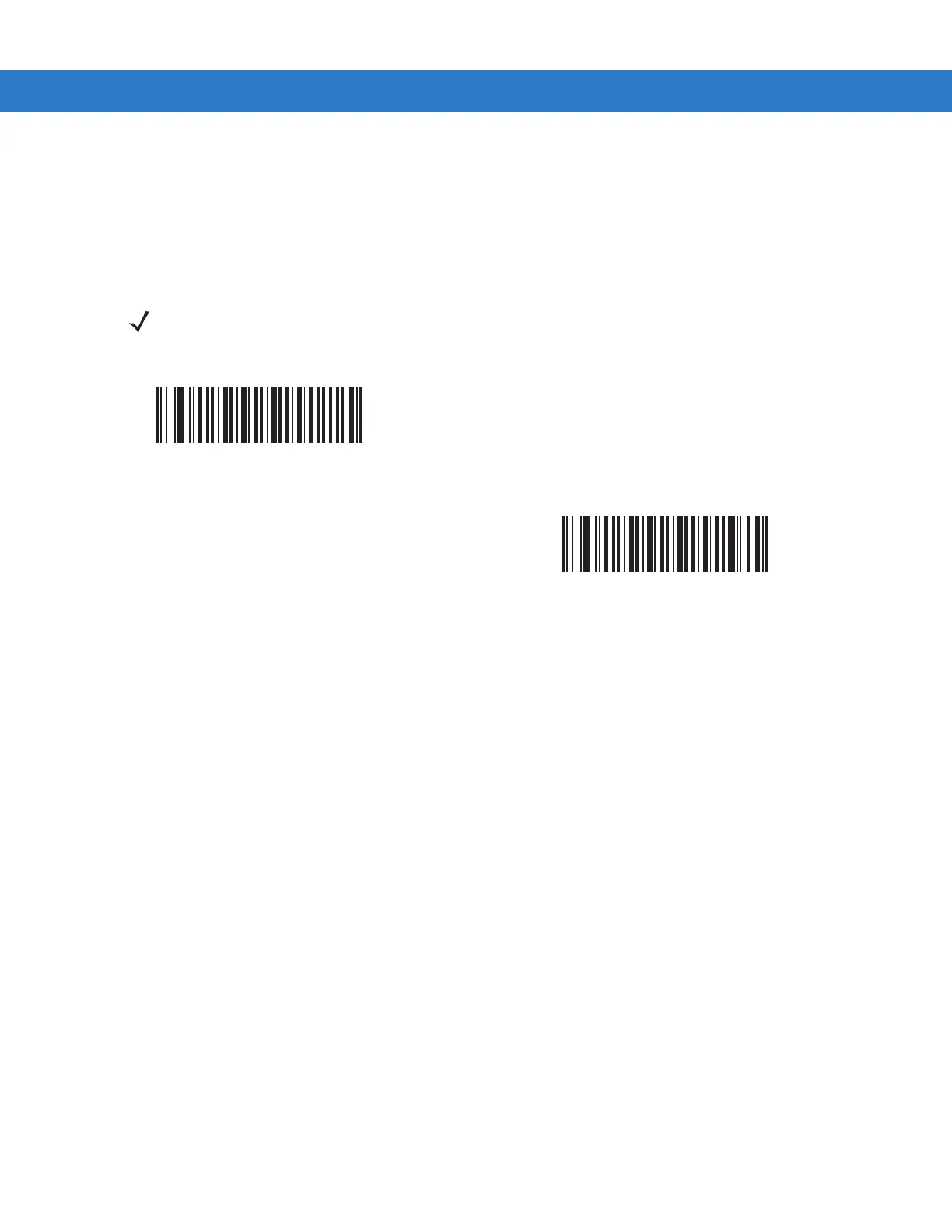
Enable Image Cropping
(01h)
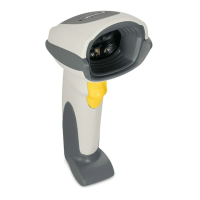
*Disable Image Cropping
(Use Full 1280 x 1024 Pixels)
(00h)


 To Next Page