EasyManua.ls Logo

Symbol DS6707 - User Manual

Symbol DS6707
402 pages
Print Icon
To Next Page IconTo Next Page
Loading...
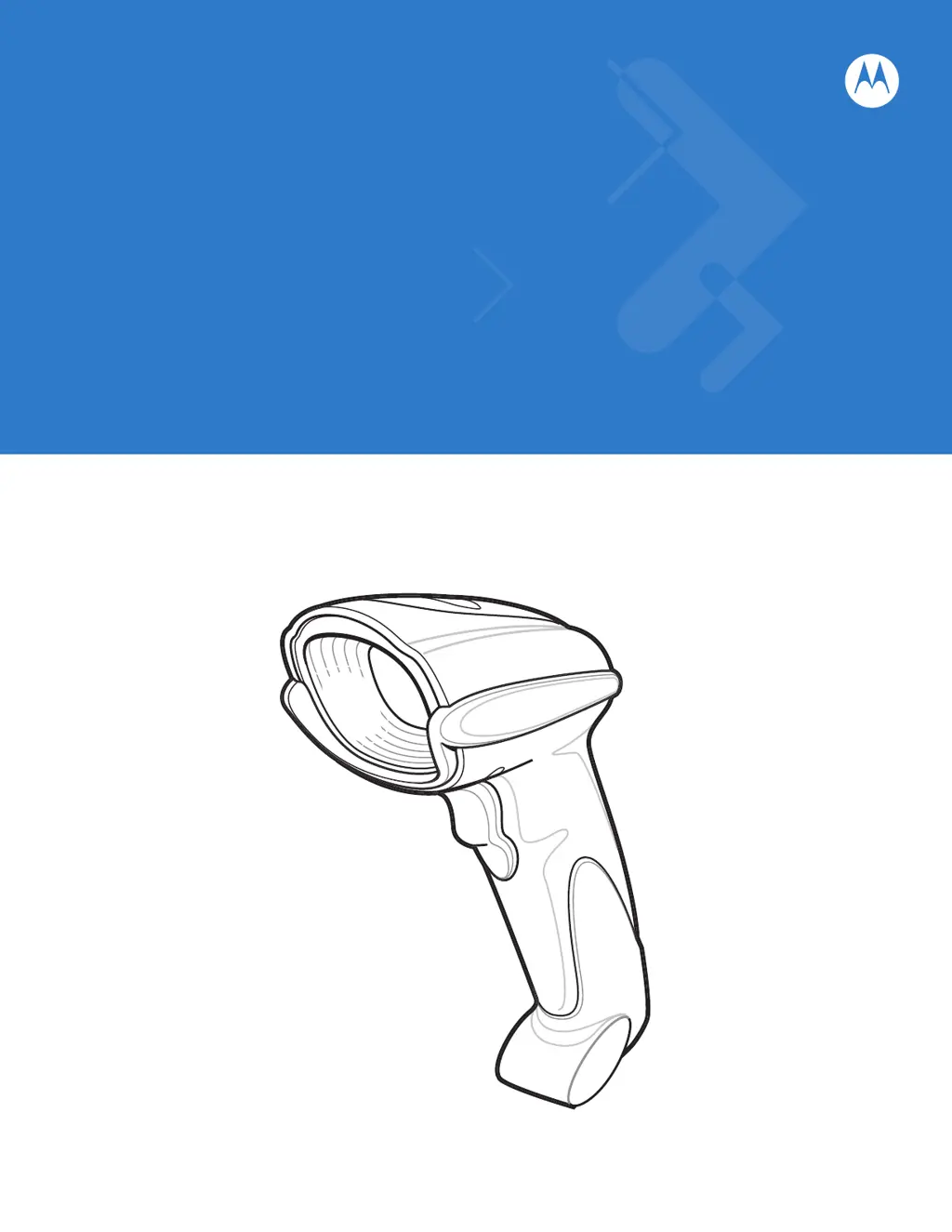
Symbol DS6707 Digital
Imager Scanner
Product Reference Guide

Table of Contents

Questions and Answers

Summary

Chapter 1 Getting Started

Setting Up the Digital Imager Scanner

Guides through the initial setup process, including cable installation.

Chapter 2 Scanning

Scanning in Hand-Held Mode

Provides instructions for using the scanner in hand-held operation.

Scanning in Presentation Mode

Details how to operate the scanner in presentation (hands-free) mode using an Intellistand.

Chapter 3 Maintenance & Technical Specifications

Troubleshooting

Provides solutions for common problems encountered with the scanner's operation.

Technical Specifications

Lists the detailed physical, performance, and symbology capabilities of the scanner.

Chapter 4 User Preferences & Miscellaneous Digital Imager Scanner Options

User Preferences Configuration

Covers settings like default parameters, beeper tones, power modes, and trigger modes.

Data Transmission Customization

Covers options for transmitting code IDs, prefixes, suffixes, and scan data formats.

Chapter 5 Imaging Preferences

Operational Modes

Describes the three operational modes: Decode, Snapshot, and Video.

Image Settings Configuration

Covers settings for illumination, exposure, gain, and field of view.

Advanced Imaging Features

Covers Signature Capture and Video View Finder settings.

Chapter 6 SSI Interface

SSI Host Parameters

Covers SSI host settings like baud rate, parity, stop bits, and handshaking.

Chapter 7 USB Interface

USB Host Parameters

Covers USB host settings like device type, keyboard emulation, and keystroke delays.

Chapter 8 RS-232 Interface

RS-232 Host Parameters

Covers RS-232 host settings like host types, baud rate, parity, and handshaking.

Chapter 10 Symbologies

Advanced Symbology Configuration

Details GS1 DataBar, Composite, and 2D Symbologies configuration.

Chapter 11 Advanced Data Formatting

Summary

Chapter 1 Getting Started

Setting Up the Digital Imager Scanner

Guides through the initial setup process, including cable installation.

Chapter 2 Scanning

Scanning in Hand-Held Mode

Provides instructions for using the scanner in hand-held operation.

Scanning in Presentation Mode

Details how to operate the scanner in presentation (hands-free) mode using an Intellistand.

Chapter 3 Maintenance & Technical Specifications

Troubleshooting

Provides solutions for common problems encountered with the scanner's operation.

Technical Specifications

Lists the detailed physical, performance, and symbology capabilities of the scanner.

Chapter 4 User Preferences & Miscellaneous Digital Imager Scanner Options

User Preferences Configuration

Covers settings like default parameters, beeper tones, power modes, and trigger modes.

Data Transmission Customization

Covers options for transmitting code IDs, prefixes, suffixes, and scan data formats.

Chapter 5 Imaging Preferences

Operational Modes

Describes the three operational modes: Decode, Snapshot, and Video.

Image Settings Configuration

Covers settings for illumination, exposure, gain, and field of view.

Advanced Imaging Features

Covers Signature Capture and Video View Finder settings.

Chapter 6 SSI Interface

SSI Host Parameters

Covers SSI host settings like baud rate, parity, stop bits, and handshaking.

Chapter 7 USB Interface

USB Host Parameters

Covers USB host settings like device type, keyboard emulation, and keystroke delays.

Chapter 8 RS-232 Interface

RS-232 Host Parameters

Covers RS-232 host settings like host types, baud rate, parity, and handshaking.

Chapter 10 Symbologies

Advanced Symbology Configuration

Details GS1 DataBar, Composite, and 2D Symbologies configuration.

Chapter 11 Advanced Data Formatting

Symbol DS6707 Specifications

General IconGeneral
ConnectivityCorded
Decode Capability1D, 2D, PDF417
Operating Temperature32° to 122° F / 0° to 50° C
SealingIP41
Storage Temperature-40° to 158° F / -40° to 70° C
Humidity5% to 95% (non-condensing)
Scan PatternOmni-directional
InterfaceUSB, RS232, Keyboard Wedge, IBM 468x/9x
Drop SpecificationWithstands multiple 6 ft./1.8 m drops to concrete
Scan EngineLaser
Supported BarcodesUPC/EAN, Code 39, Code 128, Code 93, Interleaved 2 of 5, Codabar, MSI
Weight6.4 oz./182 g
Dimensions6.55 in. H x 2.82 in. W x 4.72 in. D 16.6 cm H x 7.1 cm W x 11.9 cm D

Related product manuals