EasyManua.ls Logo

Symbol DS6707 - User Manual

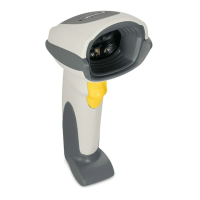
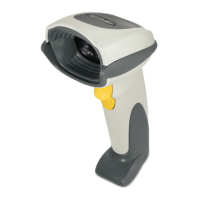
Symbol DS6707
402 pages
Print Icon
To Next Page IconTo Next Page
Loading...
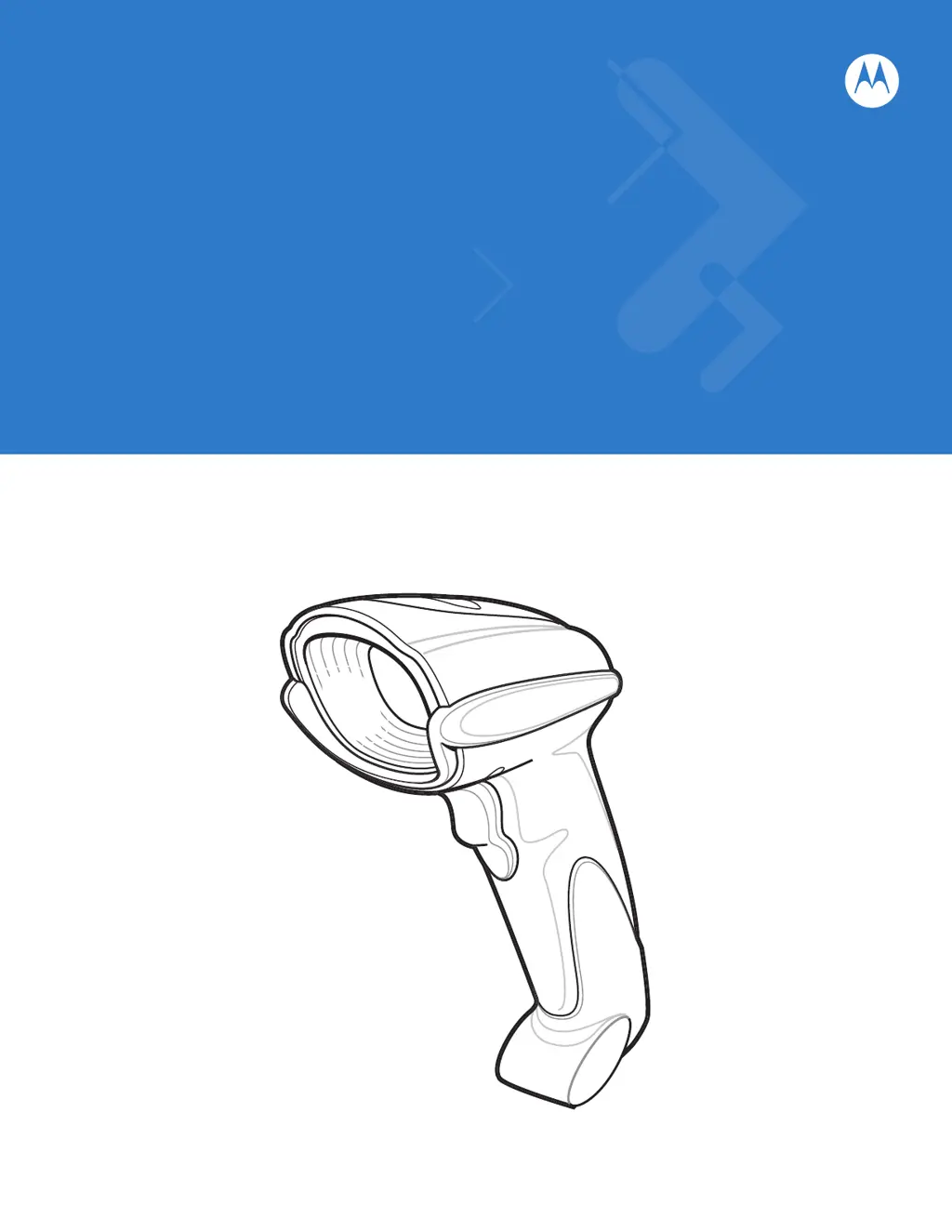
Symbol DS6707 Digital
Imager Scanner
Product Reference Guide

Table of Contents

Questions and Answers

  • Q
    qhoodSep 6, 2025
    Why does my Symbol Scanner emit one high beep when idle?
    • C
      Christine NelsonSep 6, 2025
      If your Symbol Scanner emits one high beep when not in use, it is normal if the scanner is in RS-232 mode, a character was received, and the Beep on option is enabled.
  • L
    Laura WalkerAug 22, 2025
    Why does my Symbol DS6707 Scanner emit 4 short high beeps?
    • J
      Jeremy WhiteAug 22, 2025
      If your Symbol Scanner emits 4 short high beeps during a decode attempt, it might be because the scanner hasn't completed USB initialization. Wait a few seconds and try scanning again.
  • K
    klineralphSep 3, 2025
    What to do if Symbol DS6707 Scanner emits aiming pattern but does not decode?
    • D
      David Cohen MDSep 3, 2025
      If your Symbol Scanner emits the aiming pattern but fails to decode the bar code, consider these possible solutions: * Ensure the scanner is programmed to read the specific bar code type. * Check if the bar code symbol is damaged or unreadable by scanning test symbols of the same bar code type. * Make sure the entire bar code symbol is within the aiming pattern.
  • K
    karenhendersonSep 2, 2025
    Why does my Symbol DS6707 display scanned data incorrectly on the host?
    • C
      Crystal RosalesSep 2, 2025
      If your host displays scanned data incorrectly from the Symbol Scanner, it could be due to the following reasons: * The scanner may not be programmed to work correctly with the host. Scan the appropriate host type programming bar code to resolve this. * For RS-232 connections, ensure the scanner's communication parameters match the host's settings. * Program the proper editing options like UPC-E to UPC-A Conversion.
  • L
    Linda ReeseAug 31, 2025
    How to fix the aiming pattern on my Symbol Scanner when it doesn't appear?
    • E
      Emily RileyAug 31, 2025
      If the aiming pattern on your Symbol Scanner doesn't appear when pressing the trigger, consider the following: * Ensure the scanner has power. If a power supply is required, re-connect it. * Verify that you are using the correct host interface cable and that all cables are securely connected. * Confirm the scanner is not disabled. If it is, consult with the technical person in charge of scanning. * If using RS-232 Nixdorf B mode, ensure the CTS line is asserted. * Check if the aiming pattern is disabled in settings and enable it if necessary.
  • N
    Nicholas Greene DVMAug 30, 2025
    What to do if my Symbol DS6707 Scanner decodes but doesn't transmit data?
    • B
      Brandon HinesAug 30, 2025
      If your Symbol Scanner decodes the bar code but doesn't transmit the data to the host, here are some potential solutions: * Ensure that the scanner is programmed for the correct host type by scanning the appropriate host type programming bar code. * Check the interface cable and re-connect it if it's loose. * If you hear specific beep patterns (4 long low beeps, 5 low beeps, or lo/hi/lo beeps), adjust the scanner's communication, conversion parameters, or ADF rules accordingly. * Note that if you hear hi/lo beeps, the scanner is buffering Code 39 data which is normal when scanning a Code 39 bar code and the Code 39 Buffering option is enabled.
  • D
    Daniel BergAug 29, 2025
    Why does Symbol Barcode Reader emit lo/hi/lo/hi beeps during programming?
    • B
      brentsmithAug 29, 2025
      The Symbol Barcode Reader emitting lo/hi/lo/hi beeps during programming indicates that you are out of ADF parameter storage space. Erase all rules and re-program with shorter rules.
  • S
    Scott BurnettAug 27, 2025
    Why does Symbol Barcode Reader emit lo/hi beeps during programming?
    • J
      Jennifer HayesAug 27, 2025
      The Symbol Barcode Reader emitting lo/hi beeps during programming indicates an input error or that the Cancel bar code was scanned. Ensure you scan the correct numeric bar codes within the range for the parameter being programmed.
  • S
    Sandra OwensAug 27, 2025
    What does it mean when my Symbol Scanner emits lo/hi/lo beeps?
    • W
      Wayne GilbertAug 27, 2025
      If your Symbol Scanner emits lo/hi/lo beeps, it's normal when clearing the Code 39 buffer. This occurs when scanning the Code 39 Buffering Clear Buffer bar code or when attempting to transmit an empty Code 39 buffer.
  • J
    James Dickerson DDSAug 25, 2025
    Why does my Symbol DS6707 Scanner emit lo/hi/lo/hi beeps when programming?
    • M
      Michael MorganAug 26, 2025
      If your Symbol Scanner emits lo/hi/lo/hi beeps during programming, it means you've run out of ADF parameter storage space. Erase all existing rules and reprogram with shorter rules to resolve this.

Summary

Chapter 1 Getting Started

Setting Up the Digital Imager Scanner

Guides through the initial setup process, including cable installation.

Chapter 2 Scanning

Scanning in Hand-Held Mode

Provides instructions for using the scanner in hand-held operation.

Scanning in Presentation Mode

Details how to operate the scanner in presentation (hands-free) mode using an Intellistand.

Chapter 3 Maintenance & Technical Specifications

Troubleshooting

Provides solutions for common problems encountered with the scanner's operation.

Technical Specifications

Lists the detailed physical, performance, and symbology capabilities of the scanner.

Chapter 4 User Preferences & Miscellaneous Digital Imager Scanner Options

User Preferences Configuration

Covers settings like default parameters, beeper tones, power modes, and trigger modes.

Data Transmission Customization

Covers options for transmitting code IDs, prefixes, suffixes, and scan data formats.

Chapter 5 Imaging Preferences

Operational Modes

Describes the three operational modes: Decode, Snapshot, and Video.

Image Settings Configuration

Covers settings for illumination, exposure, gain, and field of view.

Advanced Imaging Features

Covers Signature Capture and Video View Finder settings.

Chapter 6 SSI Interface

SSI Host Parameters

Covers SSI host settings like baud rate, parity, stop bits, and handshaking.

Chapter 7 USB Interface

USB Host Parameters

Covers USB host settings like device type, keyboard emulation, and keystroke delays.

Chapter 8 RS-232 Interface

RS-232 Host Parameters

Covers RS-232 host settings like host types, baud rate, parity, and handshaking.

Chapter 10 Symbologies

Advanced Symbology Configuration

Details GS1 DataBar, Composite, and 2D Symbologies configuration.

Chapter 11 Advanced Data Formatting

Symbol DS6707 Specifications

General IconGeneral
ConnectivityCorded
Decode Capability1D, 2D, PDF417
Operating Temperature32° to 122° F / 0° to 50° C
SealingIP41
Storage Temperature-40° to 158° F / -40° to 70° C
Humidity5% to 95% (non-condensing)
Scan PatternOmni-directional
InterfaceUSB, RS232, Keyboard Wedge, IBM 468x/9x
Drop SpecificationWithstands multiple 6 ft./1.8 m drops to concrete
Scan EngineLaser
Supported BarcodesUPC/EAN, Code 39, Code 128, Code 93, Interleaved 2 of 5, Codabar, MSI
Weight6.4 oz./182 g
Dimensions6.55 in. H x 2.82 in. W x 4.72 in. D 16.6 cm H x 7.1 cm W x 11.9 cm D

Related product manuals