• Point B should be in the same title or
track as point A.
Hint
Hint
• Repeat setting will be cleared when mov-
ing to another title, chapter, track or group.
• Repeat playback may not function with
some discs or during repeat A-B playback.
• Repeat playback is not available when you
play the Video CD with PBC function.
Hint
Hint
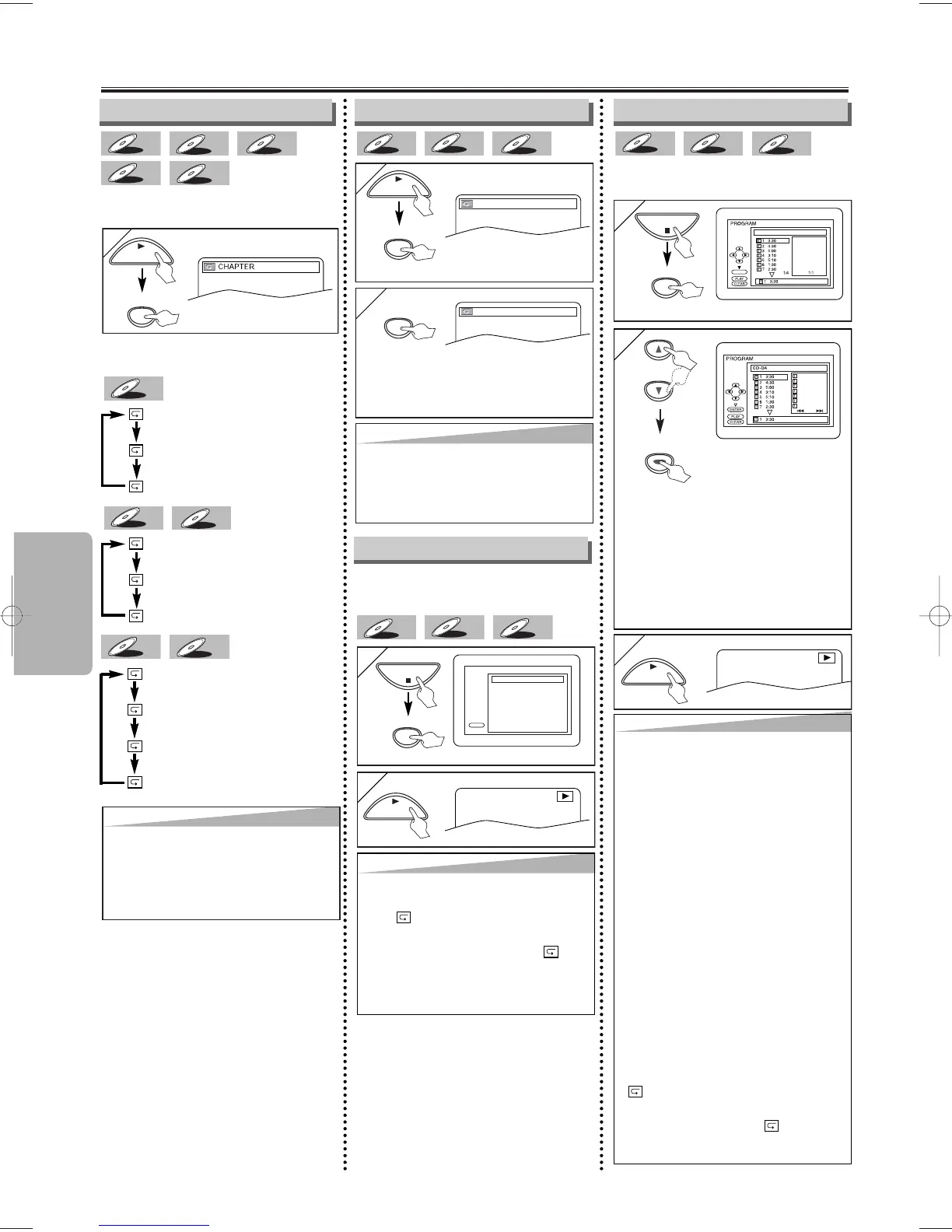
•To repeat the current track in the random
selections, press
[REPEAT] repeatedly
until “ TRACK” appears during playback.
•To repeat the entire random selections,
press
[REPEAT] repeatedly until “ ALL”
appears during playback.
• During random playback, you cannot go
back to the previous track.
Hint
Hint
• Press [CLEAR] at step 2 to erase the most
recently entered track.
•To erase all programmed tracks at once,
select “ALL CLEAR’’ and press
[ENTER] at
step 2.
• While a program is being played back,
[STOP
CC
] works as follows;
⇒
Press [STOP
CC
] and [PLAY
BB
] next, so
that the programmed playback restarts.
(CD playback restarts from the current
point. MP3/WMA playback restarts from
the beginning of the current track.)
⇒
Press [STOP
CC
] twice and [PLAY
BB
]
next, so that playback restarts from the
first track in the original order. However,
your programmed playback can be restart-
ed when you follow the above steps. (Your
programs are still stored until either the
disc is removed or power is turned off.)
•To repeat the current track in the program,
press
[REPEAT] repeatedly until
“ TRACK’’ appears during playback.
•To repeat the entire program, press
[REPEAT] repeatedly until “ ALL’’
appears during playback.
Hint
Hint
•To exit the sequence, press [A-B] so that
OFF appears.
•
To cancel Point A, press [CLEAR] at step 1.
• This function does not work in the other
repeat modes.



 To Next Page