Functions
5
5
–
15
–
EN
Hint
Hint
TV ASPECT:
• Select “4:3 LETTER
BOX”, so that black bars
may appear on the top
and bottom of the screen.
• Select “4:3 PAN & SCAN”
for a full height picture
with both sides adjusted.
• Select “16:9 WIDE” if a
wide-screen TV is con-
nected to this unit.
STILL MODE:
• Select “AUTO” usually.
• If you select AUTO, auto-
matically select the best
resolution setting
(FRAME or FIELD)
based on the data char-
acteristics of the pictures.
(default).
• If you select “FIELD”, the
picture in the still mode
will be stabilized.
• If you select “FRAME”,
the picture in the still
mode will be highly
defined.
•
An individual picture on
TV screen is called a
“frame”, which consists of
two separate images
called a “field”.
Some pictures may be
blurred at the AUTO set-
ting in the still mode due to
their data characteris
tics.
DISPLAY Setting
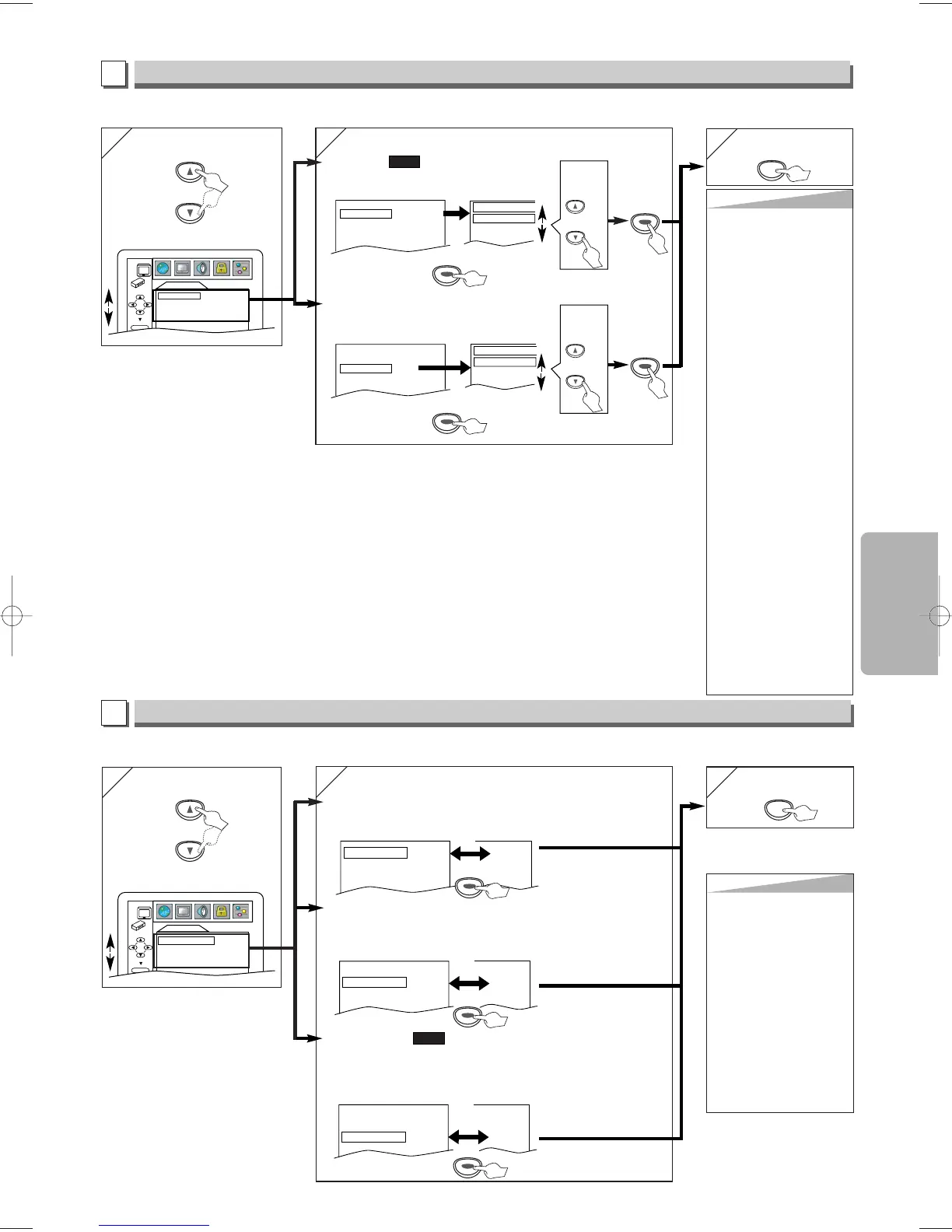
You can change the display functions. Follow steps 1 to 3 in the “CUSTOM Menu” section on page 14.
4
4
Select the desired item.
B
DISPLAY menu
AUDIO Setting
Choose the appropriate audio settings for your equipments. It only affects during the playback of DVD discs. Follow steps 1 to
3 in the “CUSTOM Menu” section on page 14.
Select the desired item.
C
AUDIO menu
6
6
To exit the menu
TV ASPECT:
(Default: 4:3 LETTER BOX)
See Hint on the right.
QUICK
DRC (Dynamic Range Control):
(Default: ON)
Set to “ON” to compress the range between soft and loud sounds.
DOLBY DIGITAL:
(Default: BITSTREAM)
Set to “BITSTREAM” when the unit is connected to a Dolby Digital receiver.
• BITSTREAM: Outputs a Dolby Digital Signals.
• PCM: Convert the Dolby Digital into PCM (2 channel).
QUICK
Hint
Hint
DRC:
• This function is available
only on the discs which
are recorded in the Dolby
Digital format.
DOWN SAMPLING:
• When playing disc with
copyright protection, the
sound will be down sam-
pled at 48kHz, even if
you set to OFF.
•
This function is
available only on digital
outputting of a disc
recorded in 96kHz.



 To Next Page