EasyManua.ls Logo

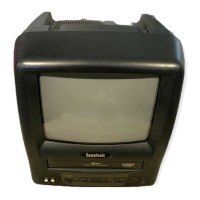
Symphonic SC309E - User Manual

Symphonic SC309E
32 pages
Print Icon
To Next Page IconTo Next Page
Loading...
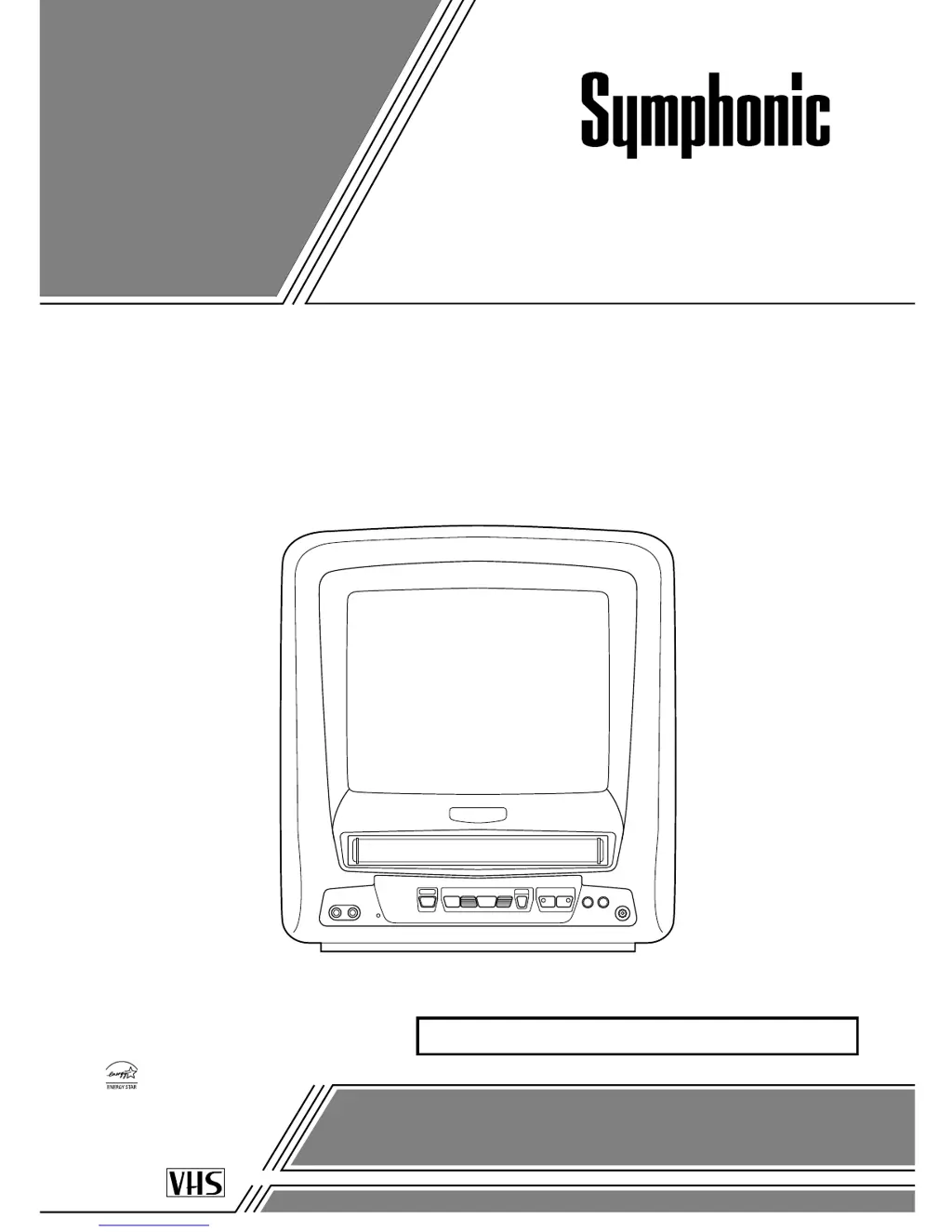
9-INCH COLOR TV/VCR
SC309E
OWNER’S
MANUAL
As an ENERGY STAR
Partner, our company has
determined that this product meets
the E
NERGY STAR guidelines for
energy efficiency. E
NERGY STAR
is a U.S. registered mark.
®
®
®
If you need additional assistance for set-up or operating after
reading owner’s manual, please call TOLL FREE : 1-800-242-7158.
Or visit our WEB SITE at
http://www.funai-corp.com
Please read before using this equipment
INSTRUCCIONES EN ESPAÑOL INCLUIDAS.
This Owner’s Manual is made of
recycled paper.

Questions and Answers

  • M
    Miranda NashSep 14, 2025
    Why does my Symphonic TV VCR Combo have different colors on the screen?
    • J
      James RogersSep 14, 2025
      If your Symphonic TV VCR Combo displays incorrect colors, it could be due to magnetism from nearby appliances or geomagnetism. Try moving the TV/VCR away from other appliances, as the unit can repair itself automatically. If you want to repair immediately, unplug the TV/VCR power cord, then plug it in again after about 30 minutes.

Summary

Important Safeguards

Precautions

Electrical Shock and Fire Hazards

Essential safety measures to prevent electric shock and fire hazards when operating the TV/VCR.

Operating Controls and Functions

TV;VCR Front Panel Controls

Identifies and explains the buttons and indicators on the front panel of the TV/VCR unit.

Remote Control Functions

Details the purpose and operation of each button on the remote control for TV/VCR functions.

Rear Panel Connections

Describes the ports and terminals located on the rear of the TV/VCR for connectivity.

Preparation for Use

Antenna and Cable Connections

Instructions for connecting various antenna types and cable systems to the TV/VCR.

Set Up for Use

Clock Setup (Auto;Manual)

Instructions for setting the internal clock, either automatically or manually, for timer functions.

TV Operation

Playback

Inserting and Normal Playback

Instructions for inserting a cassette and starting standard playback of video tapes.

Recording

Normal Recording

Procedure for recording a TV program while watching it simultaneously.

OTR (One Touch Recording)

Sets a recording length instantly by pressing the REC/OTR button.

Timer Recording Setup

Programming the TV/VCR to record programs automatically at scheduled times.

Troubleshooting Guide

Limited Warranty

Symphonic SC309E Specifications

General IconGeneral
Screen TypeCRT
TV Tuner TypeAnalog
VCR FormatVHS
TypeTV VCR Combination
Power SourceAC

Related product manuals