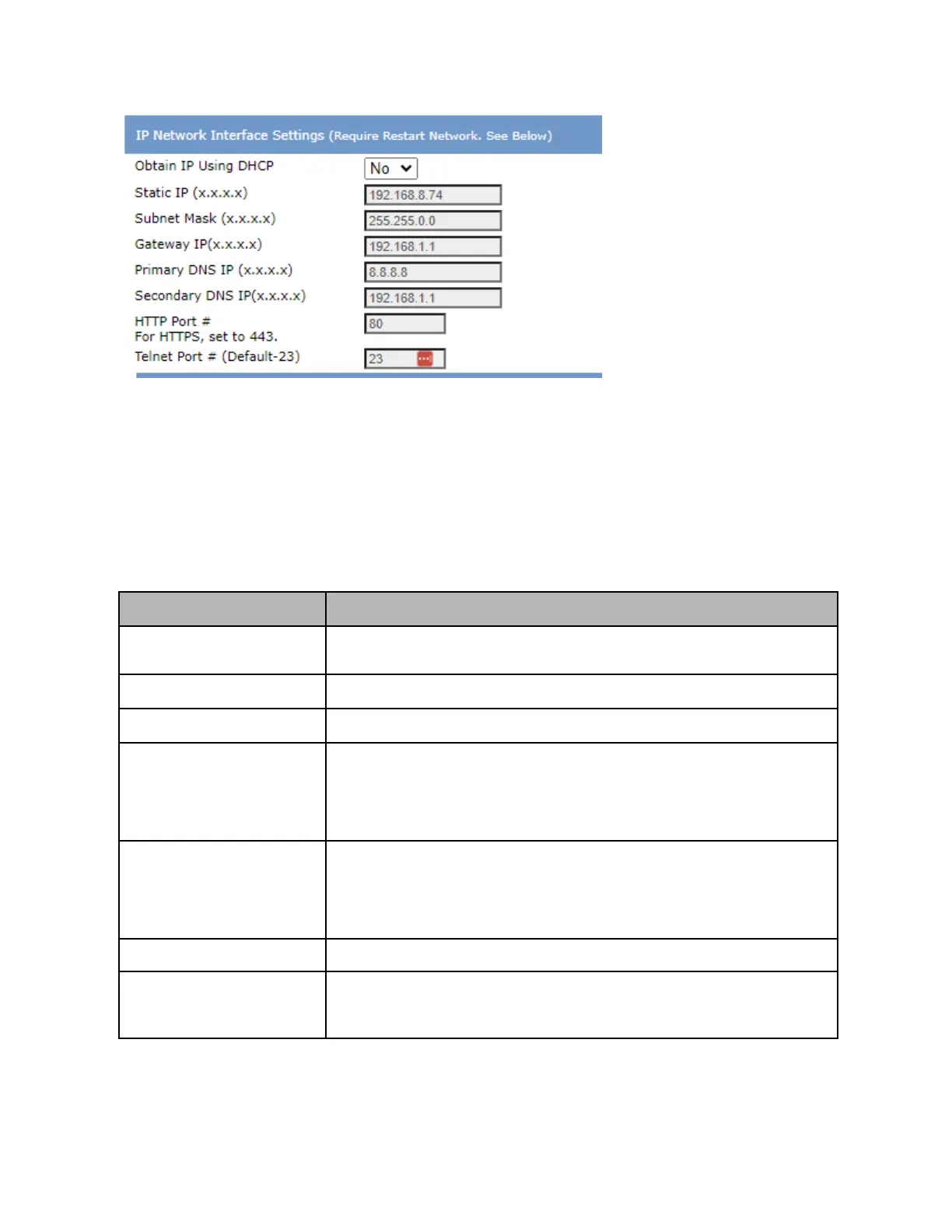
Basic System configuration settings can be configured in the “System” section of the left hand menu. Of
note, this includes enabling/disabling web access, telnet access, setting telnet authentication mode, and
enabling NTP or setting date time information in the absence of NTP.
If you are accessing the device via command line interface (e.g. Telnet or Serial port), you can refer to
the help menu by entering in the “help” command. For reference, key commands related to basic
network settings are documented in the following table:
Displays network settings and status, including IP address, gateway, MAC
address, and more
Resets the network interface
Sets IP to DHCP mode (x=1) or Static mode (x=0)
Sets the static IP address of the device to <ip> and the mask to <mask>
Please note that this IP setting is only applicable if DHCP mode is disabled (e.g.
device is in static IP mode). In other words, if DHCP mode is enabled, this IP
setting is not active/relevant until static mode is enabled.
Sets gateway IP to <gw> for static IP mode
Please note that this IP setting is only applicable if DHCP mode is disabled (e.g.
device is in static IP mode). In other words, if DHCP mode is enabled, this IP
setting is not active/relevant until static mode is enabled.
Displays the Ethernet Port Mac Address
Enables or disables web access.
“1” = Web access On
“0” = Web access Off



 To Next Page