8
Chapter 2: Hardware Setup
6
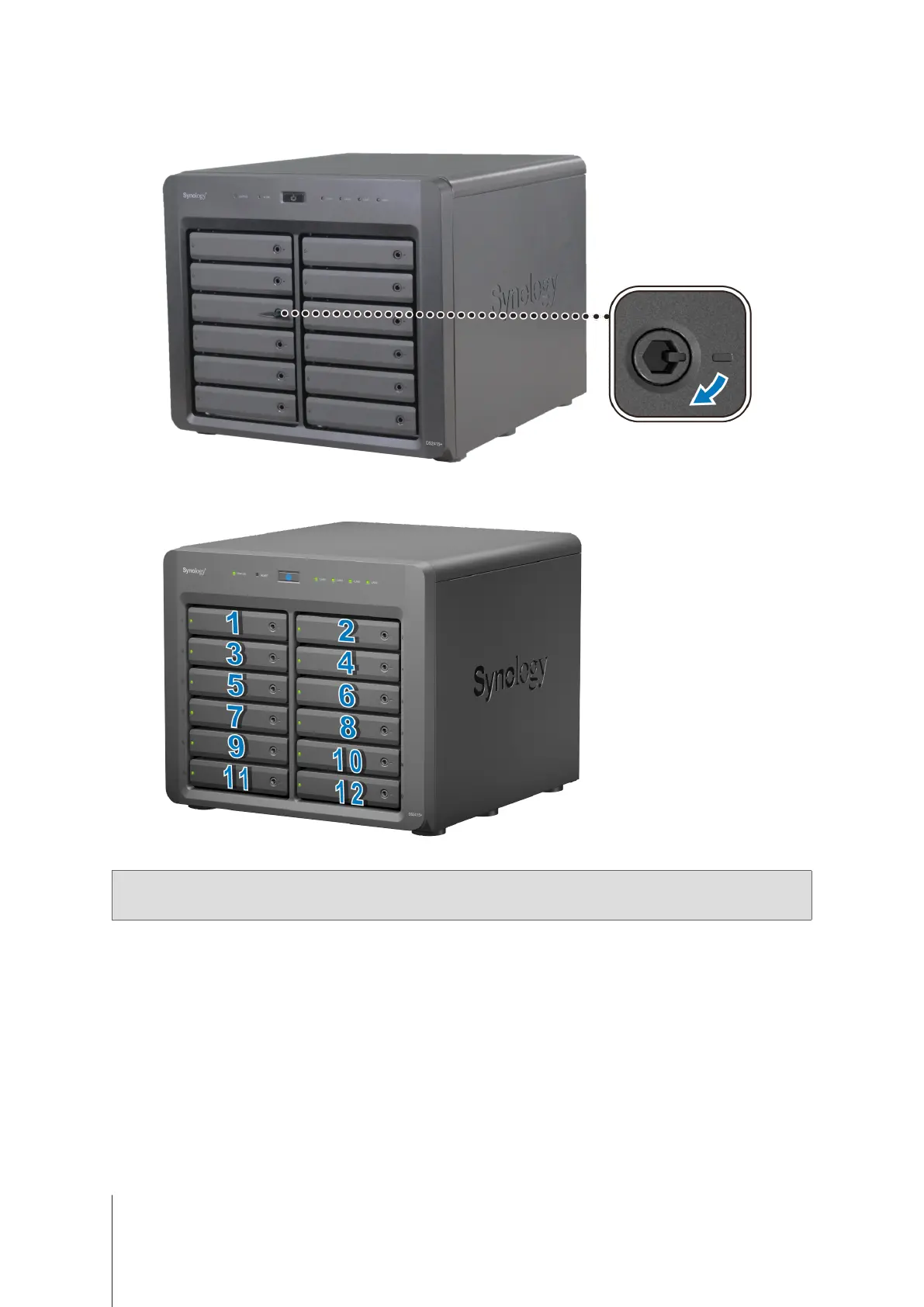
Insert the drive tray key into the drive tray lock, turn the key clockwise (to the “-” position) to lock the handle of
the drive tray, and then remove the key.
7
Repeat the steps above to assemble the other drives you have prepared.
8
Drives are numbered as shown below.
Note:
If you want to create a RAID volume, we recommended that all installed drives are of the same size to make the
best use of drive capacity.



 To Next Page