4
Chapter 1: Before You Start
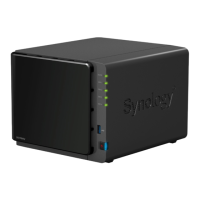
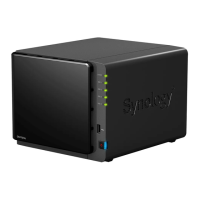
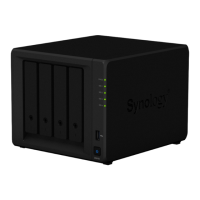
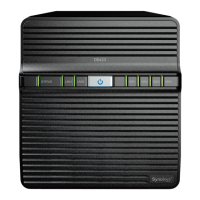
Synology DiskStation at a Glance
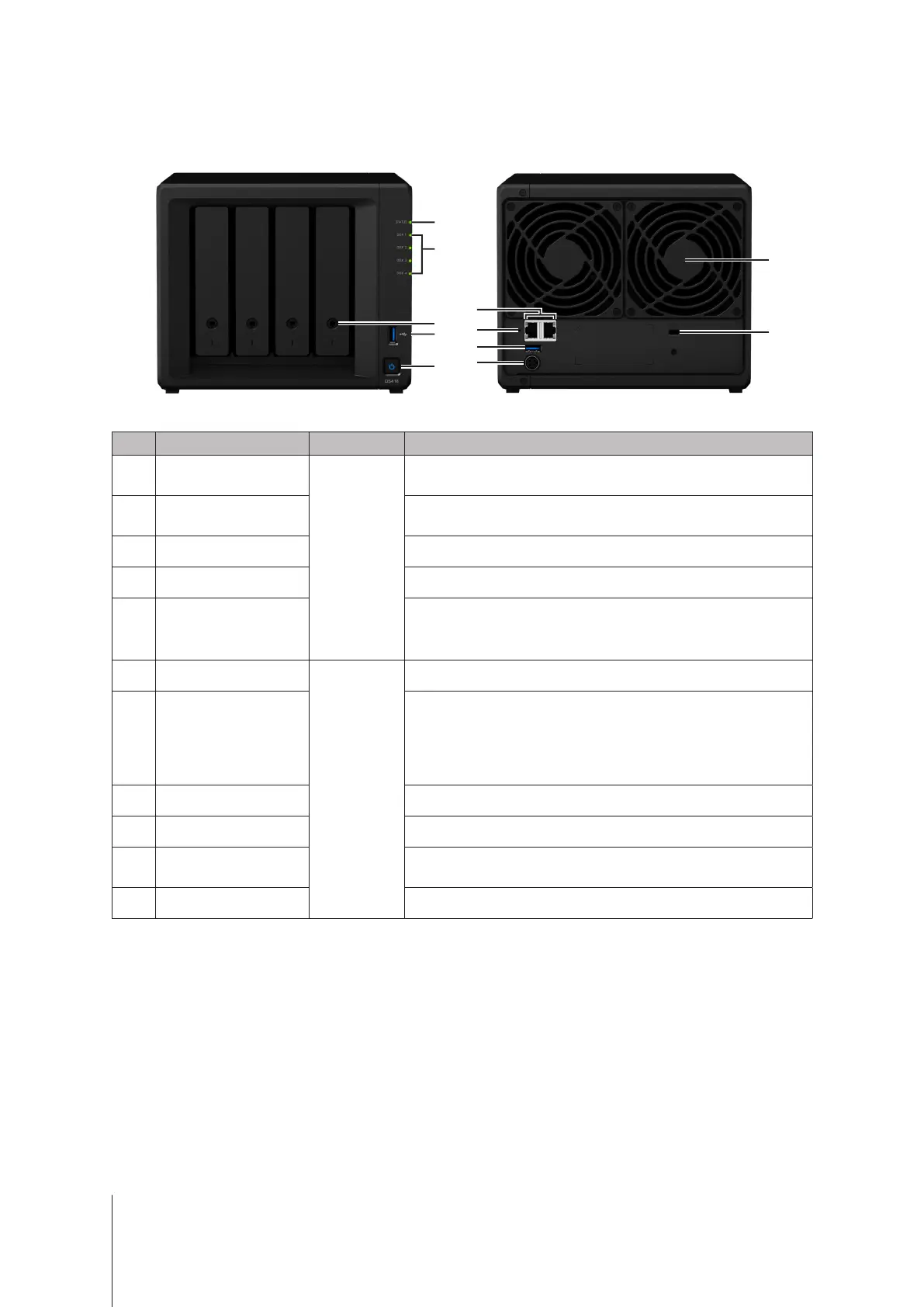
No. Article Name Location Description
1
Status Indicator
Front Panel
Displays the status of the system. For more information, see "Appendix B:
LED Indicator Table".
2
Disk Indicator
Displays the status of the installed drive. For more information, see
"Appendix B: LED Indicator Table".
3
Drive Tray Lock Lock or unlock drive trays.
4
USB 3.0 Port Connect external drives or other USB devices to the DiskStation here.
5
Power Button
1. Press to power on the DiskStation.
2. To power off the DiskStation, press and hold until you hear a beep
sound and the Power LED starts blinking.
6
LAN Port
Back Panel
Connect network cables here.
7
RESET Button
1. Press and hold until you hear a beep sound to restore the default IP
address, DNS server, and passwords for the
admin
account.
2. Press and hold until you hear a beep sound, then press and hold
again until you hear three beep sounds to return the DiskStation to
“Not installed” status so that DiskStation Manager (DSM) can be
reinstalled.
8
USB 3.0 Port Connect external drives or other USB devices to the DiskStation here.
9
Power Port Connect the AC power adapter here.
10
Fan
Disposes of excess heat and cools the system. If the fan malfunctions,
the DiskStation will emit a beeping sound.
11
Kensington Security Slot Attach a Kensington security lock here.







 To Next Page