Chapter 1: Hardware Setup
Step
1 Connect your devices.
2 Launch the Synology Assistant and follow the web instructions to setup.
3 Setup is completed.
Mount the stand
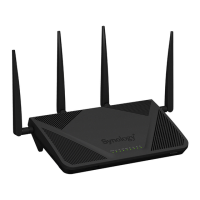
1 Put your RT1900ac upside down.
2 Insert the stand’s mounting hooks to the mounting holes and push as the arrowhead.
3 Your RT1900ac is ready to stand.
Learn More
Congratulations! Your RT1900ac is now ready for action. For more information or online resources about your
RT1900ac, please visit www.synology.com.


 To Next Page
 Loading...