Chapter 1: Get Started with RX410
9
Safety Instructions
To use your Synology product safely, please follow these instructions and
warnings at all time.
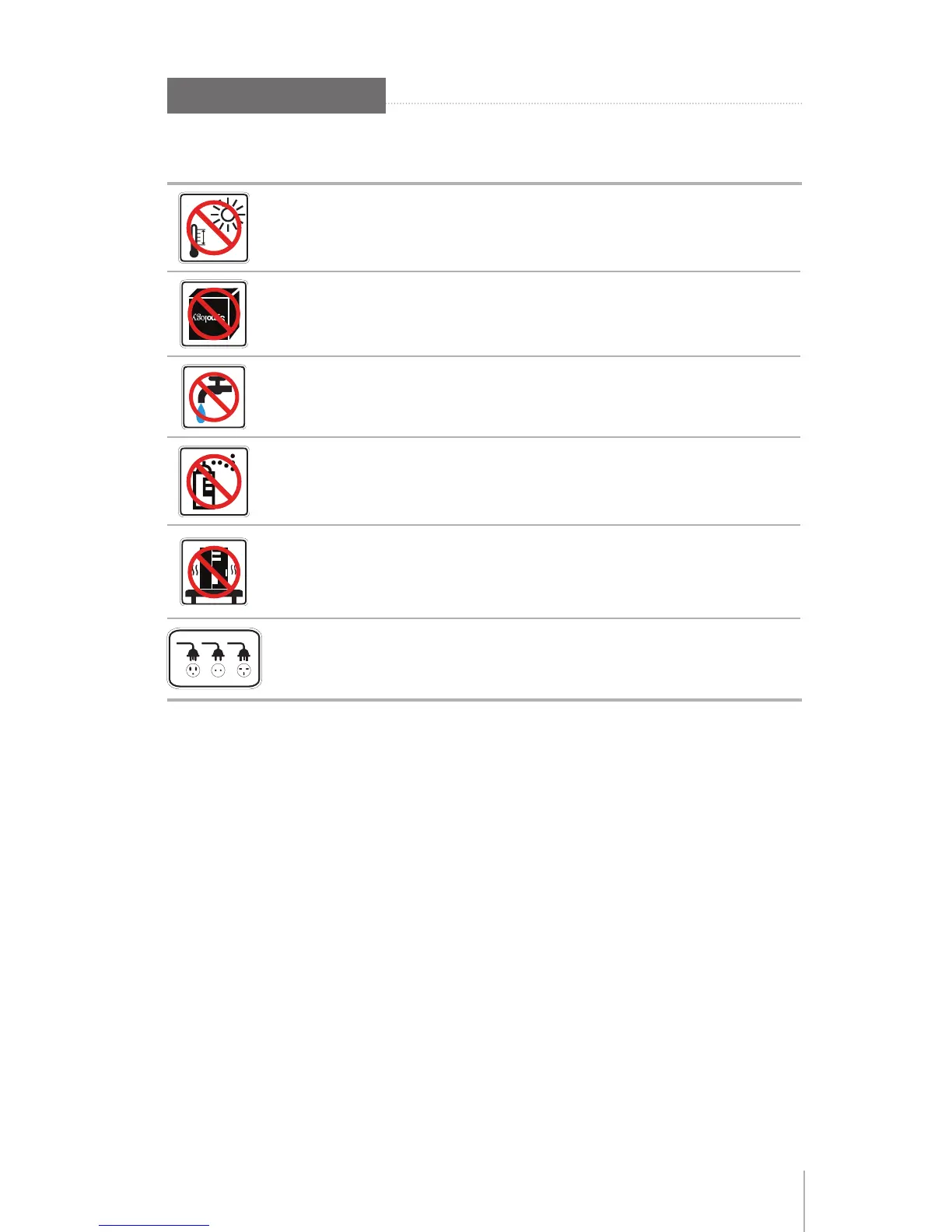
Keep away from direct sunlight and away from chemicals. Make sure
the environment does not experience abrupt changes in temperature or
humidity.
Keep Synology product upright. Do not lay it down horizontally.
Do not place the Synology product close to any liquid.
Before cleaning, unplug the power cord rst. Wipe Synology product
with damp paper towels. Do not use chemical or aerosol cleaners to
clean it.
Do not place the Synology product on a cart, table, or desk, which is not
stable to avoid the product from falling over.
The power cord must plug in to the right supply voltage. Make sure that
the supplied AC voltage is correct and stable.










 To Next Page