25
IV. Configure your device
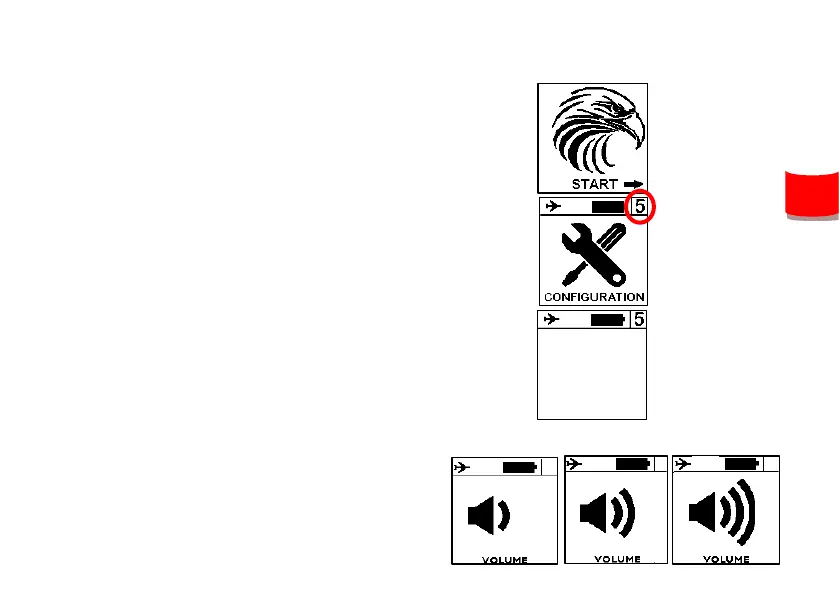
1. Push the central button to start your
instrument.
2. Go to screen #5 with left and right
buttons, and confirm by clicking on
central button. The number of the
screen is displayed on the top right of it.
3. The first screen shows some
informations about your instrument.
4. Next screen ables you to setup the
sound volume.
Memory : 52%
Version : 1.15


 To Next Page