Need help?
Do you have a question about the Syride SYS NAV and is the answer not in the manual?
Download the latest version, follow installation instructions, and verify the icon in the task bar.
Syride suggests placing the instrument on risers using velcro. It can also be placed on a cockpit, thigh, or wrist.
Connect the instrument via USB to a computer. A red LED indicates charging. A full charge takes 2 hours.
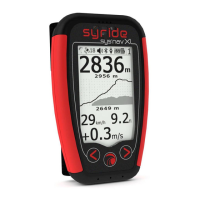
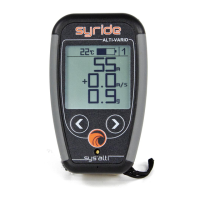
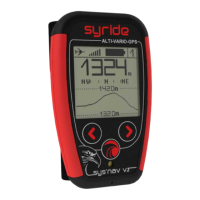
Screens #1 to #4 display chosen information. Screen #6 saves current GPS position.
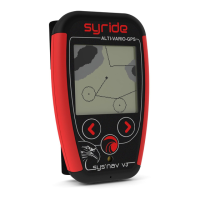
Screen #5 displays position, topography, airspaces, GPS trace, and routes. Middle button controls zoom.
Start the instrument, navigate to screen #9, and set the sound volume.
Set vario thresholds, activate thermal sniffer, manage backlight, control airspace alarms, and select altitude source.
Connect via SYS PC Tool to change airspace warnings, security alarms, and other instrument settings.
 General
| Water Resistance | IPX7 |
|---|---|
| Altimeter | Yes |
| Vario | Yes |
| Thermometer | Yes |
| G-meter | Yes |
| Connectivity | Bluetooth |
| GPS | Yes |
| Display Type | LCD |
| Charging | USB |

 To Next Page