37
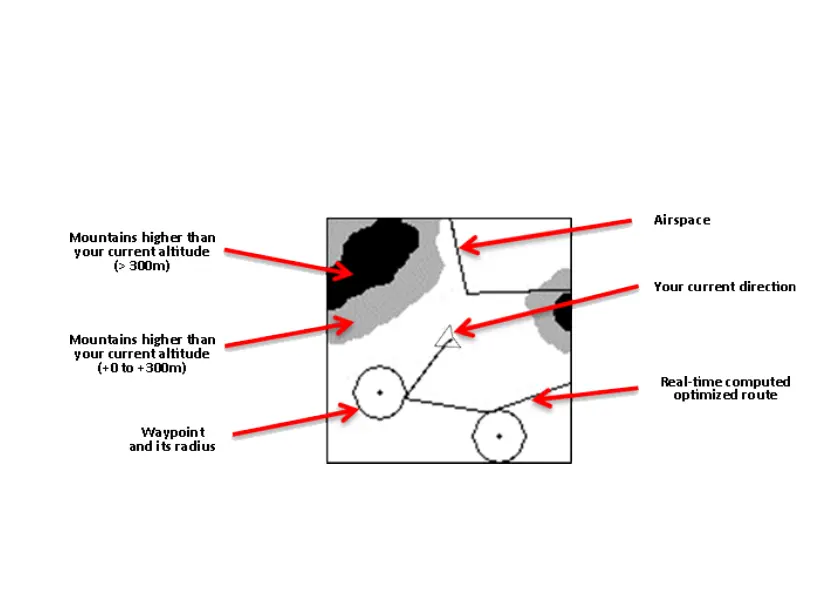
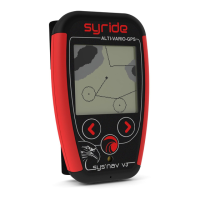
4. Screen #5 (MAP screen) displays on the whole LCD area. You can see :
• Your current position and heading on the middle of the screen
• The topography grayscaled (if previously uploaded to the instrument)
• Airspaces (if previously uploaded to the instrument)
• Your GPS trace for the last 10 minutes
• Waypoints and optimized navigation route (if a route is loaded)
Pressing the middle button changes the zoom level.
The North is on the upper side of the map.


 To Next Page