33
III. Recharging the battery
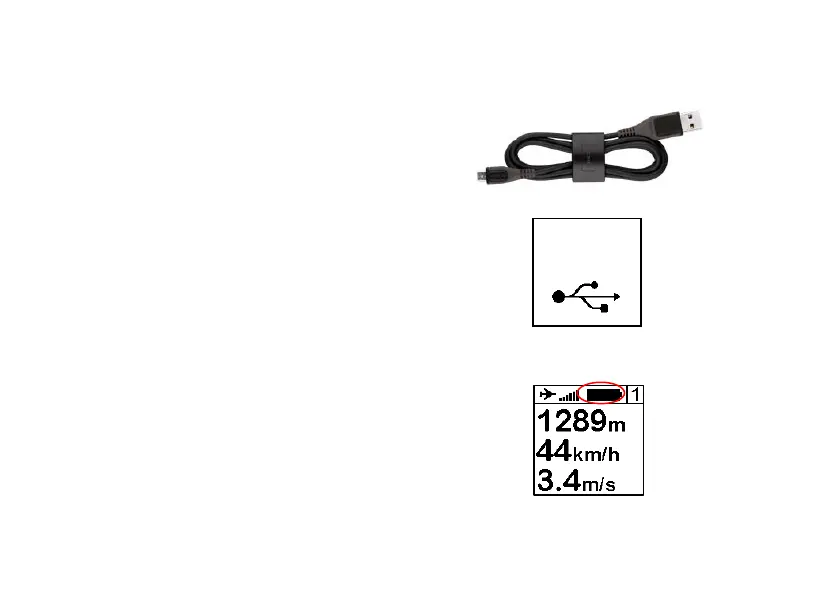
1. Simply connect your instrument with
the USB cable to a computer. A red led
shows the right loading of the device.
2. Your instrument will display
“Charging…” and the percentage of
charge. To complete, a charge it
requires 2 hours.
3. Disconnect USB to stop the charge.
Your instrument has a Li-ion battery,
which has no memory effect.
4. When your instrument will start the
battery icon needs 10 seconds to be
stable.
Charging…


 To Next Page