47
XIII. Display and delete a flight
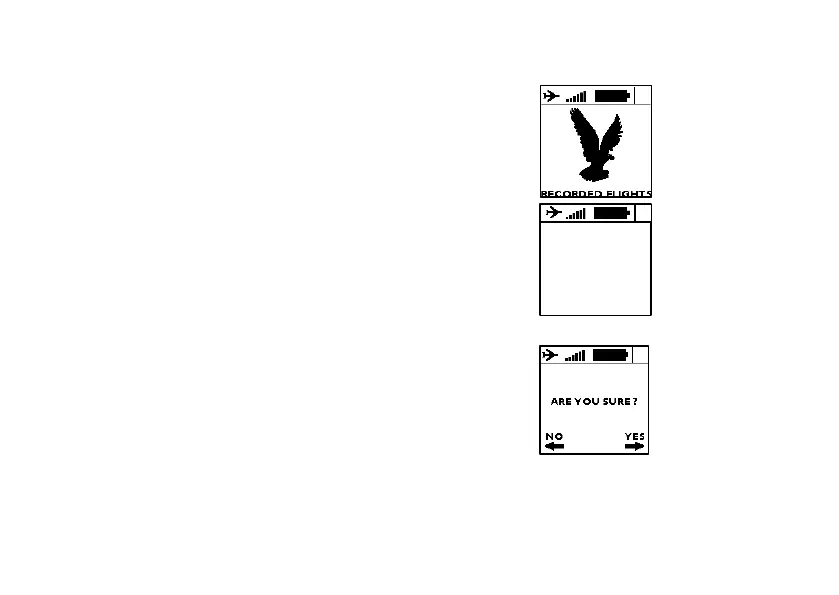
1. Go to screen #8 and press the central
button to enter the flights list.
2. You will see here every recorded
flights, with some information about this
flight.
3. To delete a flight, press the central
button and confirm your action when
you’re asked to.
4. Come back to the main flight screens
by pushing on “BACK”
Time : 12h35
Flight time : 01h37
Alt max : 1346m
Vario max : 5.4m/s


 To Next Page