EasyManua.ls Logo

Syscom Video HICB355H - User Manual

Default Icon
24 pages
Print Icon
To Next Page IconTo Next Page
Loading...
INSTRUCTION MANUAL
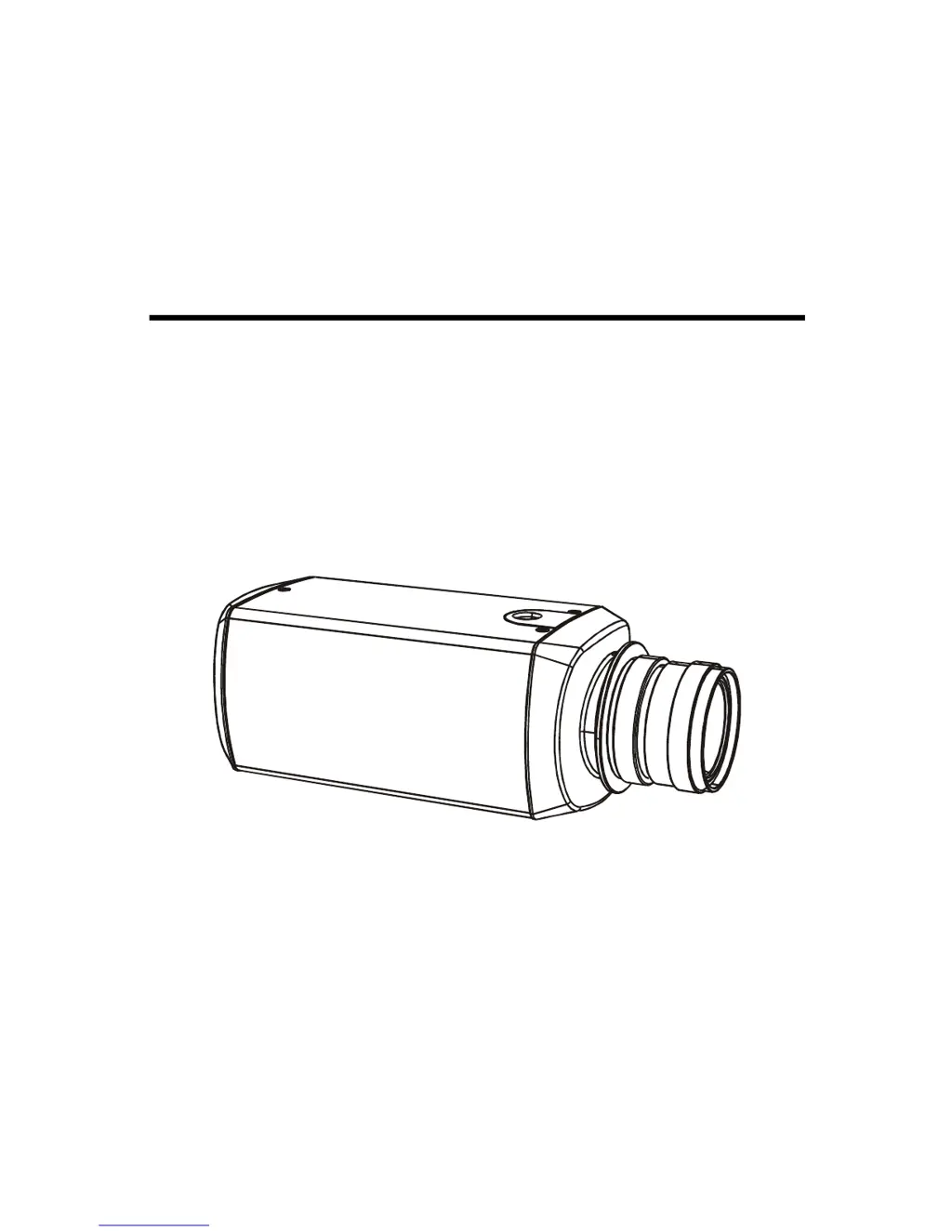
DSP COLOR CAMERA
1/3" INTERLINE TRANSFER CCD
STANDARD RESOLUTION
HIGH RESOLUTION
Please read this manual thoroughly before use, and keep it handy for future reference.

Questions and Answers

  • J
    Jessica HarrisonAug 10, 2025
    How to troubleshoot no video on Syscom Video HICB355H?
    • Q
      qkellyAug 11, 2025
      If your Syscom Video Color Camera displays no video, ensure that all equipment in the system is receiving power and that the camera LED is illuminated. Check that the video cables are properly connected. Also, make sure to remove the lens cap and open the lens iris.
  • J
    Jack BrownAug 21, 2025
    What to do if Syscom Video HICB355H Color Camera has dark video?
    • J
      John FieldsAug 21, 2025
      If you're experiencing dark video on your Syscom Video Color Camera, try the following: 1. Adjust the iris. 2. Check the A/I connections.
  • M
    Martin BryantAug 30, 2025
    Why Syscom Video HICB355H Color Camera has video but no control?
    • F
      Fernando ClarkAug 30, 2025
      If your Syscom Video Color Camera is showing video but you have no control, power down the system for one minute and then re-apply power.

Syscom Video HICB355H Specifications

General IconGeneral
ModelHICB355H
CategoryColor Camera
ManufacturerSyscom Video
TypeBullet Camera
Horizontal Resolution700 TVL
Lens3.6mm Fixed Lens
Day/NightYes
IR Range20m
WeatherproofIP66
Power Supply12V DC
Operating Temperature-10 ~ 50℃
Image Sensor1/3" Sony Super HAD CCD