5
• AGC Switch (off/on) – The auto gain control switch allows the
video signals to maintain a constant level. This switch is useful
when using the camera at low-light levels and when lighting
levels change over time. For best low light conditions, this switch
should set to ON.
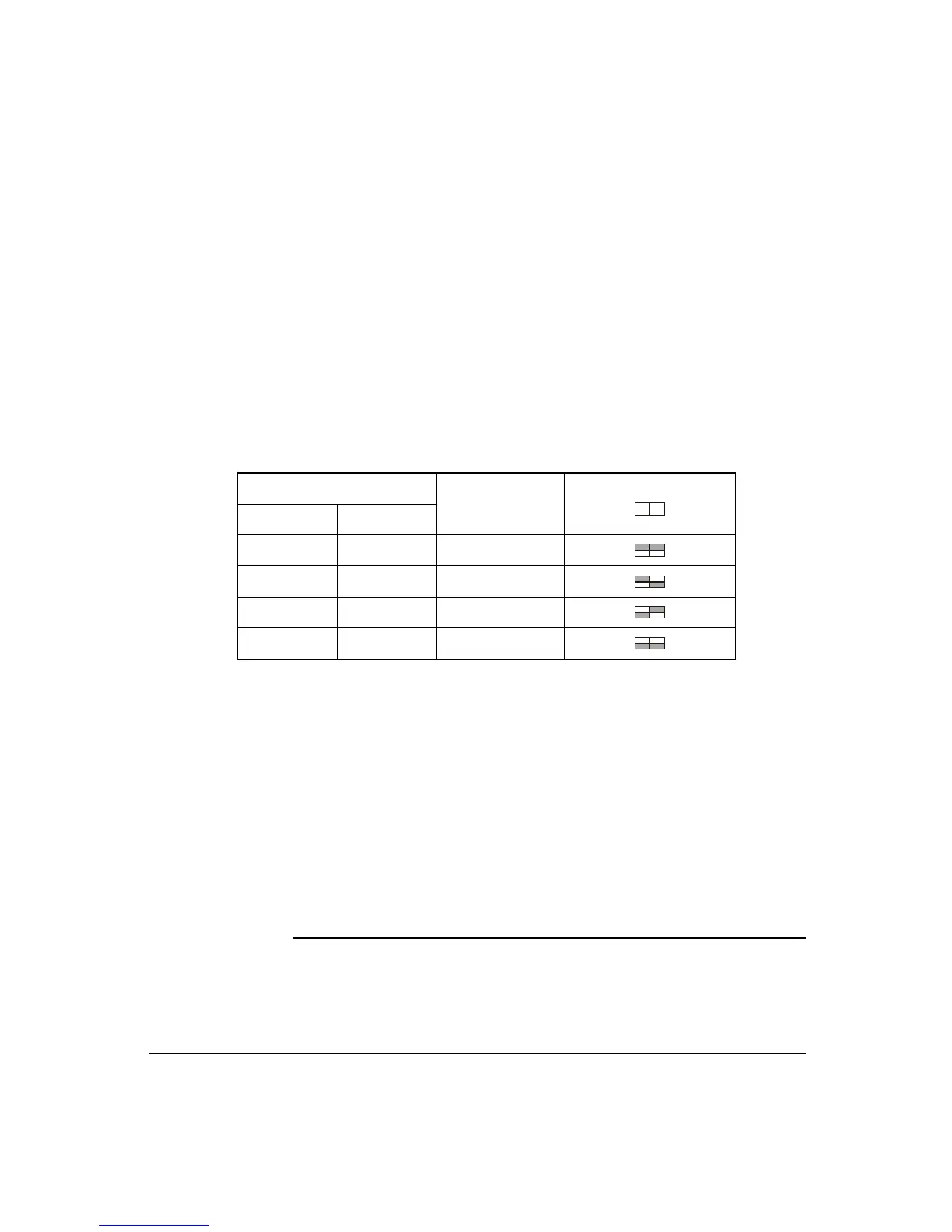
• AWB1, AWB2 Switch (on/off) – This camera have four white
balance setting
ATW (auto tracing white balance) – The camera automatically
aim to maintain white objects as white even if the light color
changes.
AWB (auto white balance) – Quick ATW.
Indoor – improves the color balance in areas where a mixture of
light sources exist.
Outdoor – Improves the color balance in arrears where day light
is the main source of light.
Switch Position
SW8 SW9
Mode
Switch
SW8 9
on on ATW
on off AWB
off on Indoor
off off Outdoor
• Sync Select Switch (int/LL) – Use this switch to set the camera
synchronization mode internal (int) or Line Lock (LL).
9. Power Input Terminal – This terminal accepts a DC12V or AC24V
power source from a DC12V or AC24V ac +/- 10% 60/50Hz +/- 1Hz
using a UL-listed Class 2 power supply only.
10. Video Out BNC Connector – This BNC connector provides a 1.0
Vp-p/75 Ohms composite video signal.
CONTENTS OF PACKAGE



 To Next Page