20
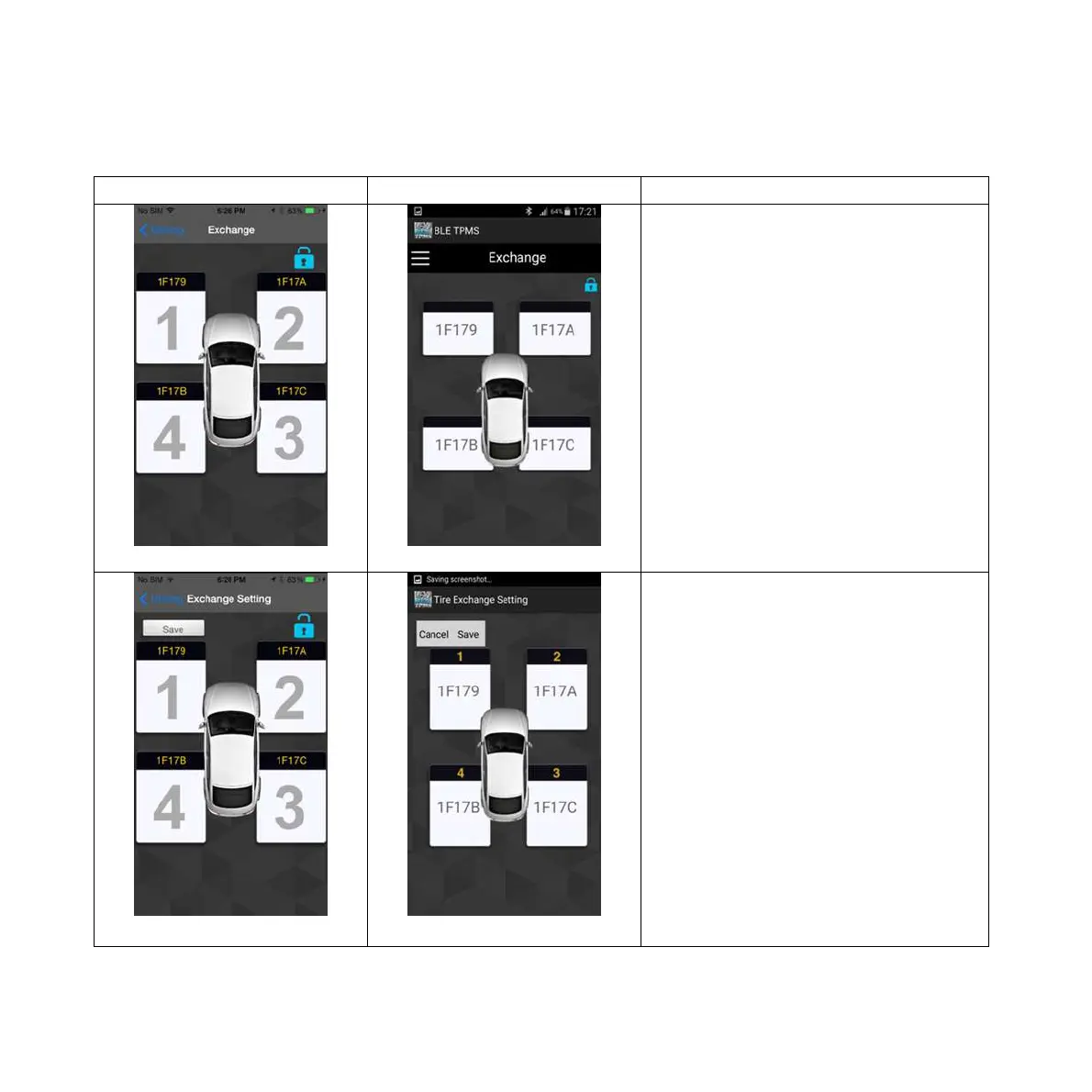
10. Exchange Setting
iOS version Android version
Pic 1 Pic 1
Tire Exchange Setting:
1.Unlock the system setting by
clicking on the “lock” icon on upper-
right side of the main display.
Pic 2 Pic 2
2.Tire positions are displayed in
sequence (1, 2, 3, and 4), meaning
left-front, right-front, right-rear and
left-rear with ID.



 To Next Page