TU 1000/022/17/261102
TAB Austria, Industrie- und Unterhaltungselektronik GmbH & CoKG Tel.: +43 (0) 7229 / 78040, Fax: +43 (0) 7229 / 78660
17.12.03 Page 17
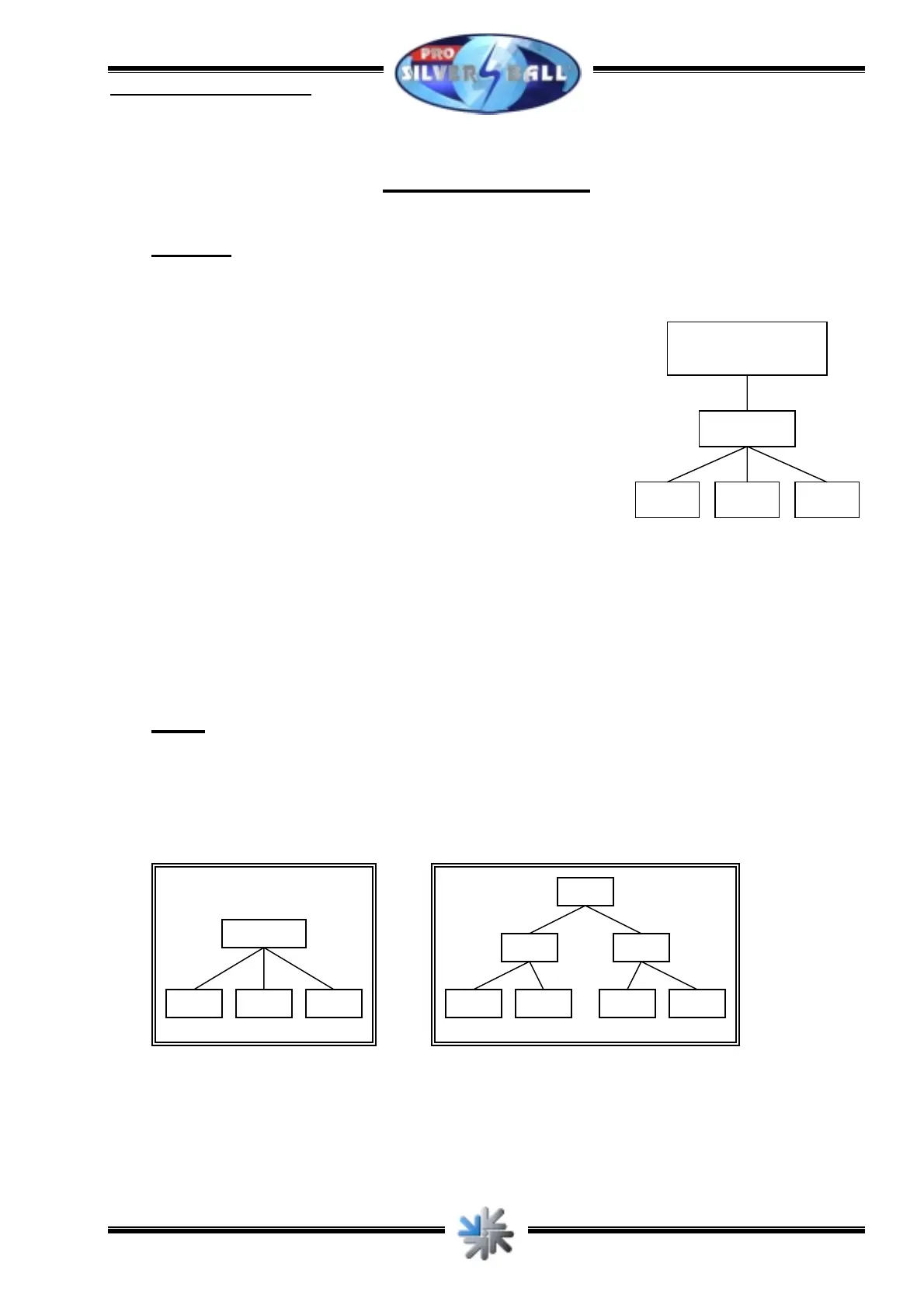
PC PC PC
Router
ISDN/DSL
4 Possibilities
4.1 Router
With a router several PCs can be connected to
a data telecommunication (e.g. an ADSL connection).
Therefore you have to install a network card in the
PC and set up a local network (see 2.3). Then the PCs
are connected to the router, and the router is connected to the
data telecommunication. Since the router is in charge of the
dial now it has to know the dial data.
Please find the steps necessary to configure your router in
its instructions.
4.2 HUB
To connect several PCs to a network you need a HUB. A HUB is a junction where the
cables of several PCs come together. HUBs exist in various sizes, above all for 4, 8 or 16
PCs. In addition there is a connection to create a “tree structure”. A HUB needs no
configuration.
PC PC PC
HUB
PC PC PC PC
HUB HUB
HUB



 To Previous Page