Cosmo Update
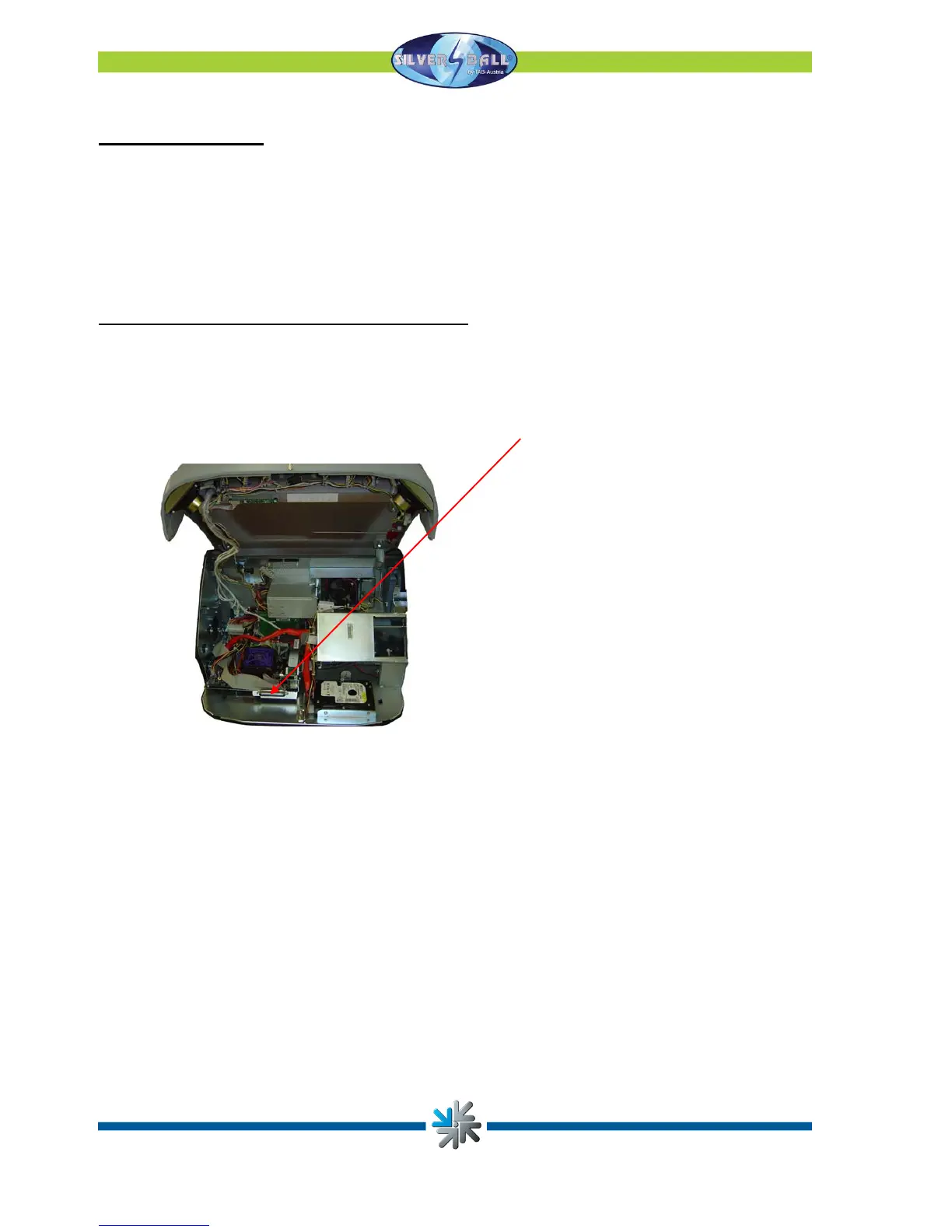
The software is stored on the hard disk fitted in the machine. It may be updated with the
help of a removable drive. However, it may also be updated online when in Championsnet
and Online Version Plus has been selected. ADSL connection is necessary for this due to
the fact that a great quantity of data must be downloaded.
Procedure (with cartridge for removable disks):
• Switch off machine
• Insert the update disk with removable cartridge in the computer’s appropriate bay
• Switch the machine on
• The copying and update routine will start automatically and depending on the update
size will take between 15 and 30 minutes.
• A screen will appear once all the required data has been copied. You will then be
asked to switch the machine off and to replace the update drive.
• Switch the machine back on again.
• Now all the data and the hard drive will be scanned and checked.
Page 34


 To Next Page