Taking into use
All machines are tested at the factory and delivered preset.
We recommend that you wait for 15 minutes to allow the system to reach its operating
temperature. Temperature differences and transport vibrations and so on may cause the
touch screen settings to change. We therefore recommend that you ALWAYS follow the
procedure below when taking the machine into use:
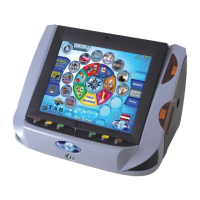
1) Unpack the machine and connect it to the mains (230 V/50 Hz plug socket).
2) Switch on the machine (switch is located on the rear), the machine will start
automatically. You are now in the main menu.
Note:
The Jukebox button is only available with the MAX dongle!
Page 7


 To Next Page