5
STEP 5 Program Guide Data Download
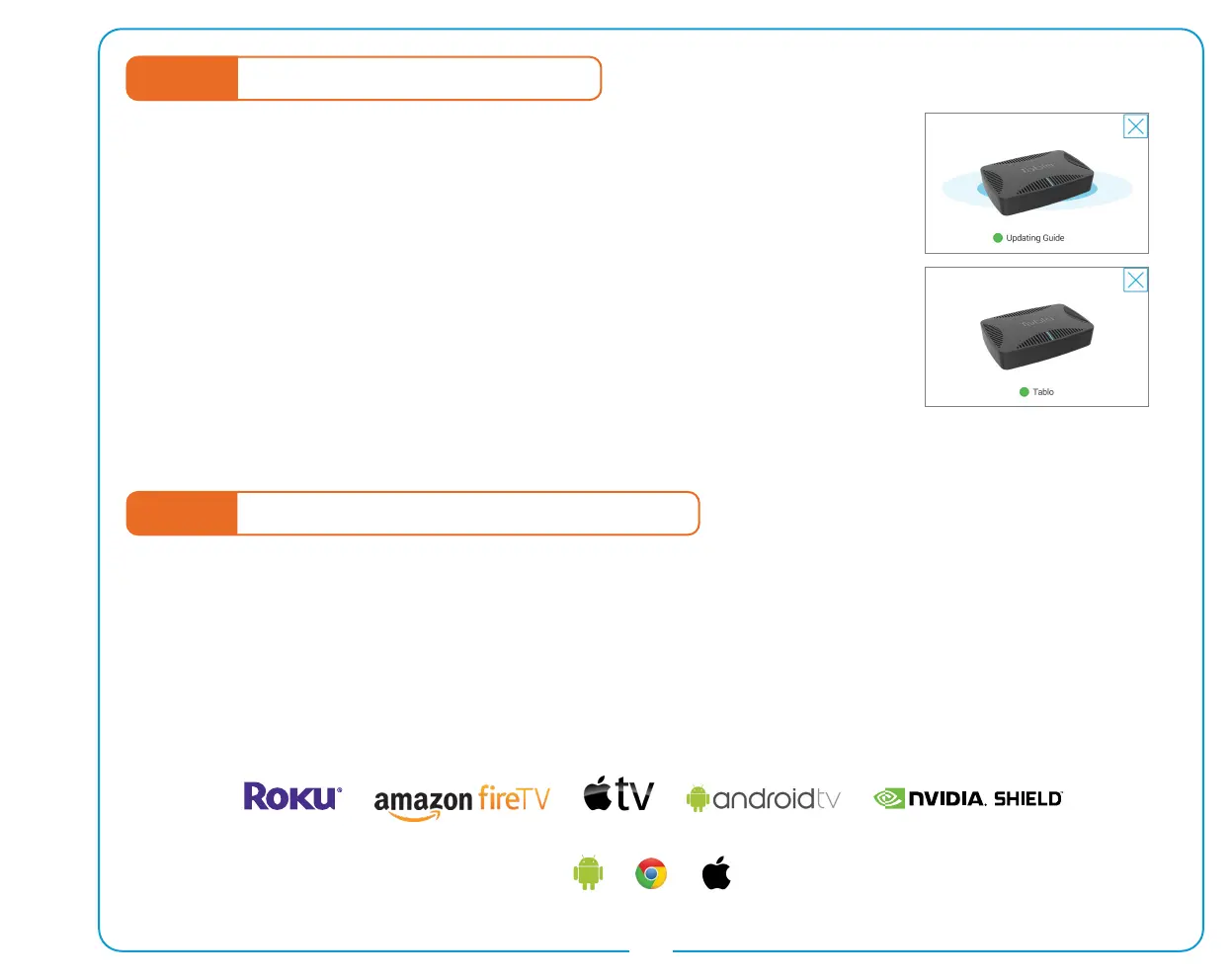
Once you select ‘Add to Guide’ the rst 24 hours of the program guide will begin
to download. This process will take several minutes per channel. For best results,
please wait to watch TV or set recordings until the status indicator at the top of
the app’s sidebar has changed from ‘Updating Guide’ to a green dot beside the
word Tablo.
Your Tablo DVR is now ready to enjoy!
Missing or incorrect guide data? Visit www.TabloTV.com/guide for help.
Tablo DVRs support a wide variety of mobile devices, streaming media and gaming systems as well as select
Smart TVs for playback of live TV and recordings.
In order to enjoy Tablo content on those devices, you will need to download the appropriate Tablo app and follow
the on-screen prompts to connect it to your Tablo DVR.
A full list of supported devices and apps can be found at www.TabloTV.com/apps.
STEP 6 Connecting Additional Playback Devices


 To Next Page