3
INTRODUCTION
What’s In the Box
What You Will Need
Recommended Camera Accessories
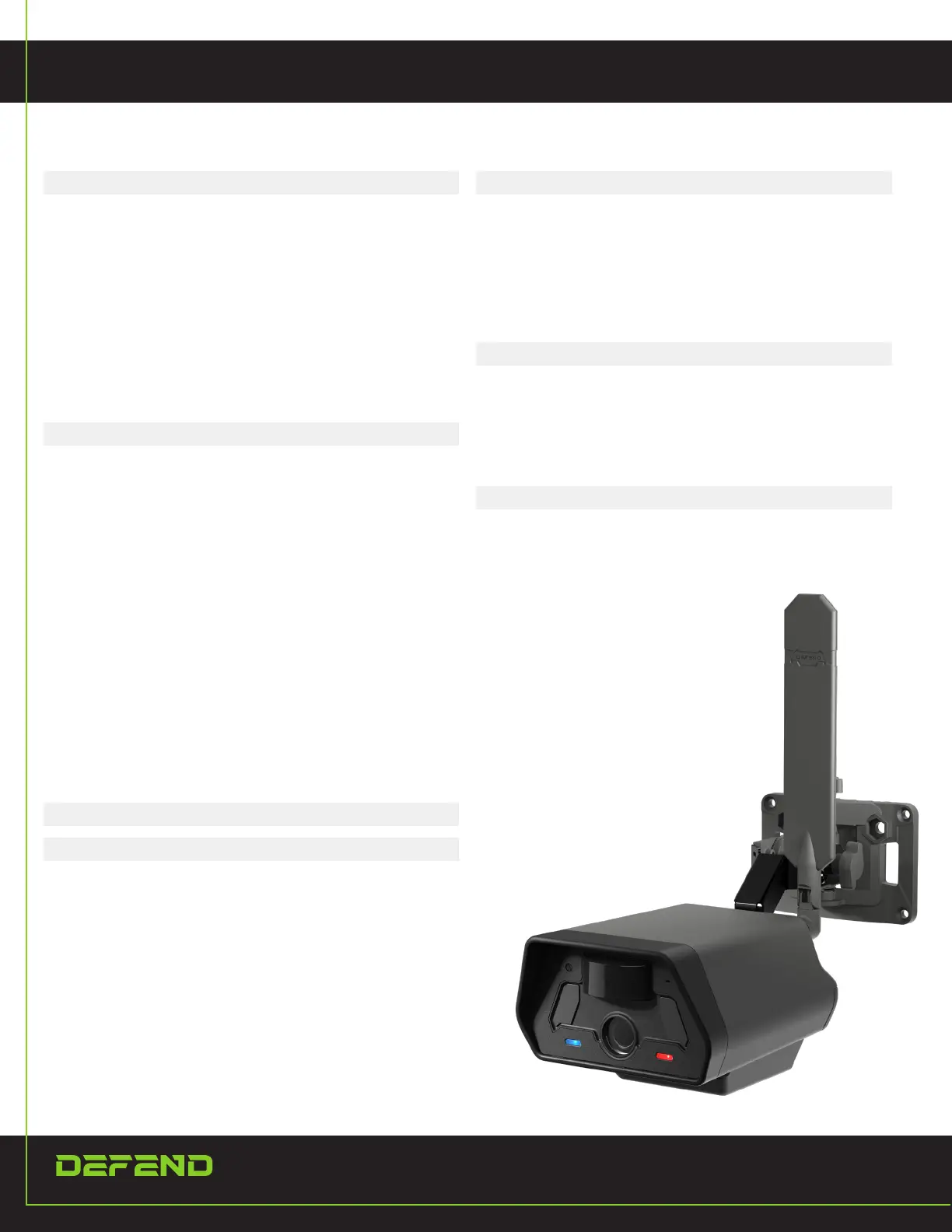
Camera Overview
Buttons
Lights
SETTING UP THE CAMERA
Setting Up the Camera
Network Selection
Setting Up Your Account
Downloading the App
Add Camera to the App
Pairing Your Camera to Your Phone
Through Wi-Fi
Remotely Change the Camera Settings
From the App
Sending a Test Picture
SETTINGS/SPECIFICATIONS
BEST PRACTICES
Proper Camera Placement
Batteries and Camera Performance
TROUBLESHOOTING
Camera Sends Pictures of Nothing
Camera Stops Taking Images or
Won’t Take Images
Internal Condensation On Lens
LIMITED WARRANTY
How Long Does This Coverage Last?
What is Covered?
What’s Not Covered?
FCC COMPLIANCE
4
4
4
4
5
6
7
8
8
8
9
9
9
10
11
11
12
13
13
13
14
14
14
15
16
16
16
16
16


 To Next Page