8
TACTACAM.COM
SETTING UP THE CAMERA
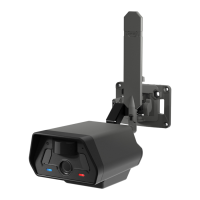
1. Ensure the Pre-Installed Antenna is Snug and Secure.
2. Optional: Install a Class 10 U3 SD Card Up to 32GB.
3. Install 12 AA Batteries or Optional Power Accessories.
• Open the battery compartment. Ensure AA batteries are oriented correctly in the battery trays. If
using a Rechargeable Battery for Defend Cam (sold separately), fully charge it before installation.
NETWORK SELECTION
Automatic Network Selection
Pre-installed SIM Card: The Defend cam is equipped with a pre-installed SIM card inside
the camera. Upon activation, the camera automatically searches to determine the strongest
network signal between multiple carriers, ensuring reliable service in diverse environments.
Auto-Carrier Selection: Every time the camera is powered on, it undergoes Auto-Carrier
Selection to ensure it connects to the optimal network available at that moment.


 To Next Page