Error messages
52
Potential problem
1 The CycleForce frame is not
level
2 The frame has not been
assembled properly
3 The bike does not fit
properly in the frame
4 The frame is not fully
extended
1 The tyre pressure is too low
2 The roller does not press
properly against the tyre
1 A profile tyre was installed
2 There is a pebble (ticking) in
the tyre
1 The ambient temperature is
too low or too high
2 The display does not have a
good angle of view
3 The computer is not properly
connected to the mag unit
4 Perspiration may have dama-
ged the computer print plate
5 The print plate of the mag
unit is burned out
1 There is an interruption in
Basic while saving the values,
for example, due to a power
failure during training
Solution
1 Place the trainer on a level floor
2 Check whether all bolts and nuts are
properly tightened
3 Check whether the Tacx Quick-release
skewer has been mounted
4 Unfold frame completely
1 Check tyre pressure, minimal
6 atmosphere
2 Turn role so that it presses solidly
against the tyre
1 Mount tyre with totally or partially
smooth tyre profile
2 Check tyre for damage
1 Use Excel at ambient temperatures
between 5º C and 35º C (40ºF & 95º)
2 Adjust the display so that you can look
directly at it
3 Check the cable and the plug contacts
in the computer and the mag unit.
They could be dirty, oxidised or bent
4 The print plate should be replaced
5 The print plate should be replaced
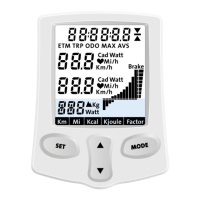
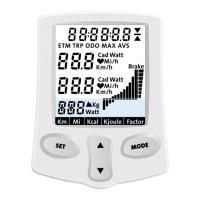
1 To reset the computer completely:
Depress the SET key for five seconds
while inserting the plug at the bottom
of the computer. Then press the
MODE key twice
Failure
1 The arrangement of
the Basic when the
bike wobbles
2 Rubber from the
bike tyre sticks to
the roller
3 The bike makes a
lot of noise
4 Display is difficult to
read or illegible
5 The display shows
incorrect values
5 ERROR MESSAGES
Trainer
Basic computer and mag unit
GB


 To Next Page