10 11
3 SEC3 SEC
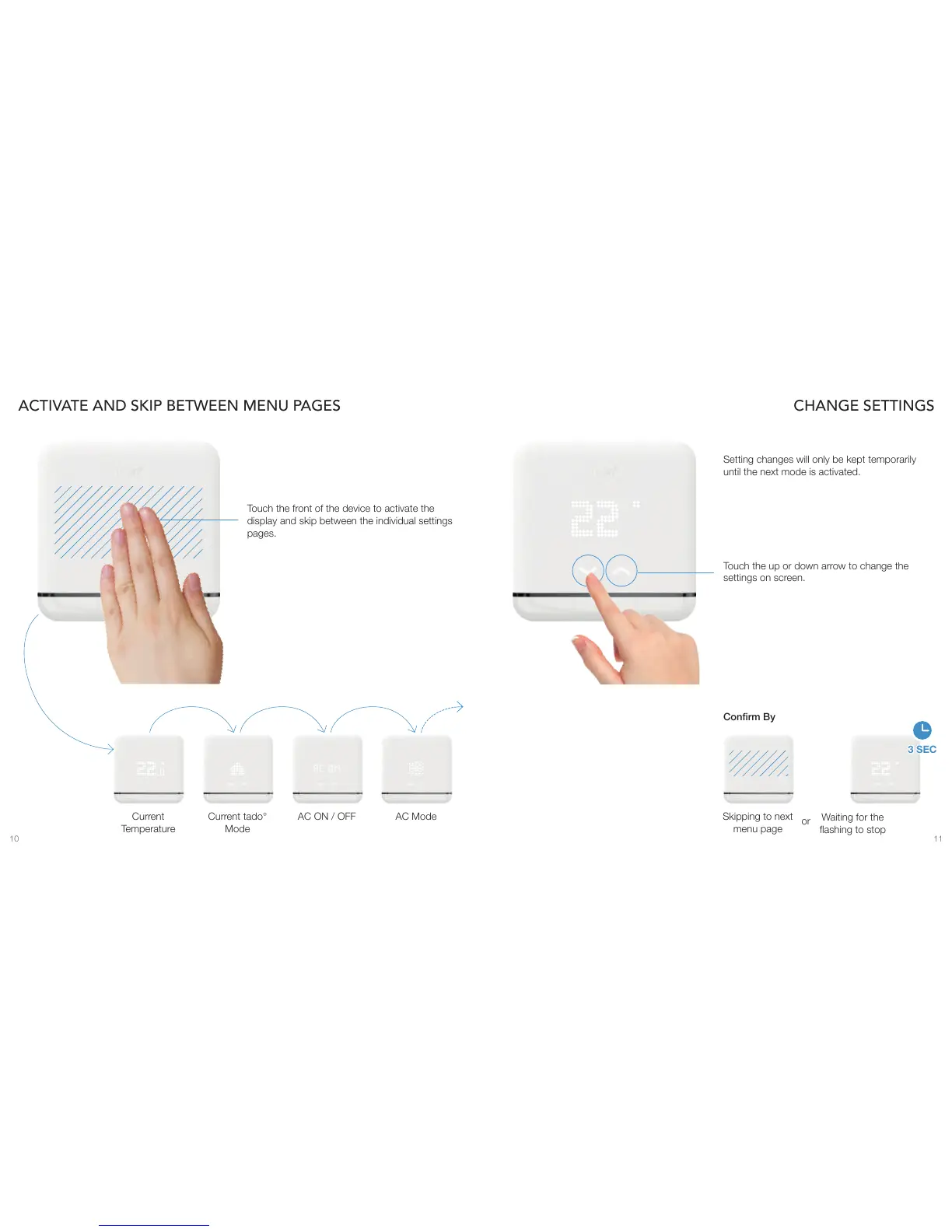
ACTIVATE AND SKIP BETWEEN MENU PAGES
Touch the front of the device to activate the
display and skip between the individual settings
pages.
Current
Temperature
Current tado°
Mode
AC ON / OFF AC Mode
Touch the up or down arrow to change the
settings on screen.
Skipping to next
menu page
Waiting for the
CHANGE SETTINGS
or
Setting changes will only be kept temporarily
until the next mode is activated.


 To Next Page