7
Operation
Note! This unit requires a single-phase 3-conductor electrical outlet.
1. Plug the Power Cable to the lter and into the electrical outlet.
2. Turn on the lter (the Power Switch should be in the upper ON position).
The Power Indicator should light up – if not then check the connection
to the electrical outlet and whether it is powered.
3. Phase Indicator - the indicator will illuminate when the phase is incorrect.
If the Phase is incorrect perform the following steps:
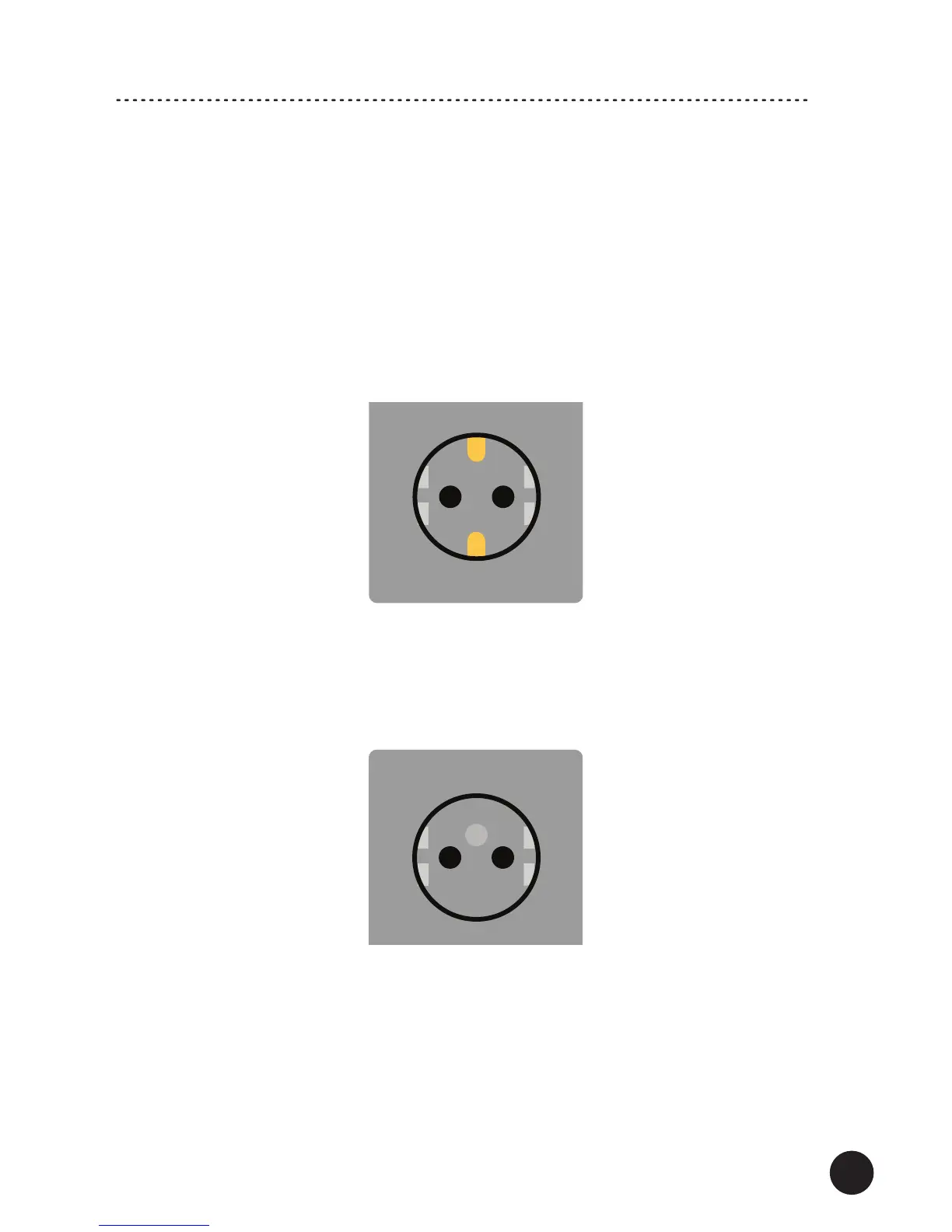
a) Schuko type electrical outlet. Make sure the lter is turned off (the Power Switch is in
the down OFF position and the Power Cable is removed).
Remove the power plug from the outlet, reverse the plug by 180 degrees and put it into
the outlet.
Turn on the lter – the Phase Indicator should switch off – the Phase is correct.
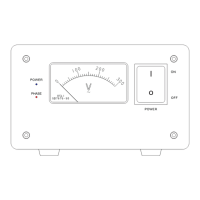
b) Electrical outlet with a ground pin. Make sure the lter is turned off (the Power
Switch is in the down OFF position and the Power Cable is removed).
Contact a qualied electrician to reverse wiring connection in your electrical outlet.
Turn on the lter – the Phase Indicator should switch off – the Phase is correct.
Note! Due to risk of electric shock refer any changes related to electrical equipment to
qualied personnel.
4. The Power Sockets in your lter may have additional marking related to the female
contacts: L – LIVE | N – NEUTRAL.
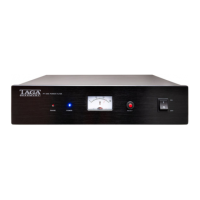
If not then check the below gure showing the Power Sockets wiring (for the
correct Phase).


 To Next Page