WiFi Inventory Reader
Select the correct Static IP, Subnet mask and Default Gateway or check the automatic setting in
case a DHCP protocol is available on your network.
Then, click “Save”. The reader reboots and the window closes.
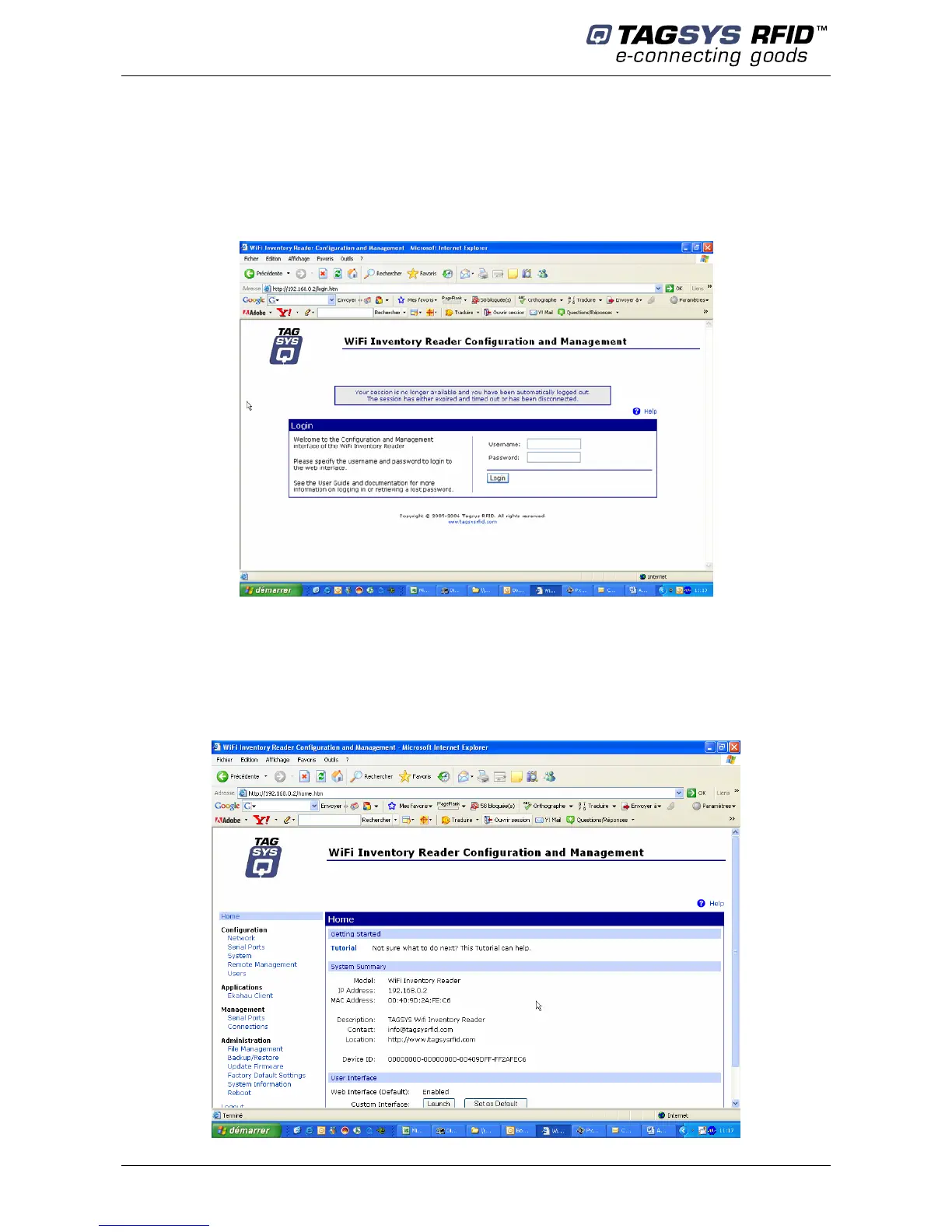
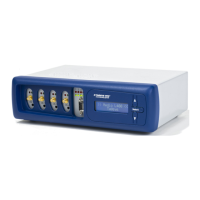
Back to the main window, double-click once again on the device. The web interface opens in the
Internet Explorer browser (caution to the proxy settings of your Internet browser connection, it must
be set to allow access to this device).
Log on to the configuration web page device:
- username : root
- password : tagsysrfid
Follow DigiConnect WI-ME user’s guide to configure the device.
18/36 Revision 1.1c June 2007



 To Next Page