To edit design
129
Chapter 5
1
2
3
4
5
6
7
8
9
10
11
WM03
9. To edit design
9-1. To modify the stitch (Data Edit "Modify")
When this operation is performed in the middle of embroidery, data set will be canceled. If stitch length after
change is different from that before change, a design will displace hereafter.
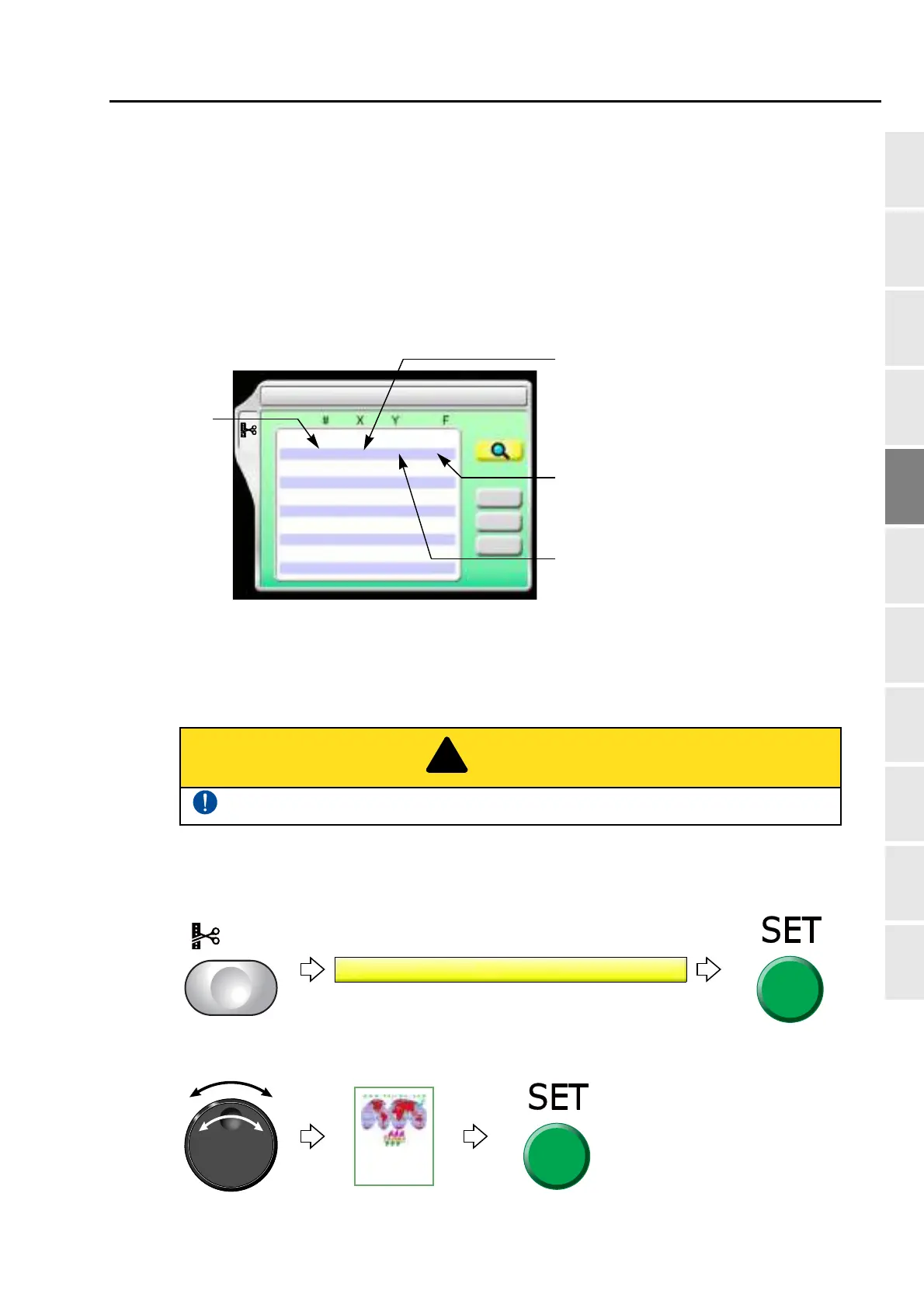
9-1-1. Explanation on the screen
9-1-2. How to operate
The following is an example that 20th stitch is changed to non-data (X: 0.0, Y:0.0) jump code.
(1) To open screen
(2) To select a design
The original design will be overwritten after editing. Back up design data as necessary.
1 Data Edit
Delete
1
2
3
4
5
6
7
8
9
10
0 0 Jump
84Stitch
83Stitch
11 5 Stitch
88Stitch
113Stitch
-11 2 Stitch
-12 -3 Stitch
-11 7 Stitch
-25 15 Stitch
Modify
Insert
Stitch No.
X data (Data to move the frame in X-axis
direction)
When the value is 8, the frame travel amount is
0.8 mm.
Y data (Data to move the frame in Y-axis
direction)
When the value is 4, the frame travel amount
is 0.4 mm.
Function Code (p.251)
It is the code to indicate the role of the stitch.



 To Next Page