Setting and resetting of password
139
Chapter 5
1
2
3
4
5
6
7
8
9
10
11
10. Setting and resetting of password
10-1. To change password (Functional Limit of Password)
The password is set to "0000" at shipment of the machine. The password changed at that time will not be
changed even after installing the software.
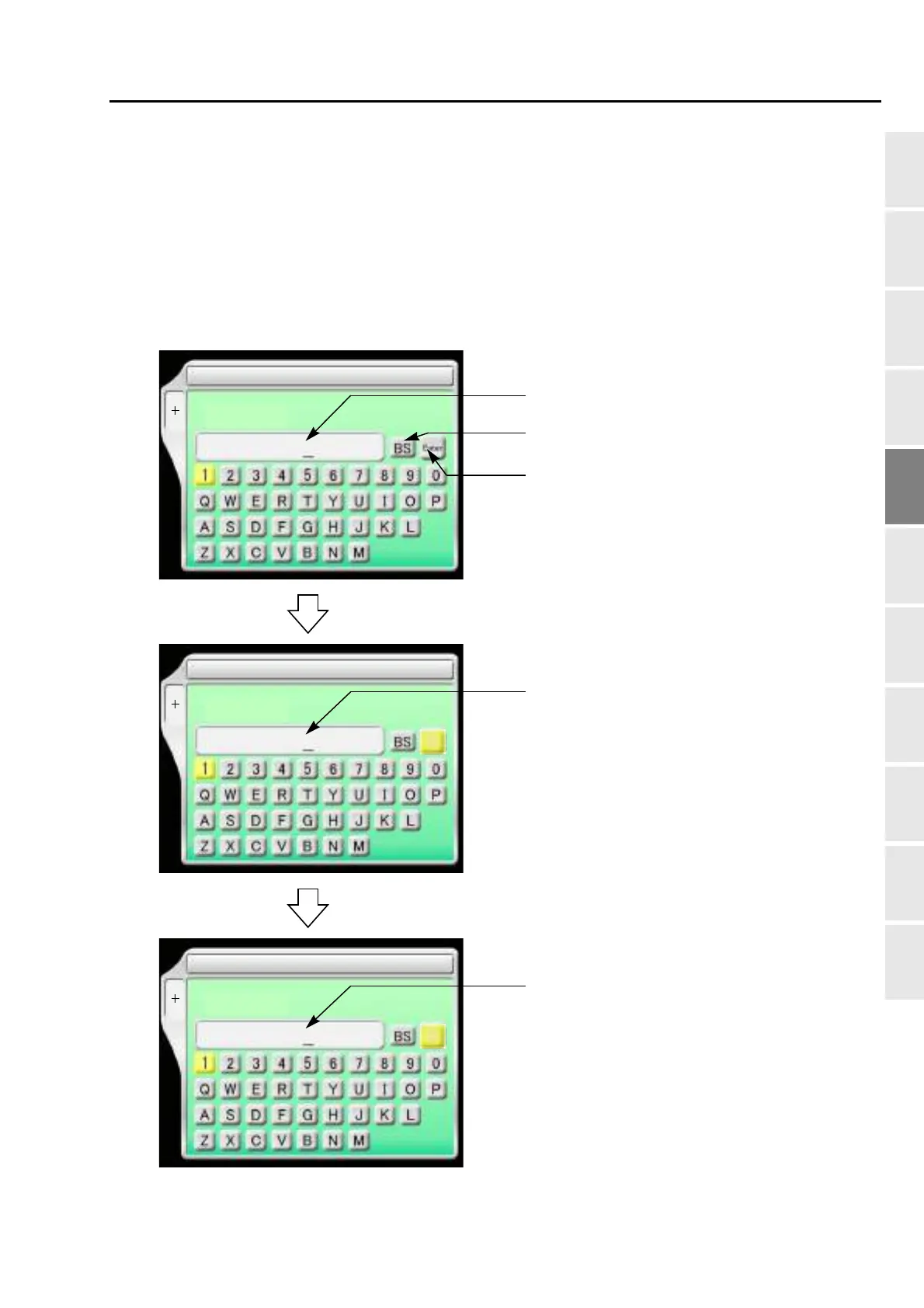
10-1-1. Explanation on the screen
SET
1 Password (Functional Limit)
F1
Password:
To return the cursor or delete the character.
To determine the input character and
Inputting column of current password
SET
1 Password (Functional Limit)
F1
New Password:
Inputting column of password after change
Enter
(4 to 8 characters)
(4 to 8 characters)
SET
1 Password (Functional Limit)
F1
New Password Again:
Inputting column of password after change (for the
Enter
(4 to 8 characters)
numeric value.
WM03



 To Next Page