To register the frame position
180
Chapter 6
6-2. To register the design layout (Design start position)
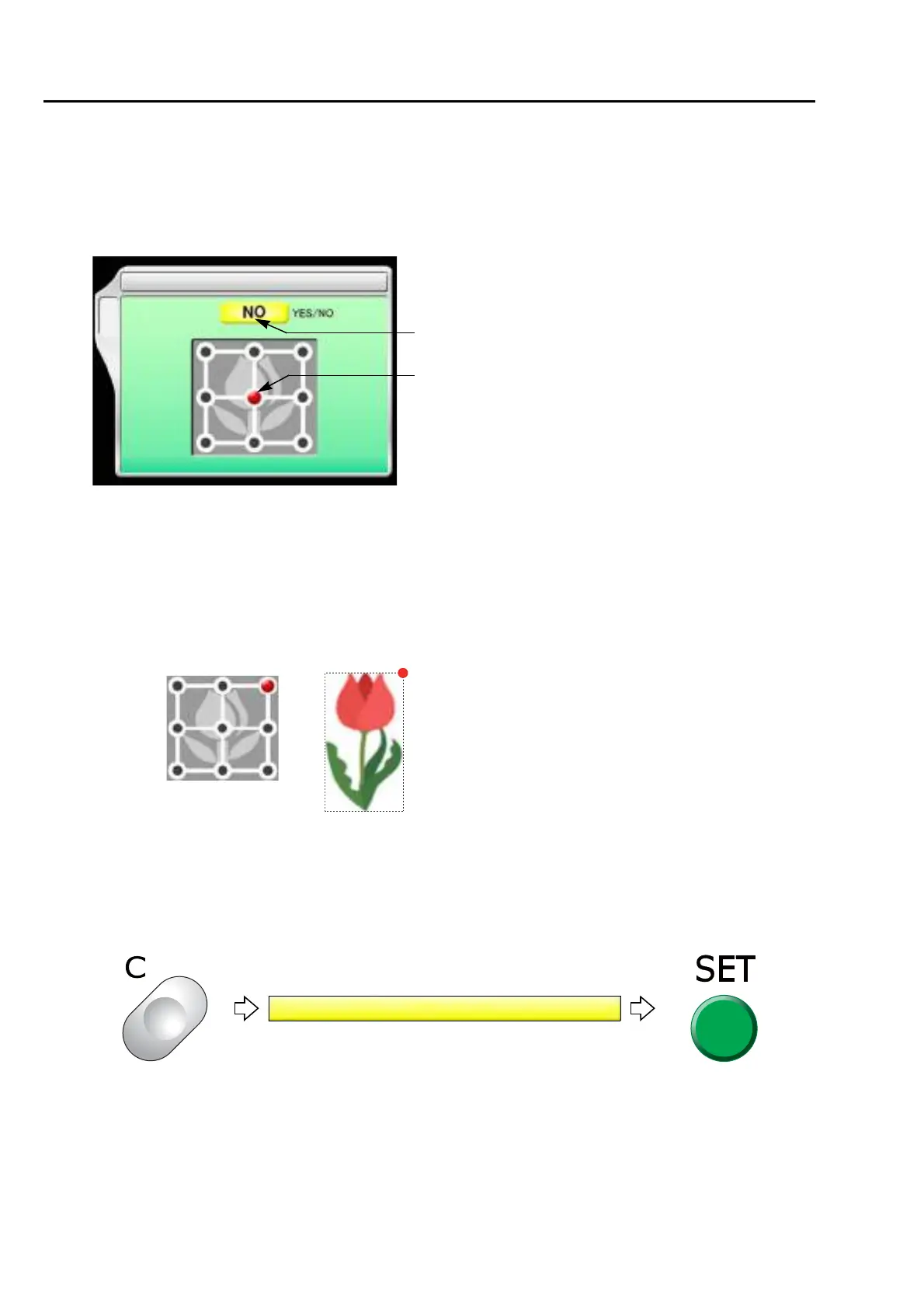
The design is placed according to the selected point with reference to the design start point.
6-2-1. Explanation on the screen
[a] Design start position
YES: To set
NO: Not to set
[b] Standard points (nine points)
When selecting "Upper right", the design is placed with reference to the design start point.
6-2-2. How to operate
The following is an example of selecting the upper right point.
(1) To open screen
9 Design start position
[a]
C
[b]
Upper right
Design start position
XL03



 To Next Page