Design stored in the machine memory
185
Chapter 7
1
2
3
4
5
6
7
8
9
10
11
UO04
1-2. To move a design (Movement of design)
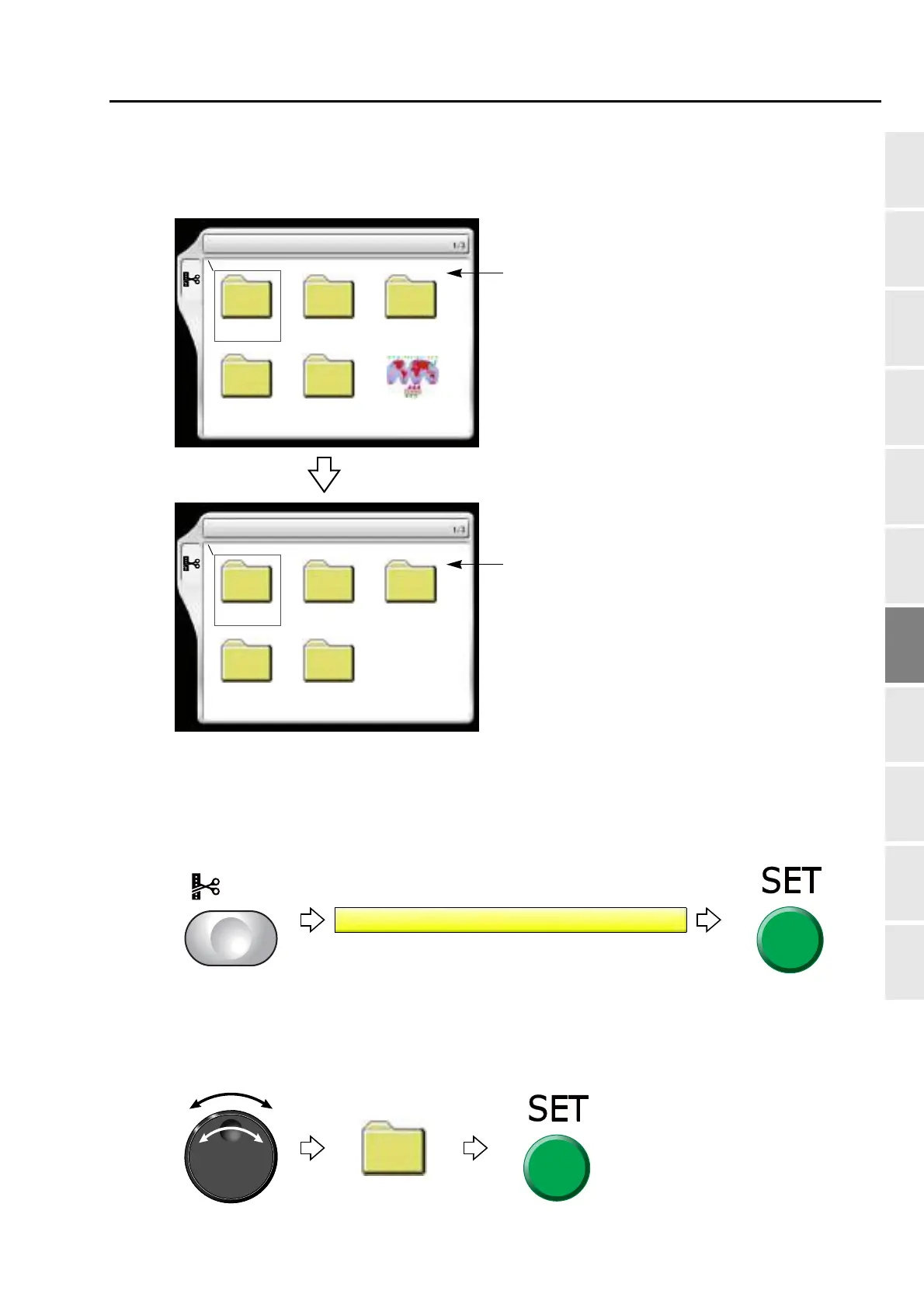
1-2-1. Screen
1-2-2. How to operate
The following is an example of moving a design to the folder (Group 3).
(1) To open screen
(2) To select a design
The operation differs depending on the storing place of the design.
(a) Design in folder
Group 1 Group 2 Group 3
Group 4 Group 5
4 Move a design
******
****
***
Group 1 Group 2 Group 3
Group 4 Group 5
4 Movement of the design > Paste
Selection of design to move the saving location
Selection of the destination to move the design
A selected design is moved into the root folder
or folders Group 1 to 5.



 To Next Page