To turn ON the power
31
Chapter 4
1
2
3
4
5
6
7
8
9
10
11
SQ06
1-2. To turn ON the power
(1) Wait for a while until the power starts up.
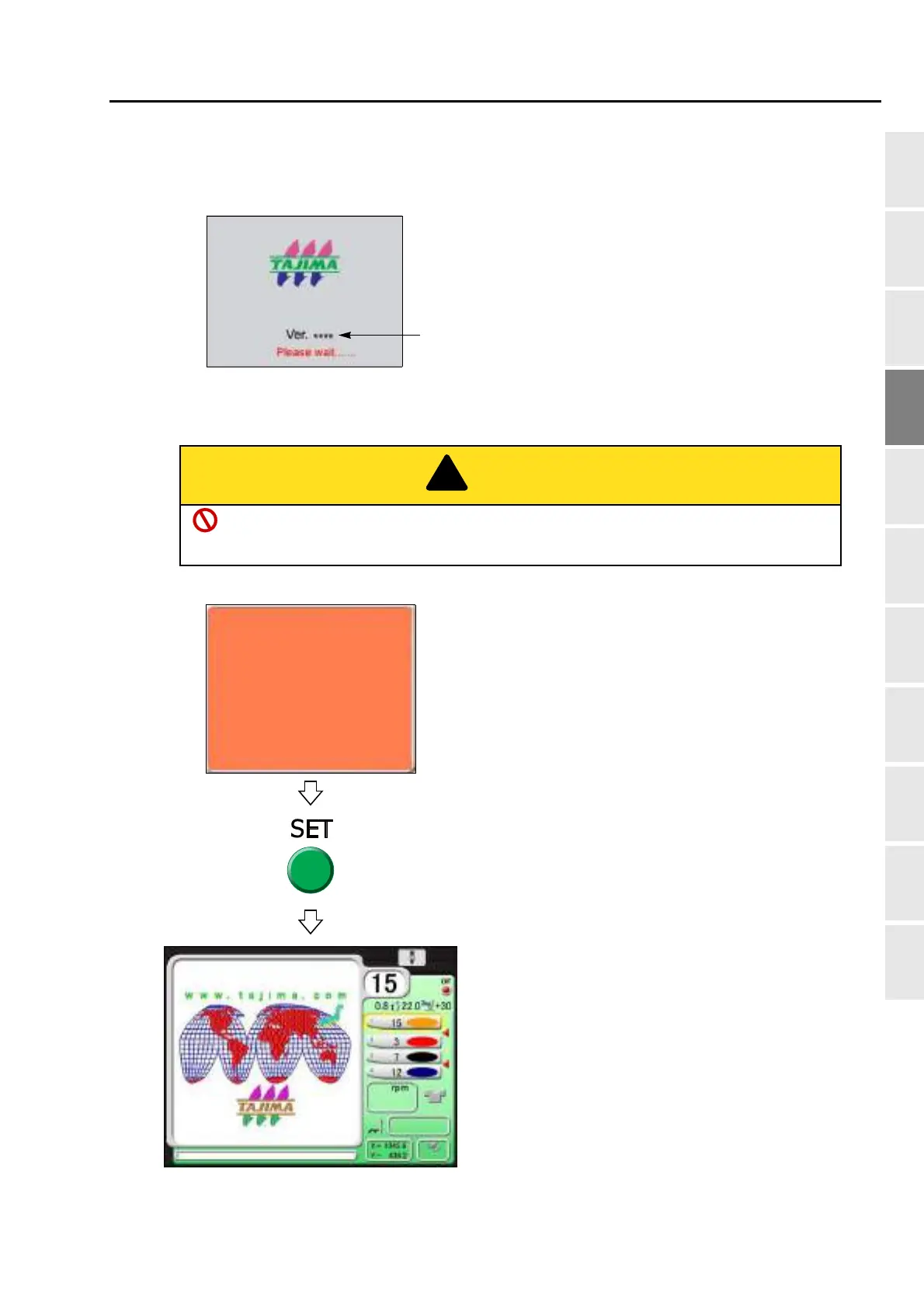
(2) When the power starts up, the following message will appear. Then, press SET.
When performing this operation, do not put your hands, etc. on the table. Moving the
frame could injure you.
Software version installed in the machine
will be displayed.
TMBR
Press SET.
The frame will move and return to the original position.
Frame origin memory
"YES">>SET
This operation is performed to know accurately the frame
position and it is displayed when the power is turned ON.
This message will be displayed only when "Frame Origin
Memory with the power-ON" is set to "YES".
When you do not want to display this message, set to "NO".
TAJIMA_W
If the screen (main screen) as shown left is
displayed, preparation is completed.
The screen is for TMBR-SC.
14117
1200
0
0
is executed.



 To Next Page