Decision of an embroidery design and the color change sequence
54
Chapter 4
UO04
4-3. To change color automatically / to start operation automatically (Auto Color Change
"AC" / Auto Start "AS")
4-3-1. Explanation on the screen
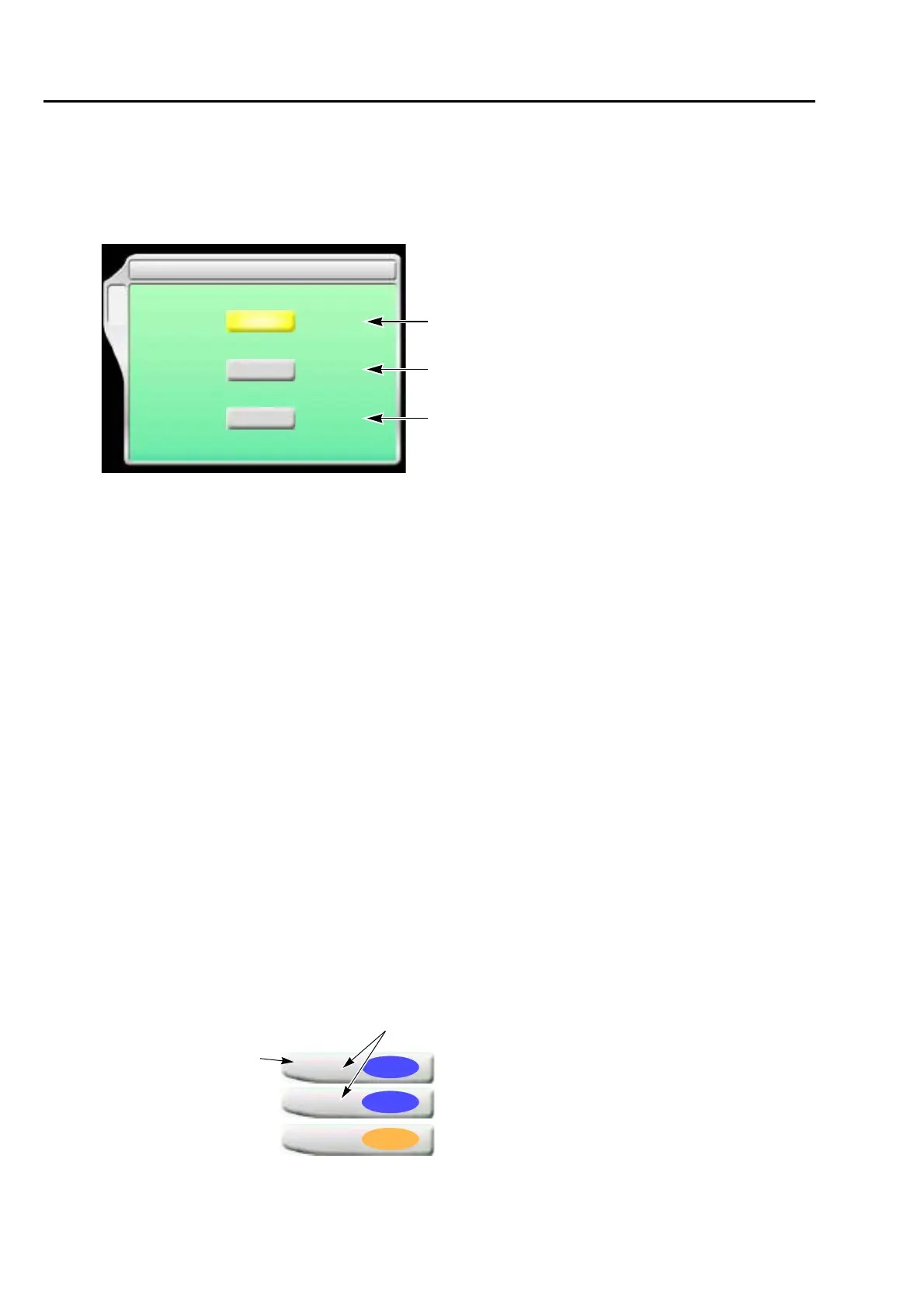
[a] Auto Color Change
Setting to perform color change automatically according to the color change sequence
YES: To perform
NO: Not to perform
When you desire to embroider by single color without color change, select "NO". Selecting
"NO" will disable the following settings.
[b] Auto Start
Setting to start operation automatically after color change
YES: To perform
NO: Not to perform
Selecting "NO" will disable the following settings.
[c] Auto start at same color
Setting to start operation automatically when the same needle bar No. is selected at the
previous and the next steps.
YES: To perform
NO: Not to perform
The below example shows that selecting "NO" will stop the operation after step 1 is finished.
When you want to stop only the desired step individually, select "NO".
1 Auto Color Change (AC) / Auto Start (AS)
B
AC YES/NO
AS YES/NO
YES/NO
Auto start at same color
NO
NO
NO
[a]
[b]
[c]
1
5
Step
Same needle bar No.
2
5
3
2



 To Next Page