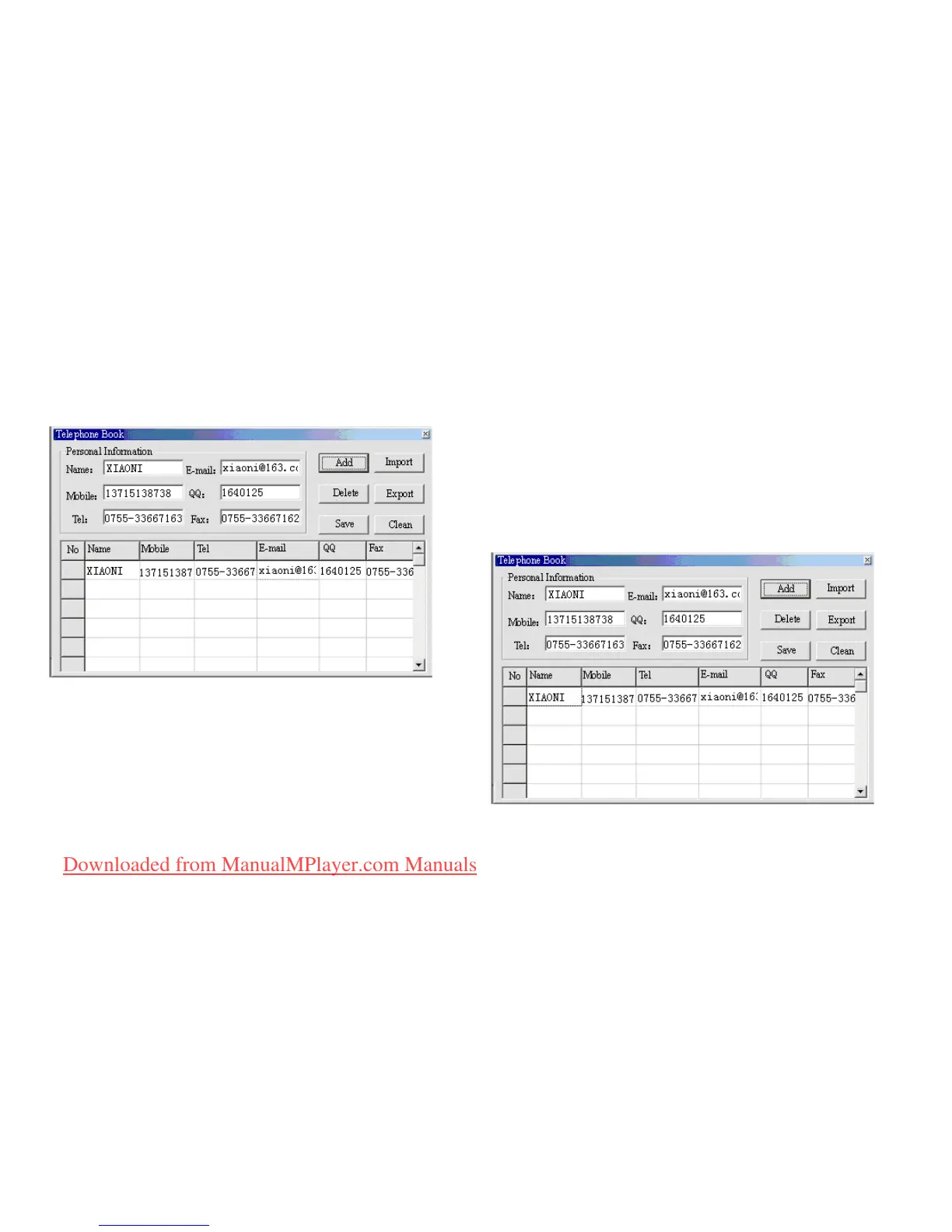
2. Input information into the dialog box, then click
‘ADD’, a new contact will be created.
3. Click on ‘SAVE’, a le named ‘TELBOOK’ will be
created on the player. The Telephone Book le will
be created.
Editing the Telephone Book le
If you need to change contact details,
you can do it as follows:
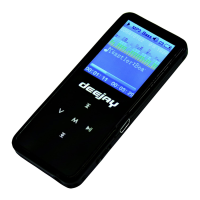
1.Click on the column where the contact is stored which
you need to change, then you will see the details of the
corresponding contact:
Downloaded from ManualMPlayer.com Manuals



 To Next Page